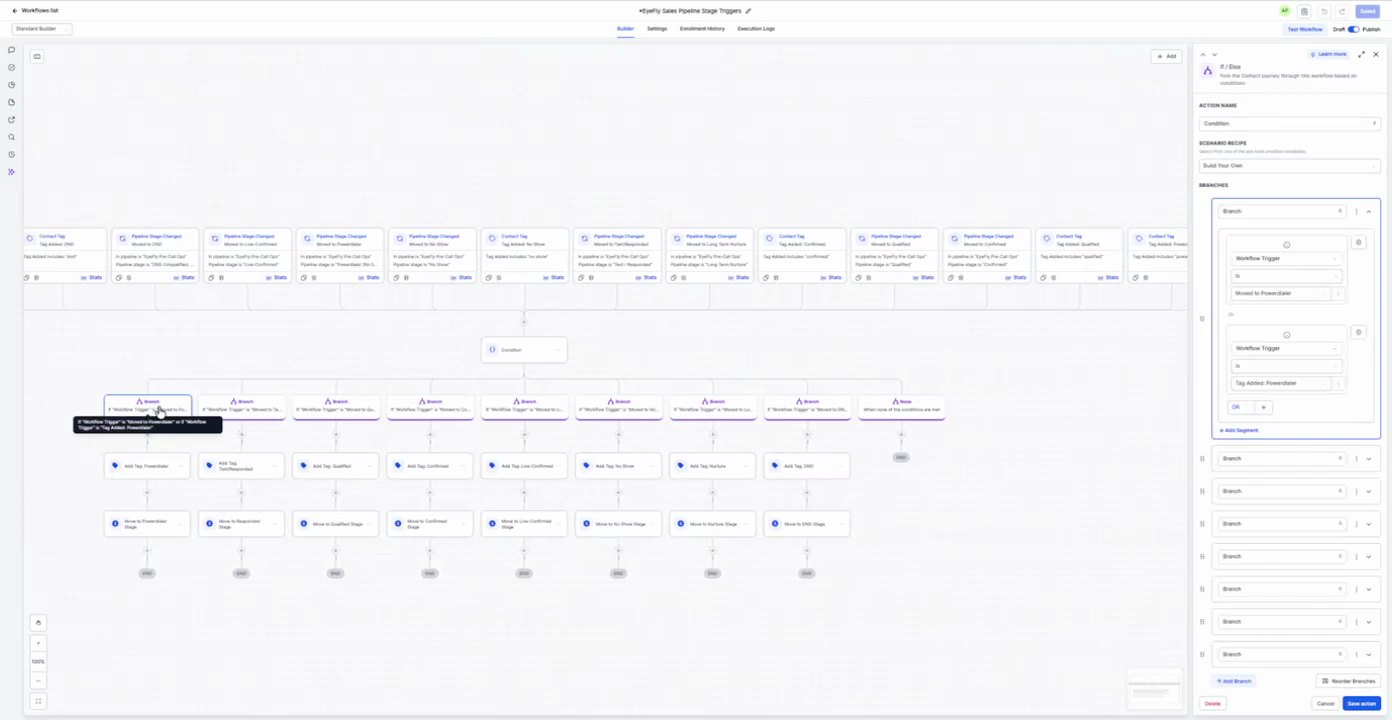
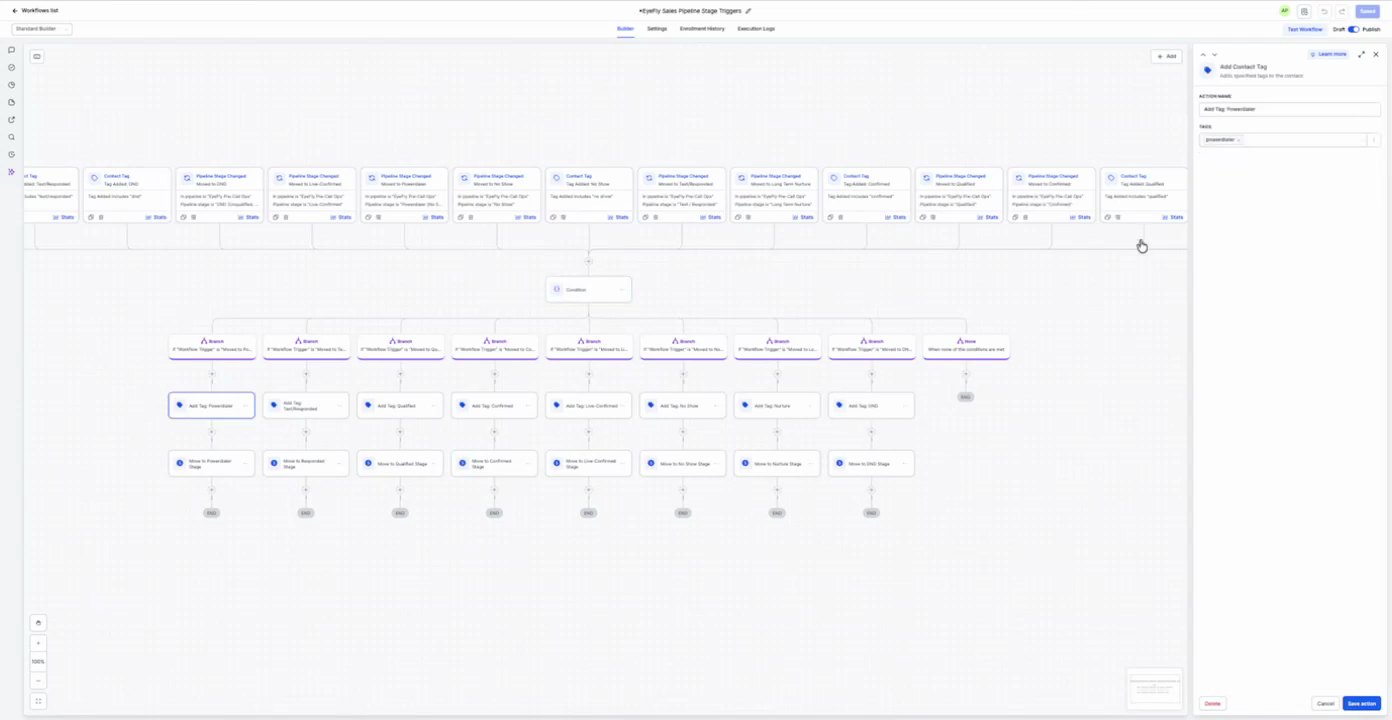
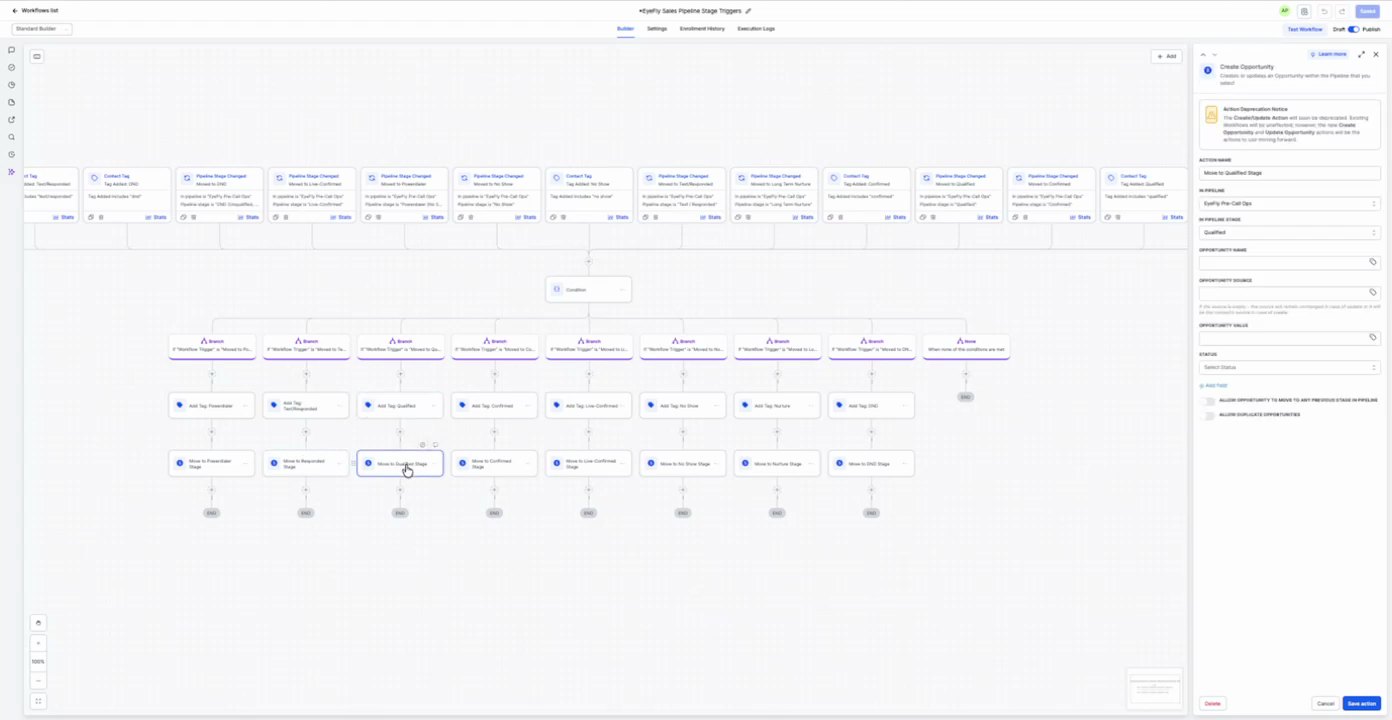
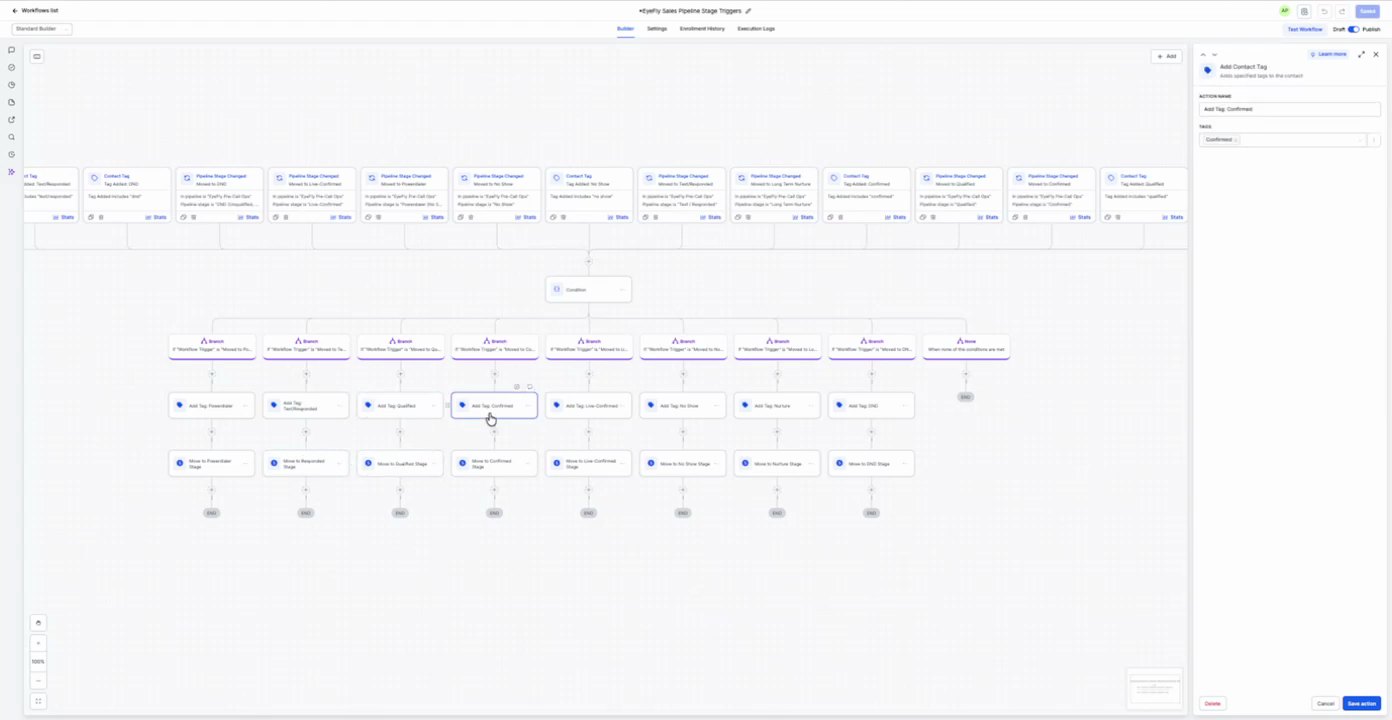
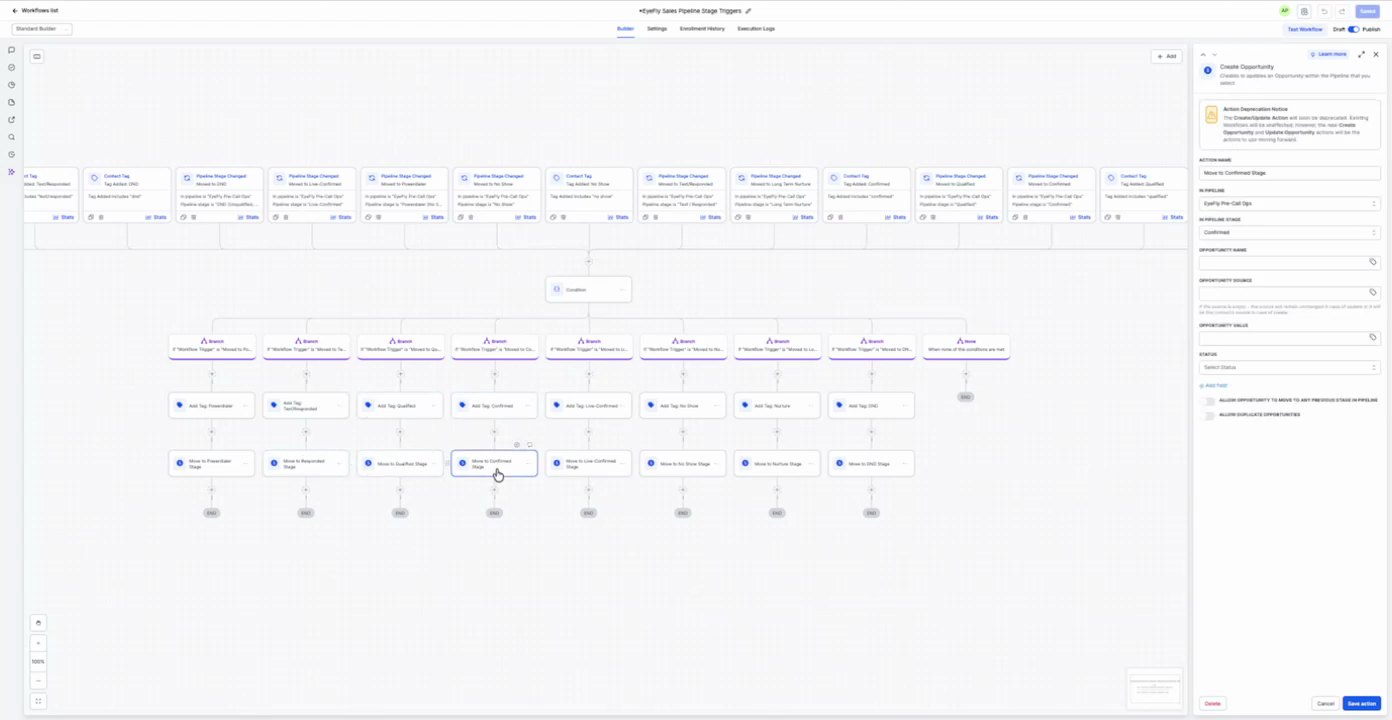
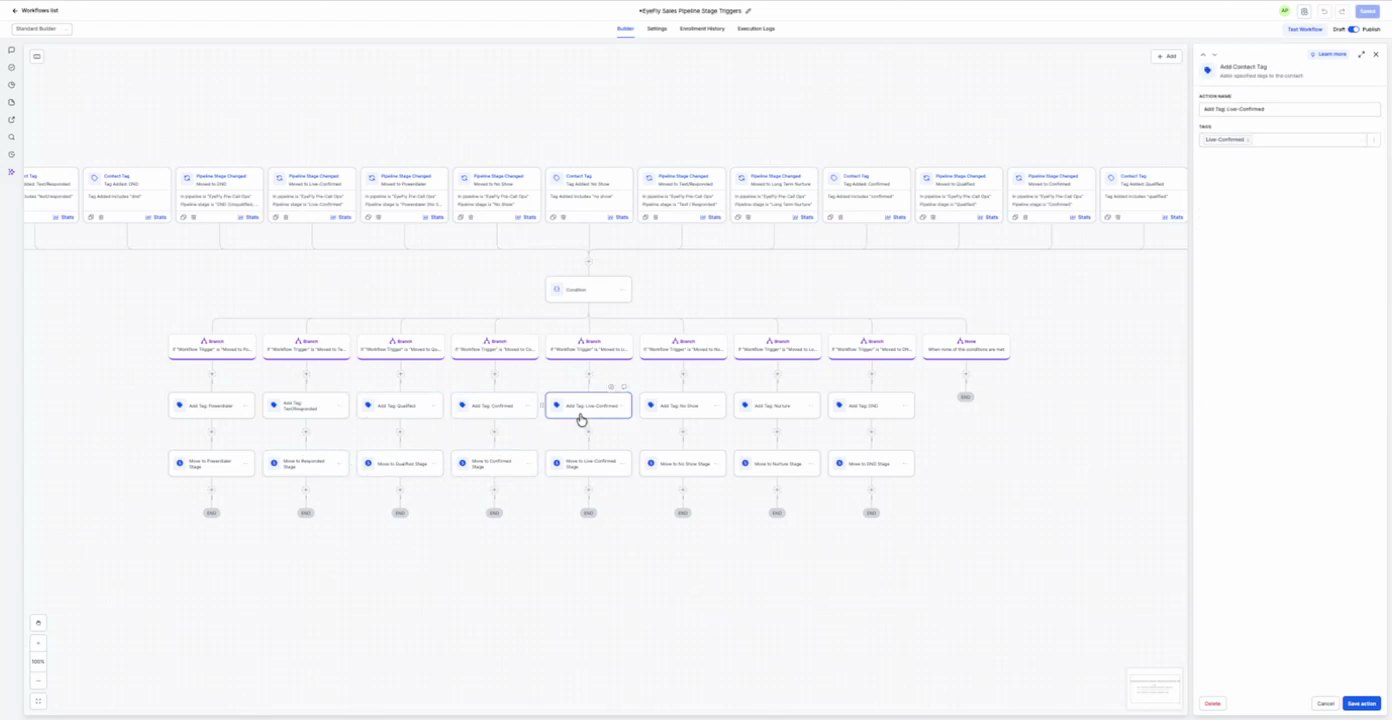
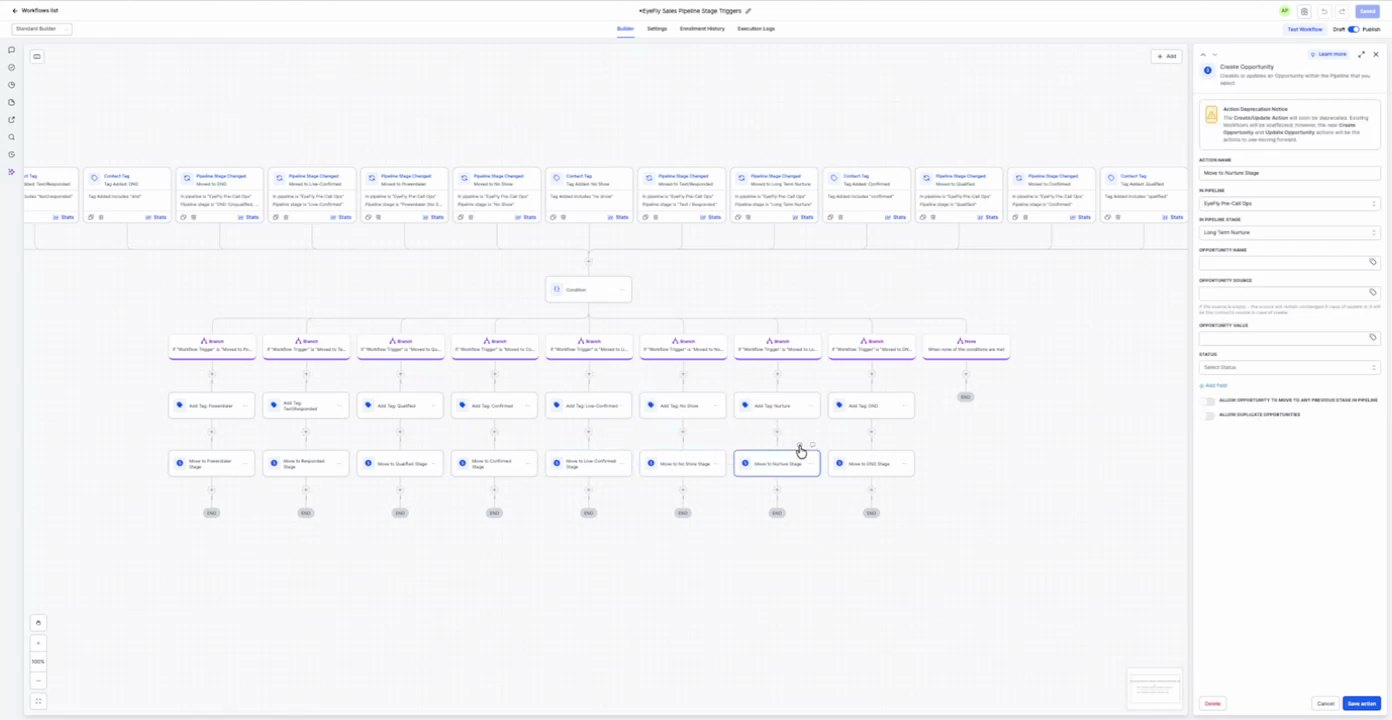
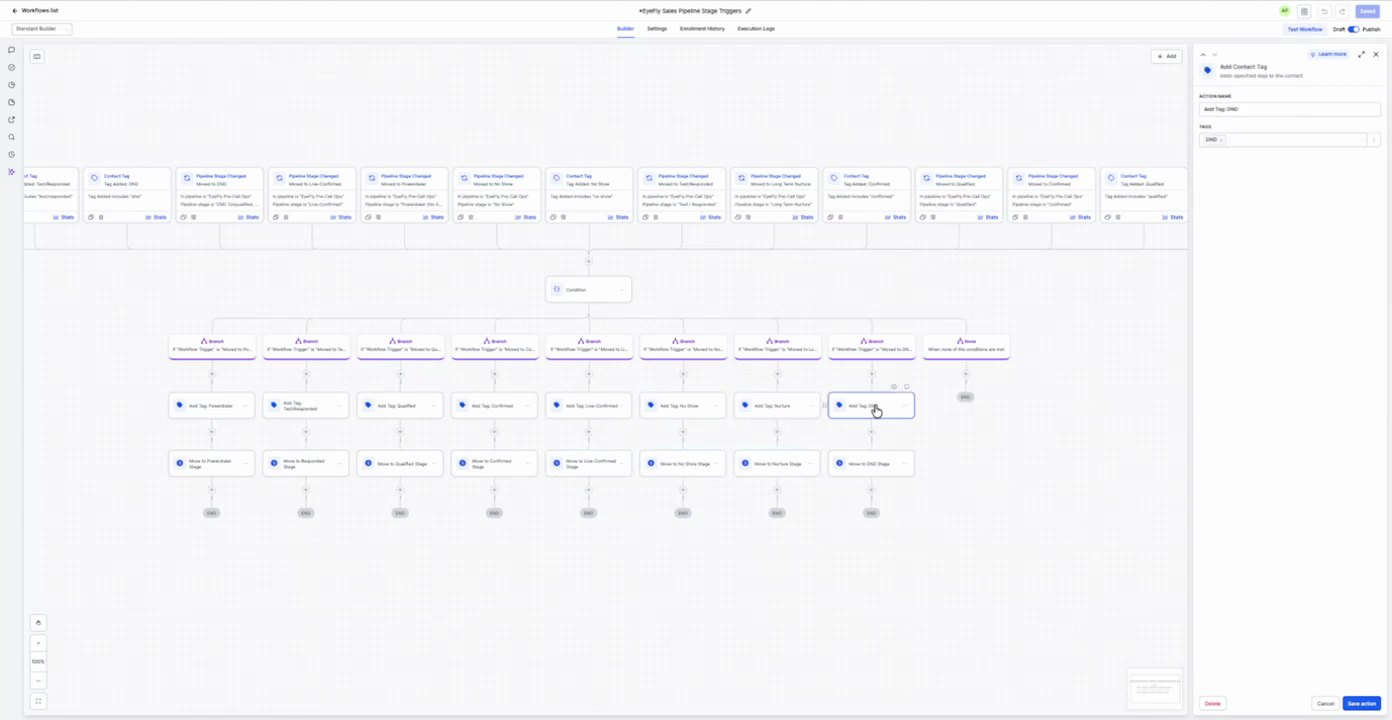
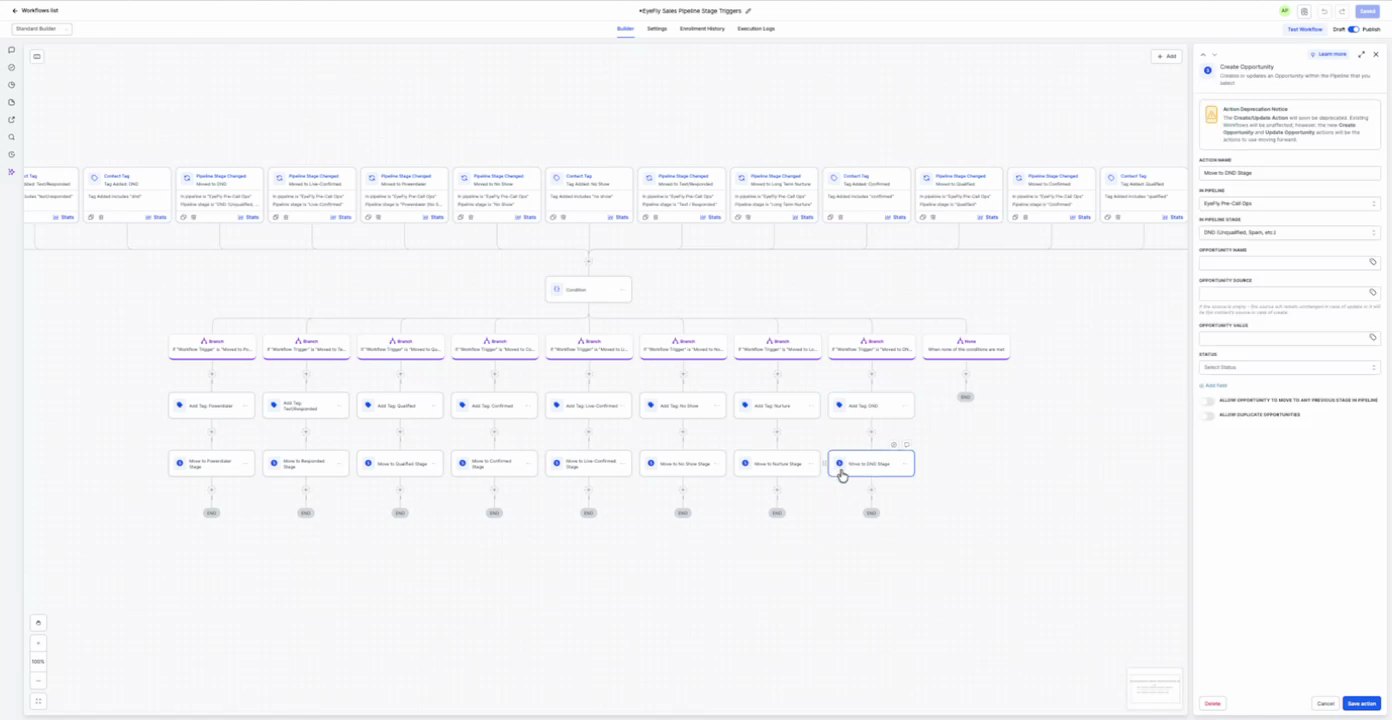
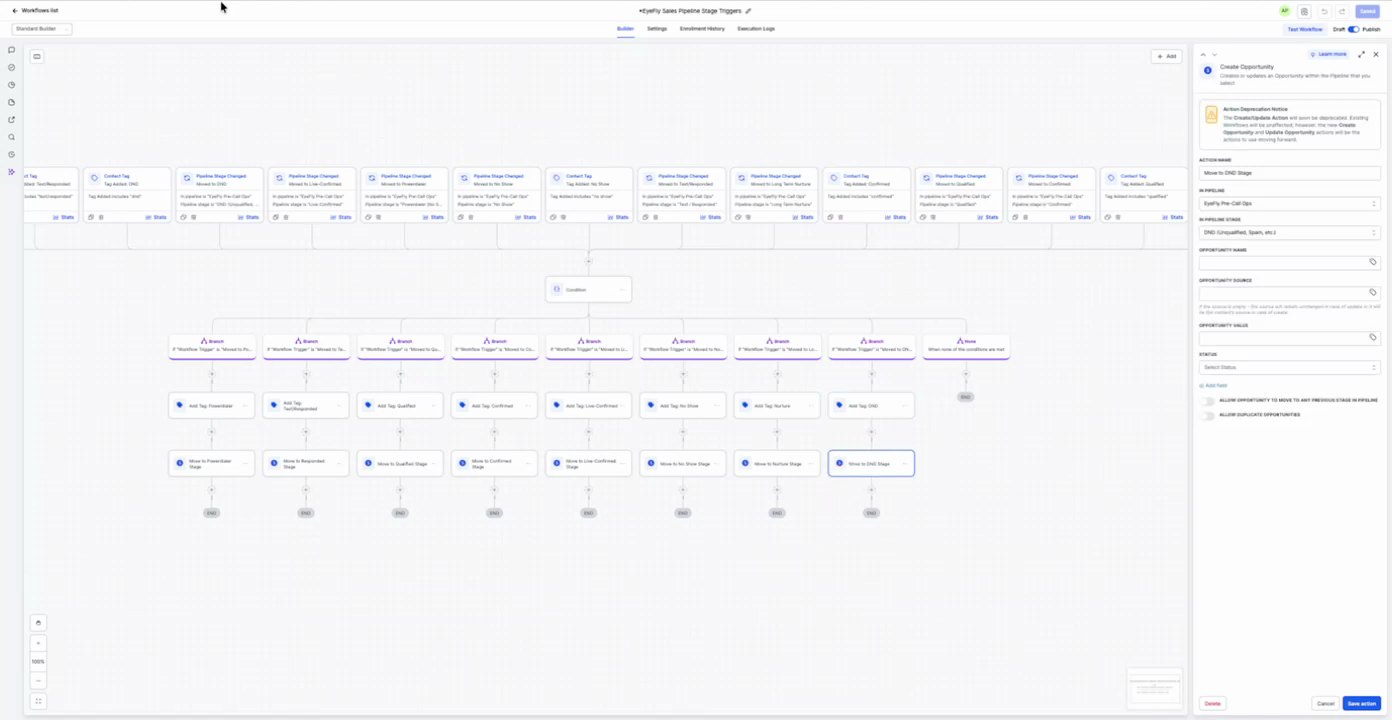
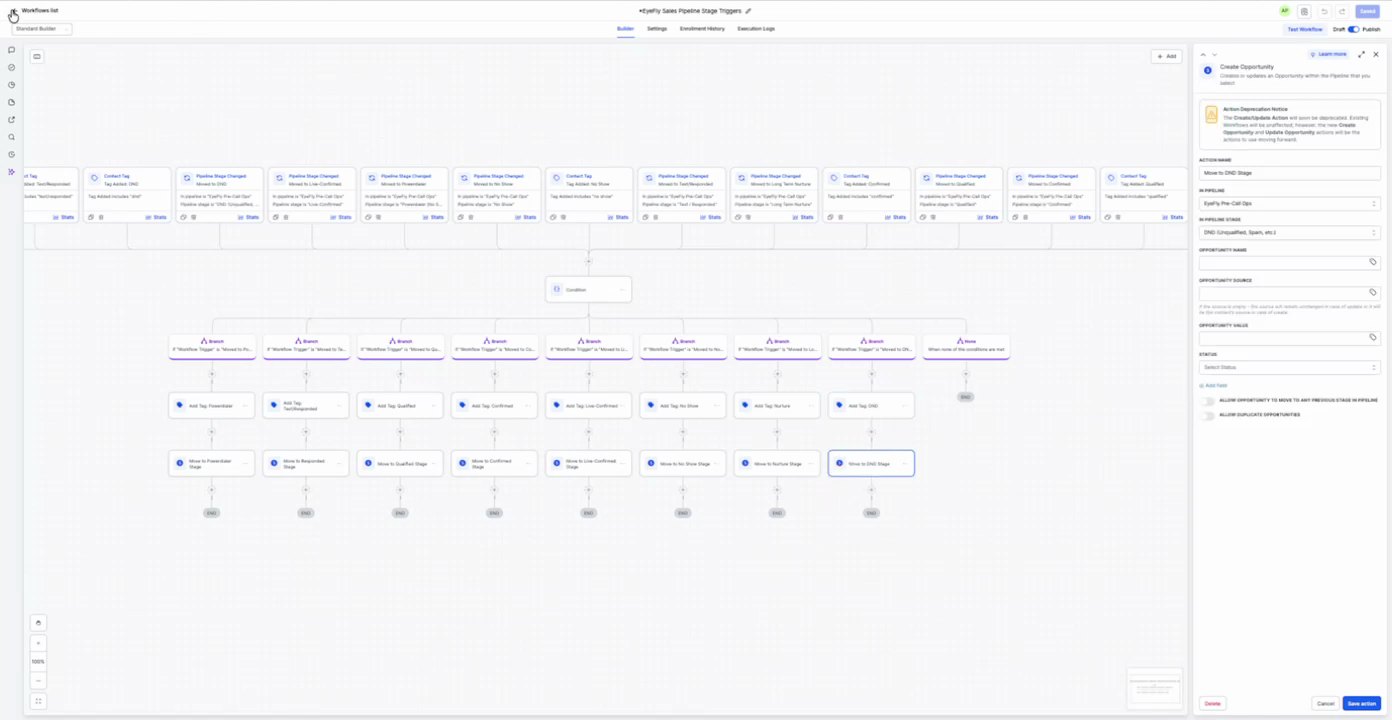
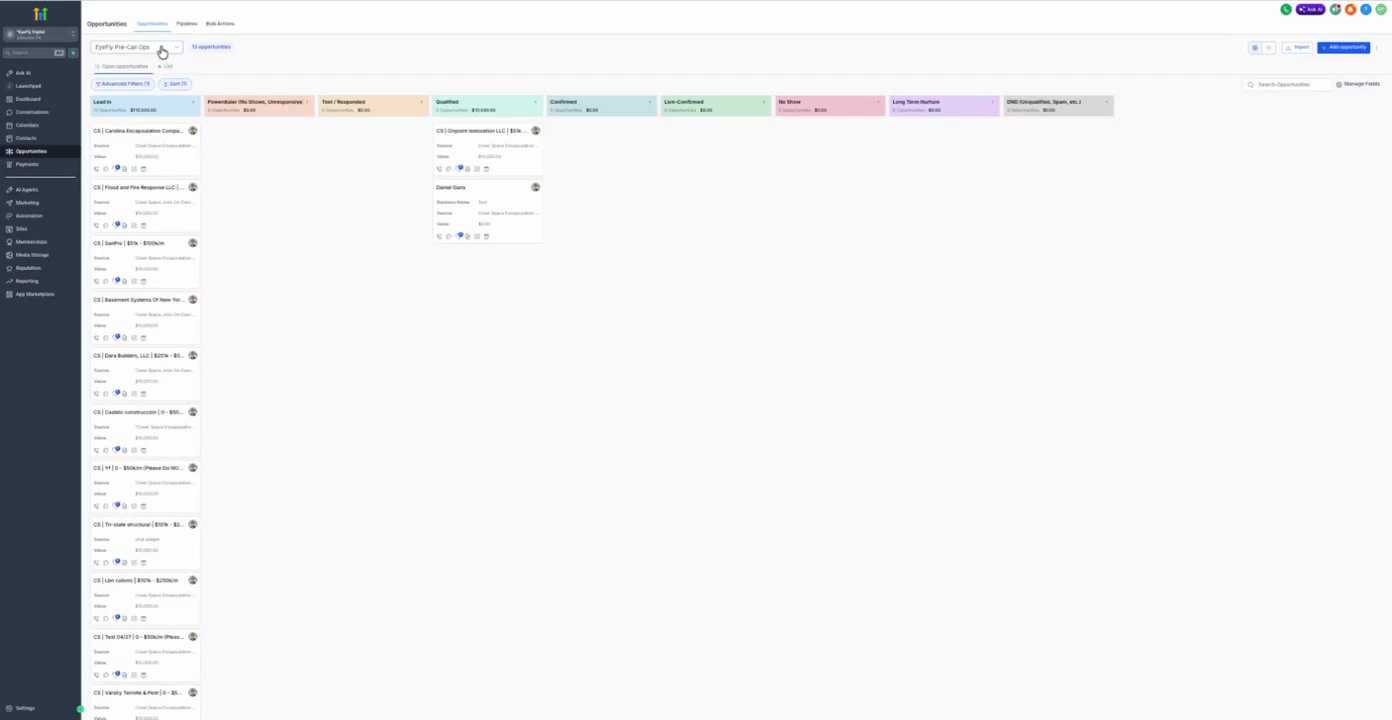
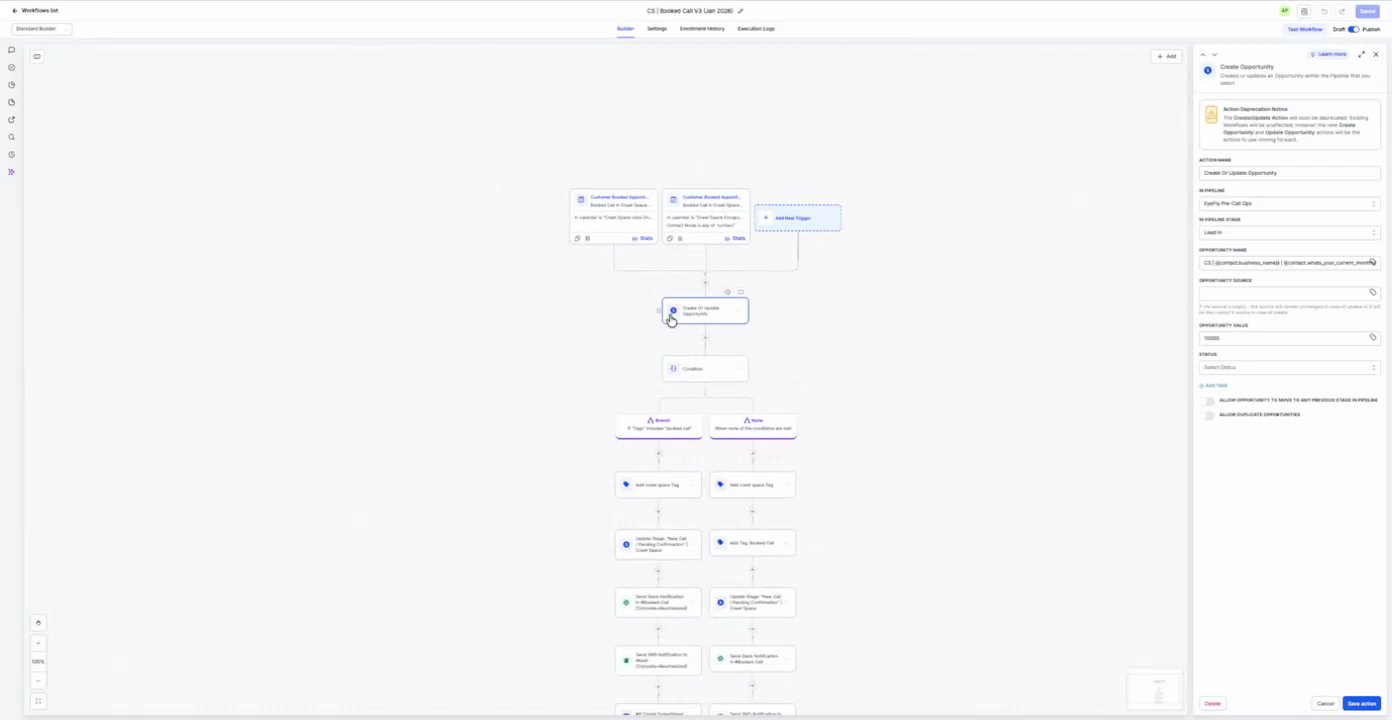
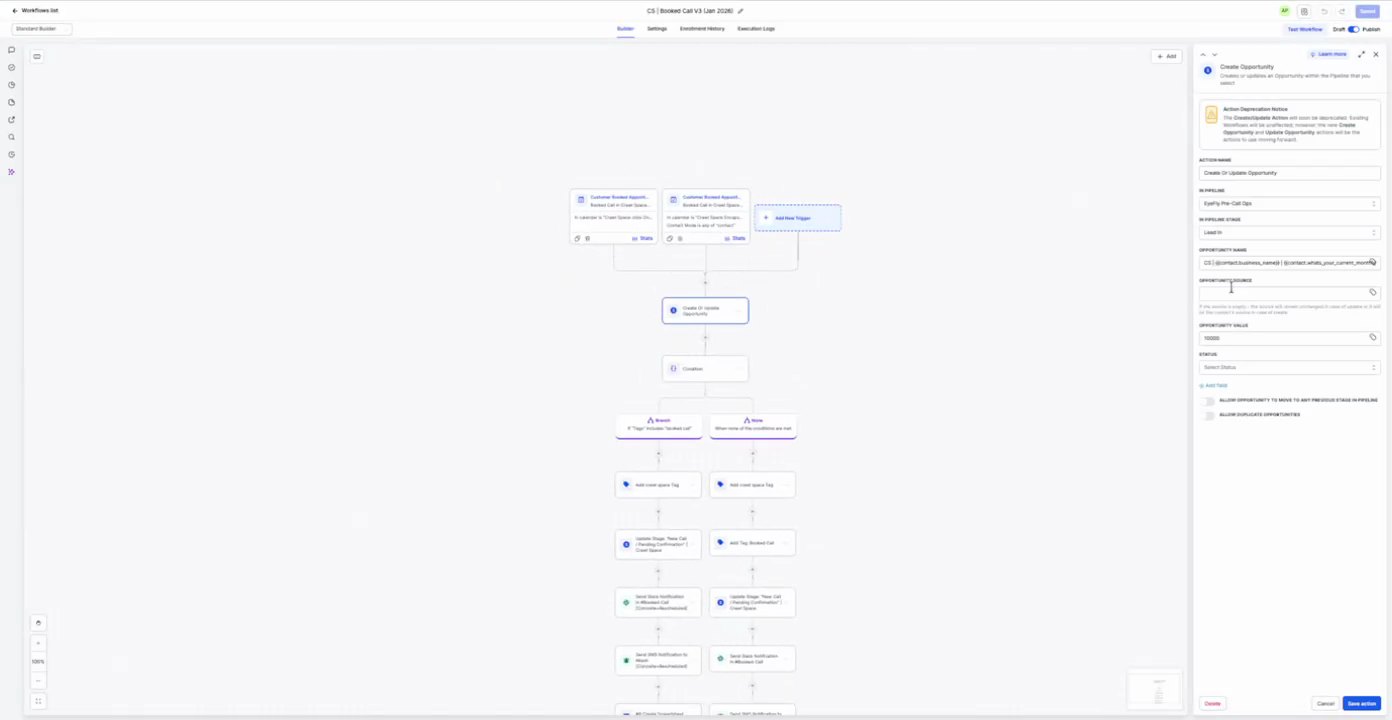
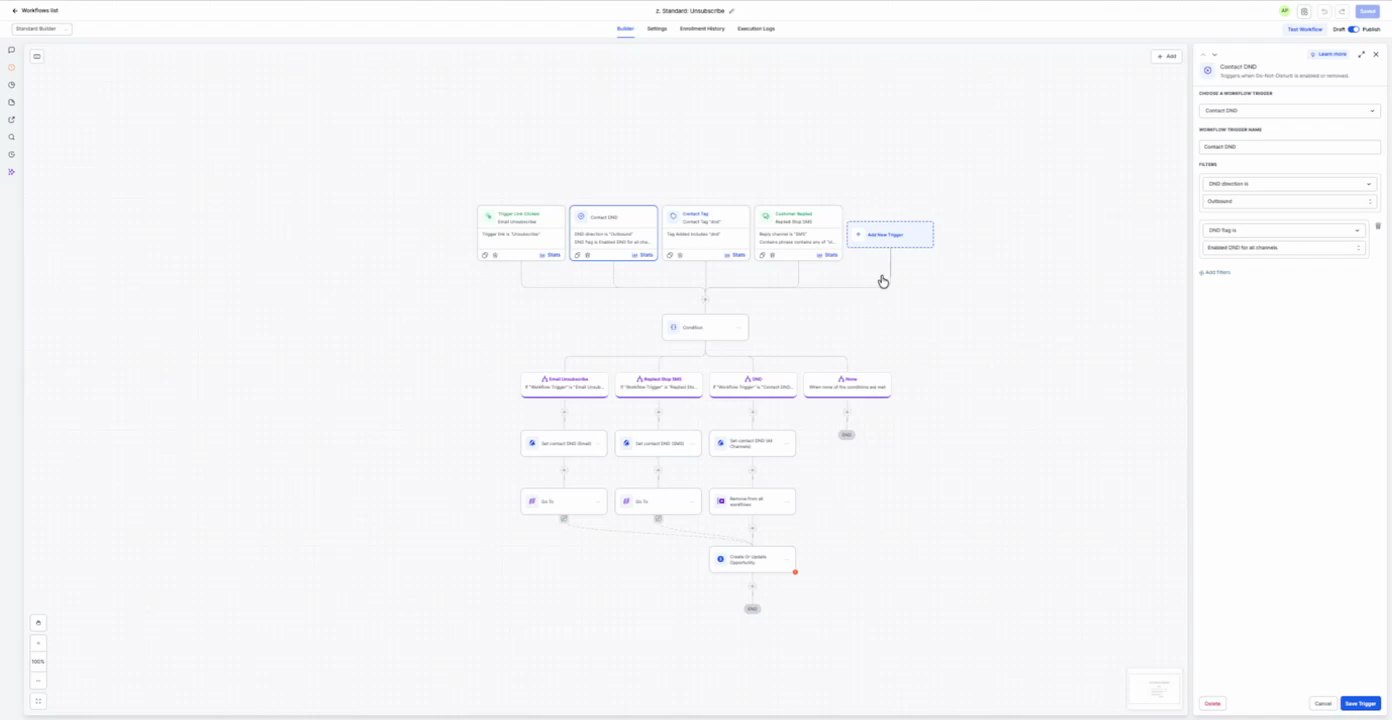
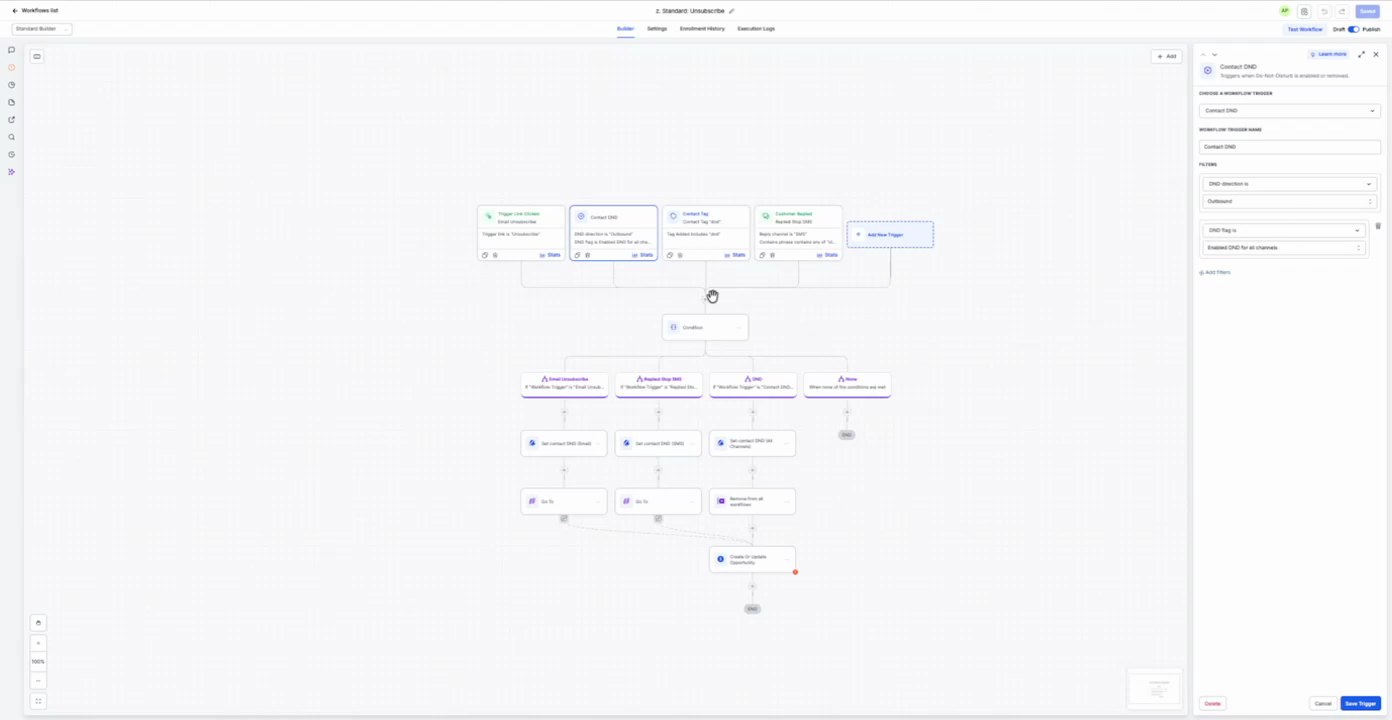
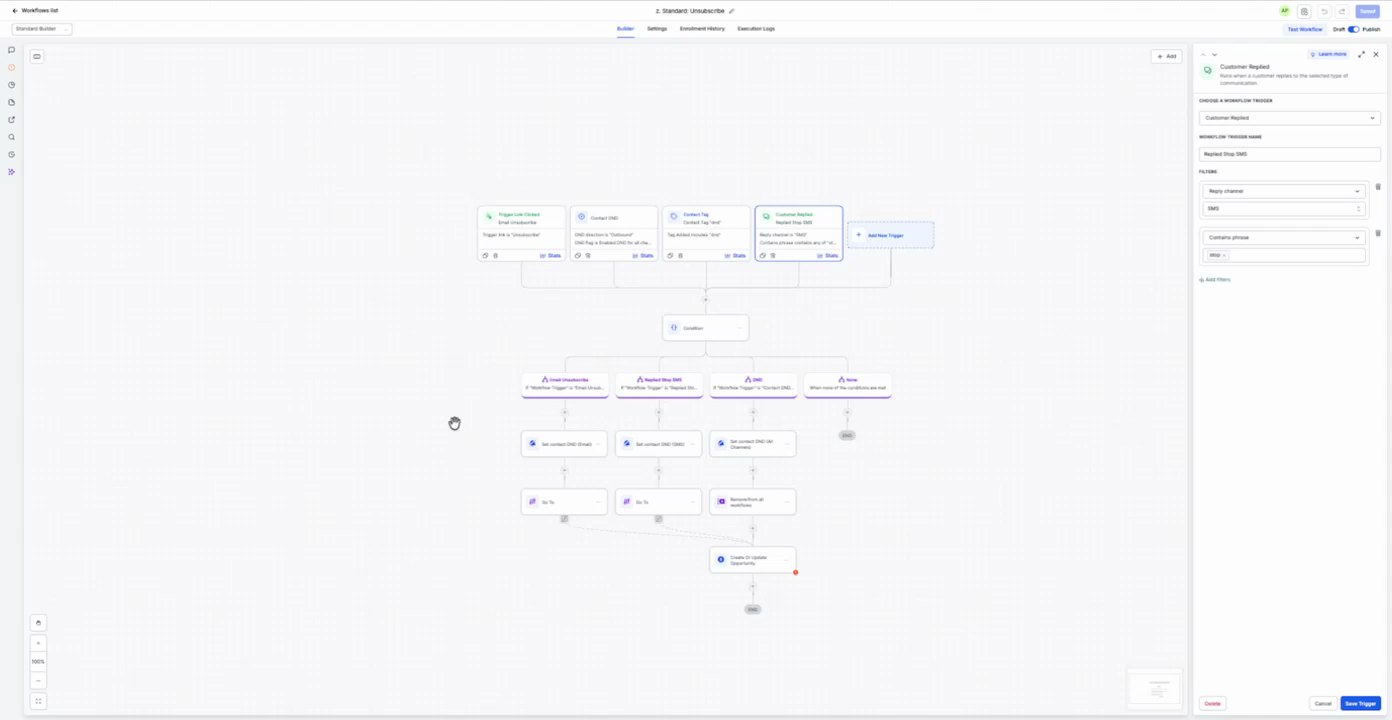
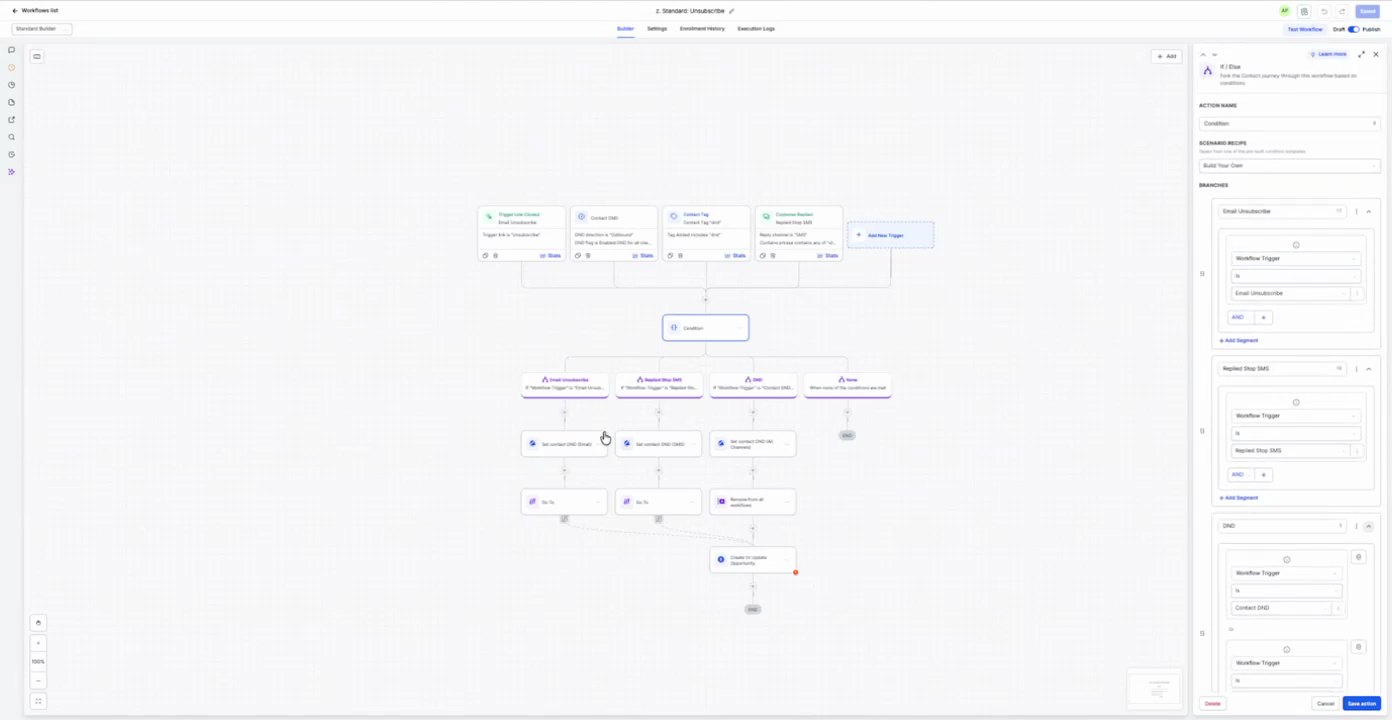
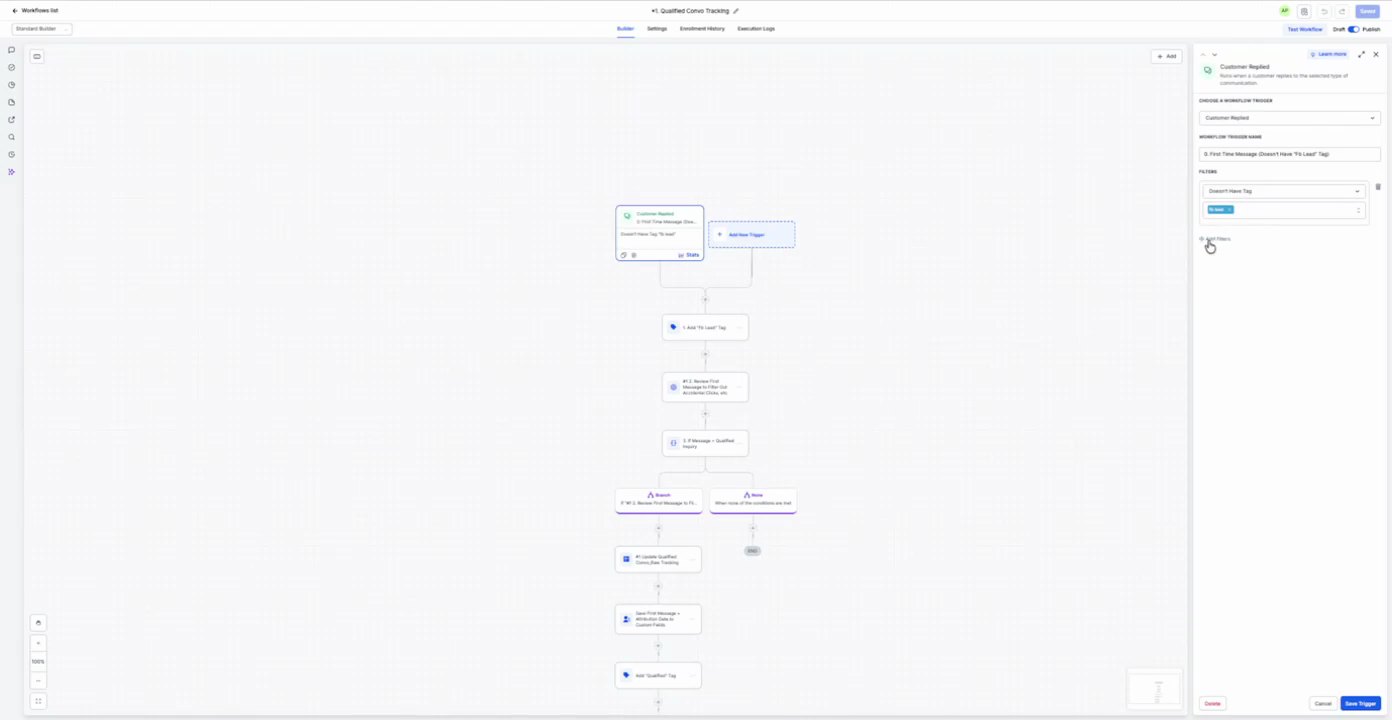
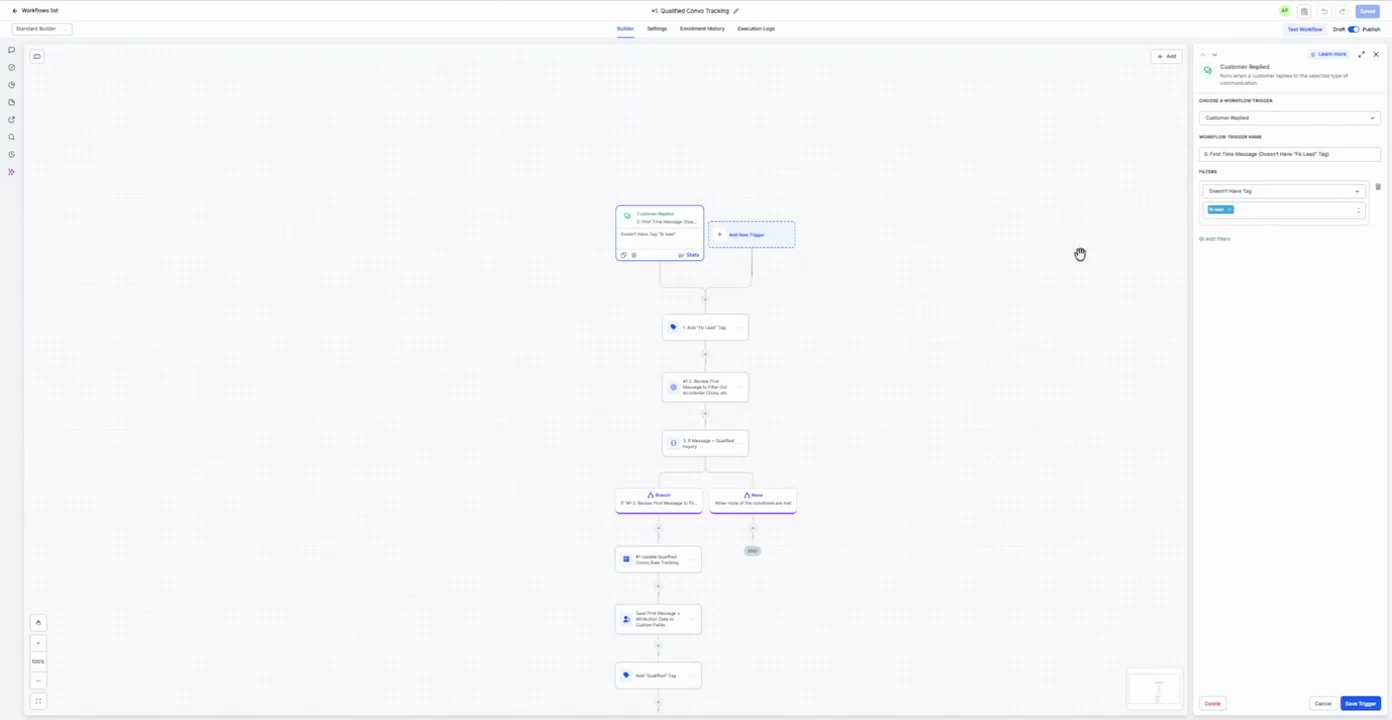
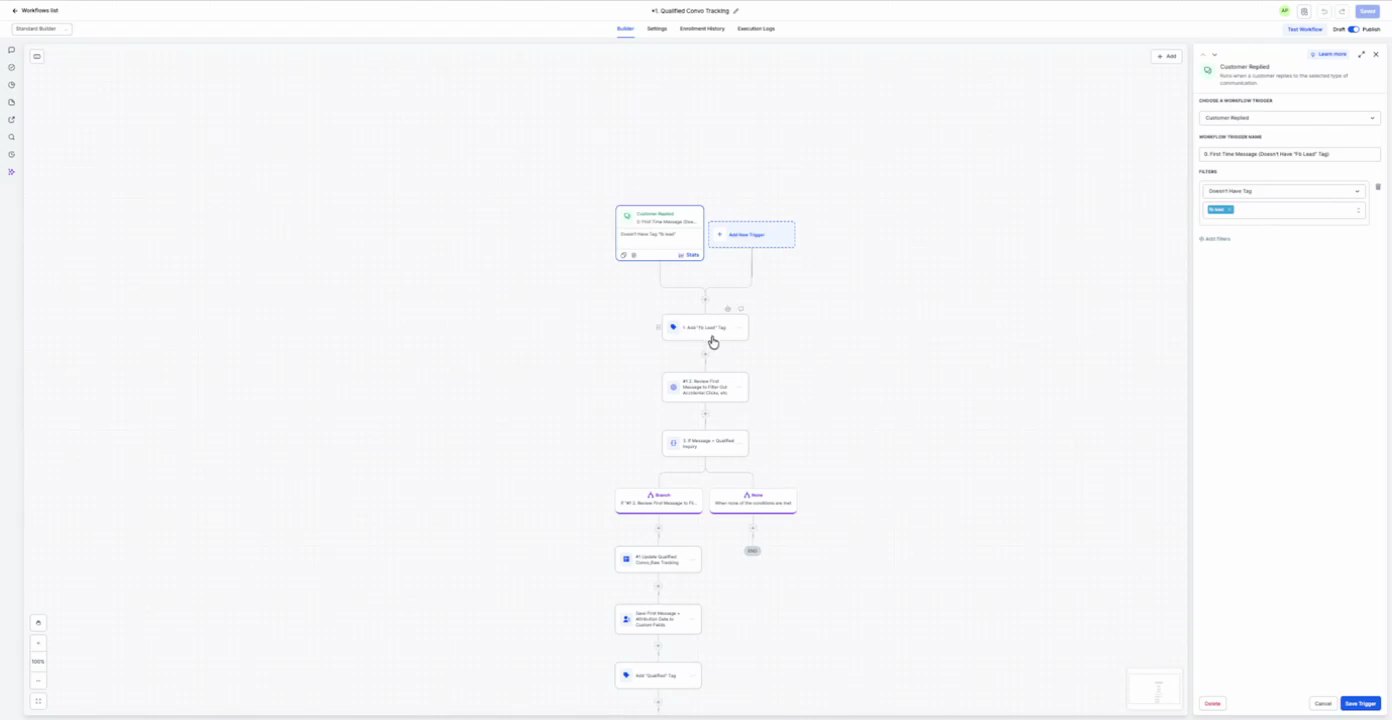
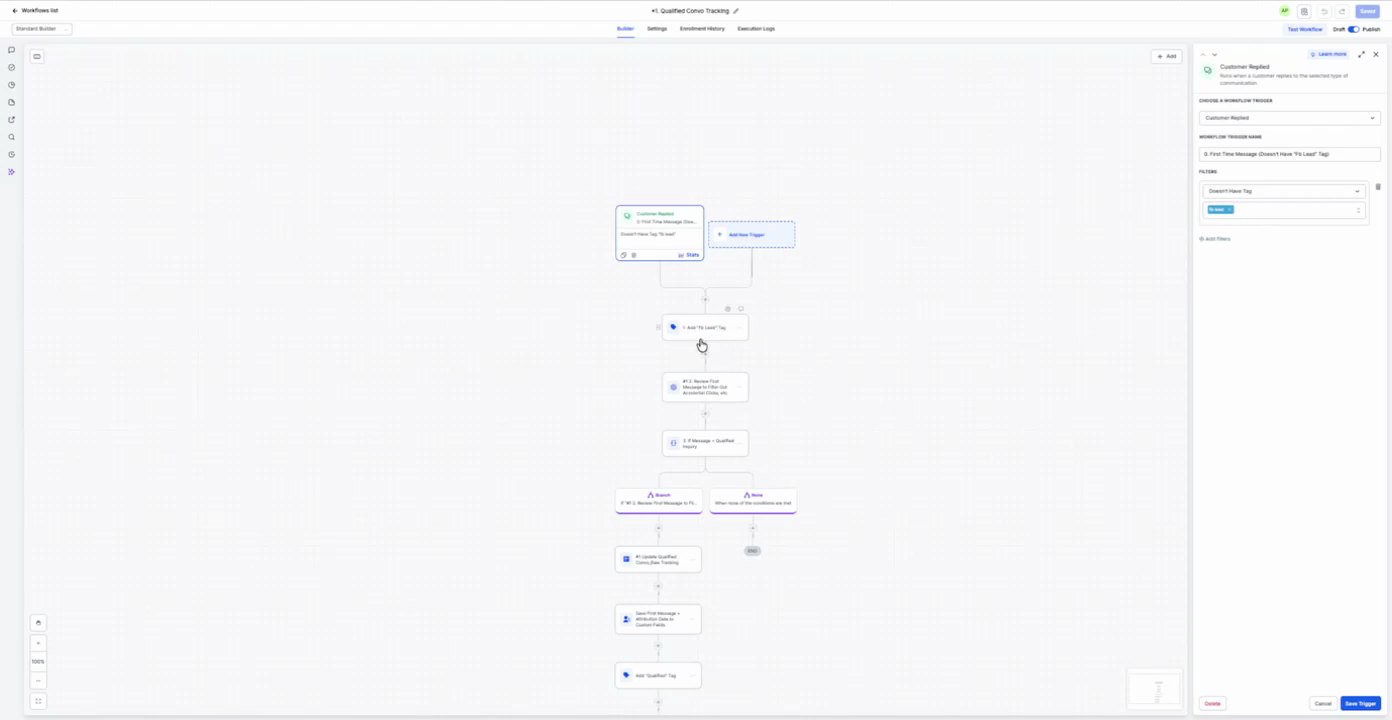
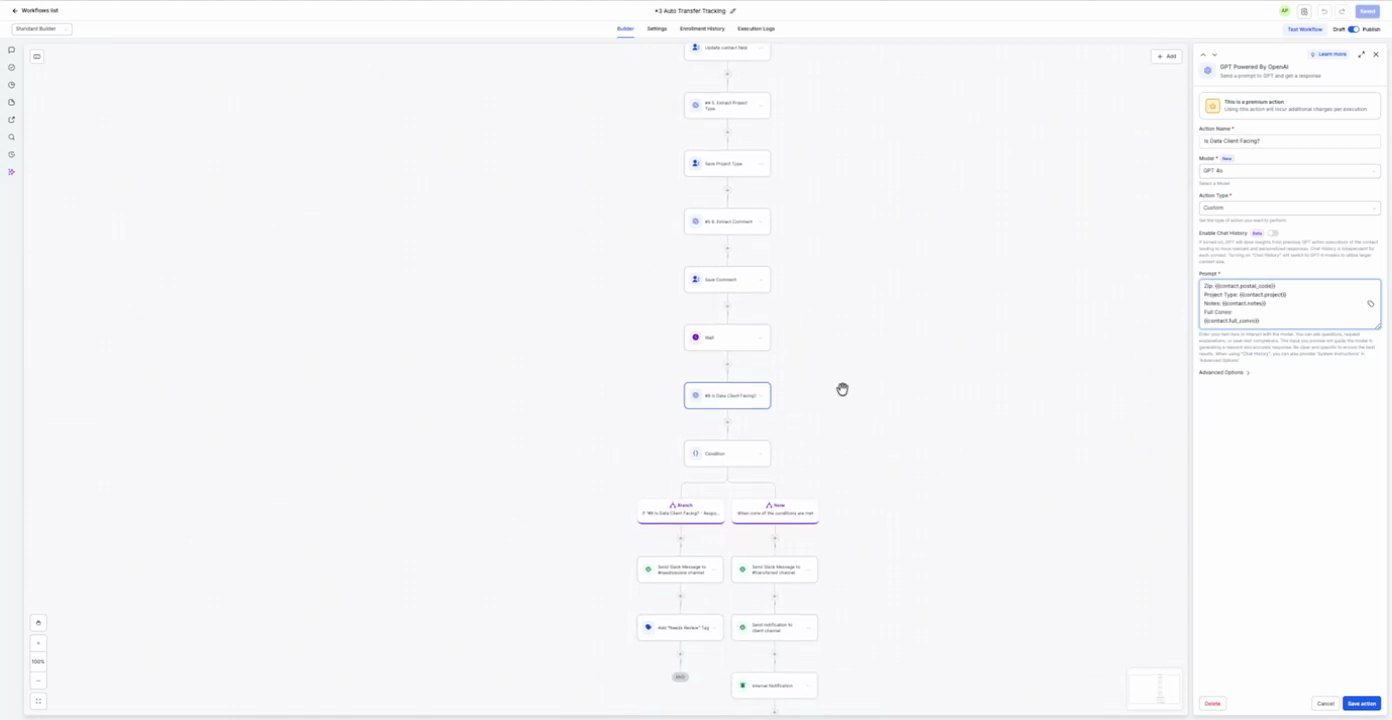
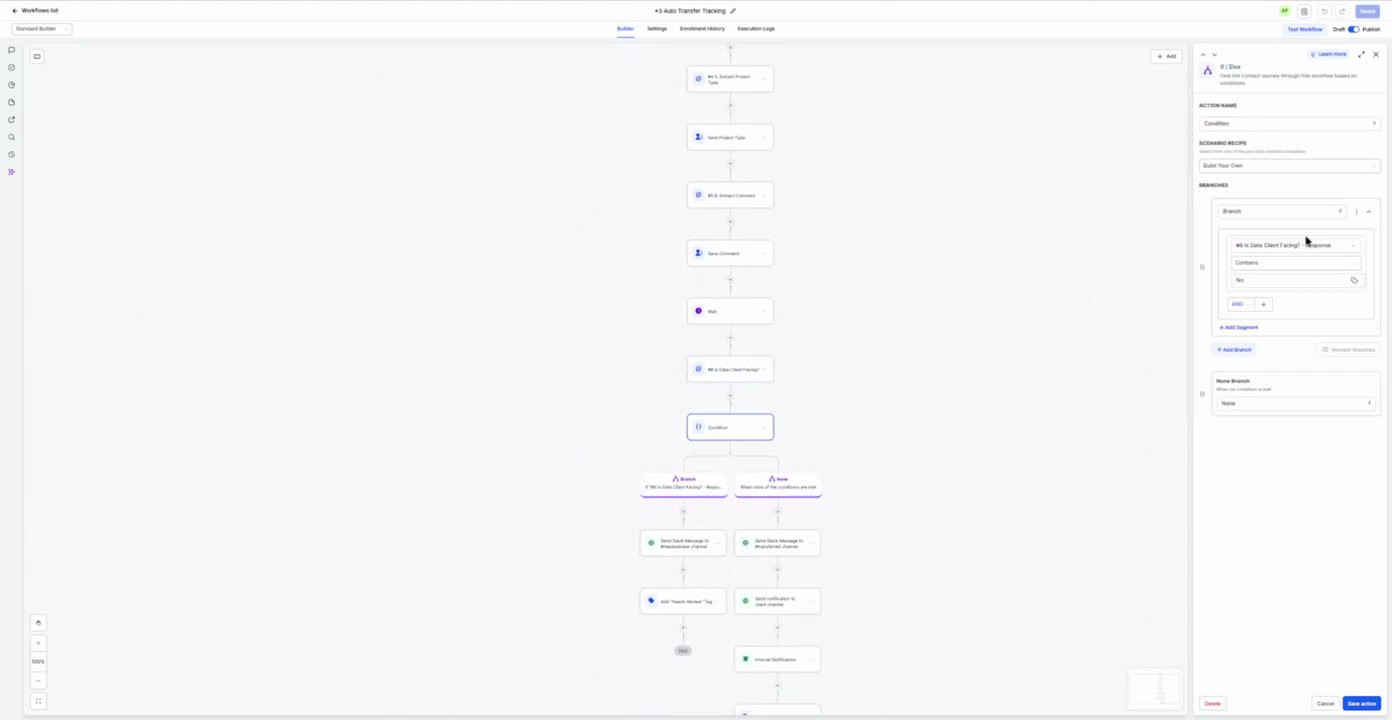
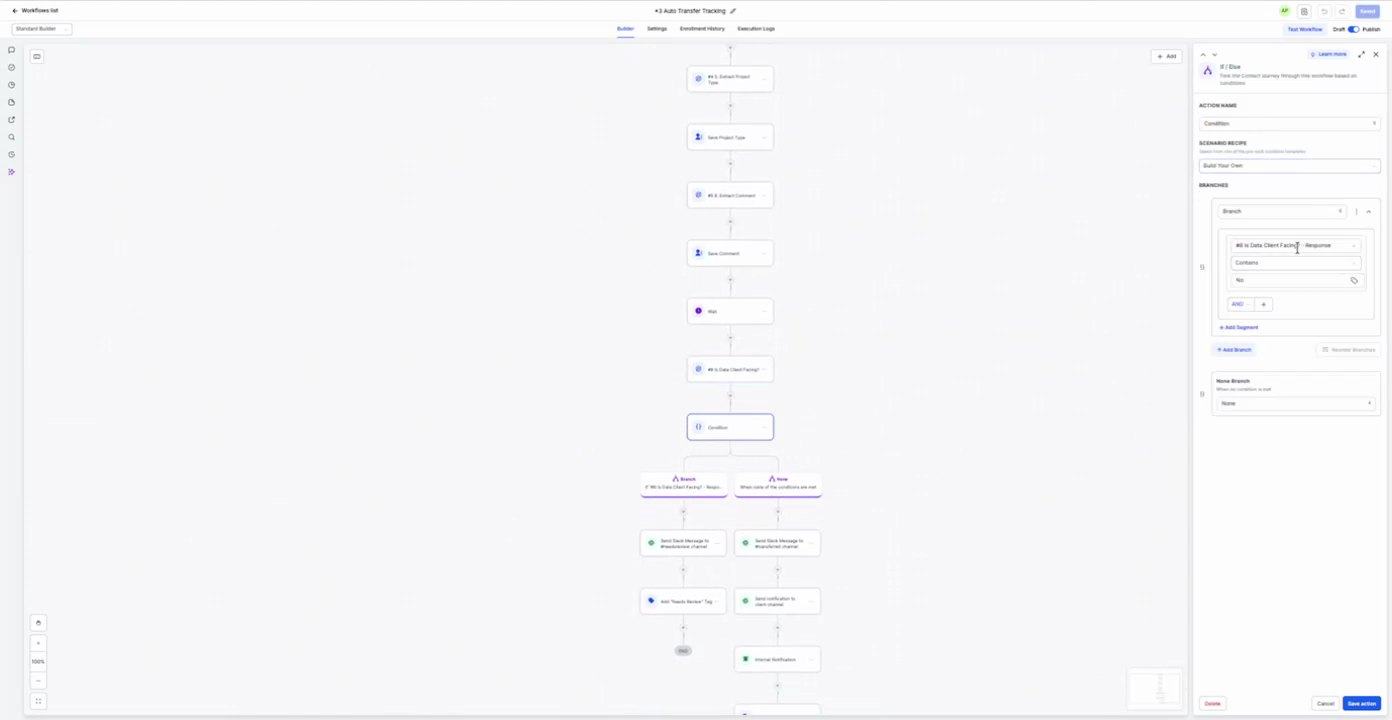
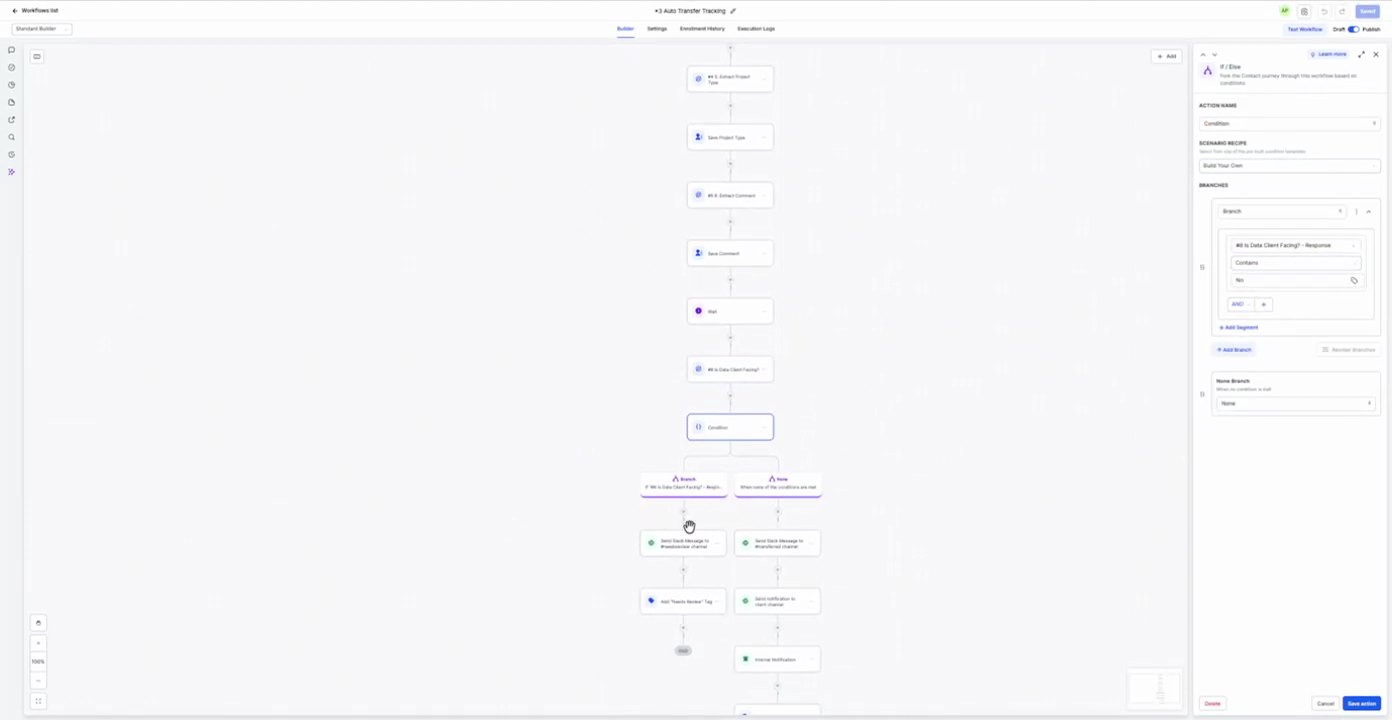
Purpose To qualify leads and manage their progression through the 'Sales CRM - Inbound' pipeline by adding specific tags and creating/updating opportunities based on contact tag changes or pipeline stage changes.
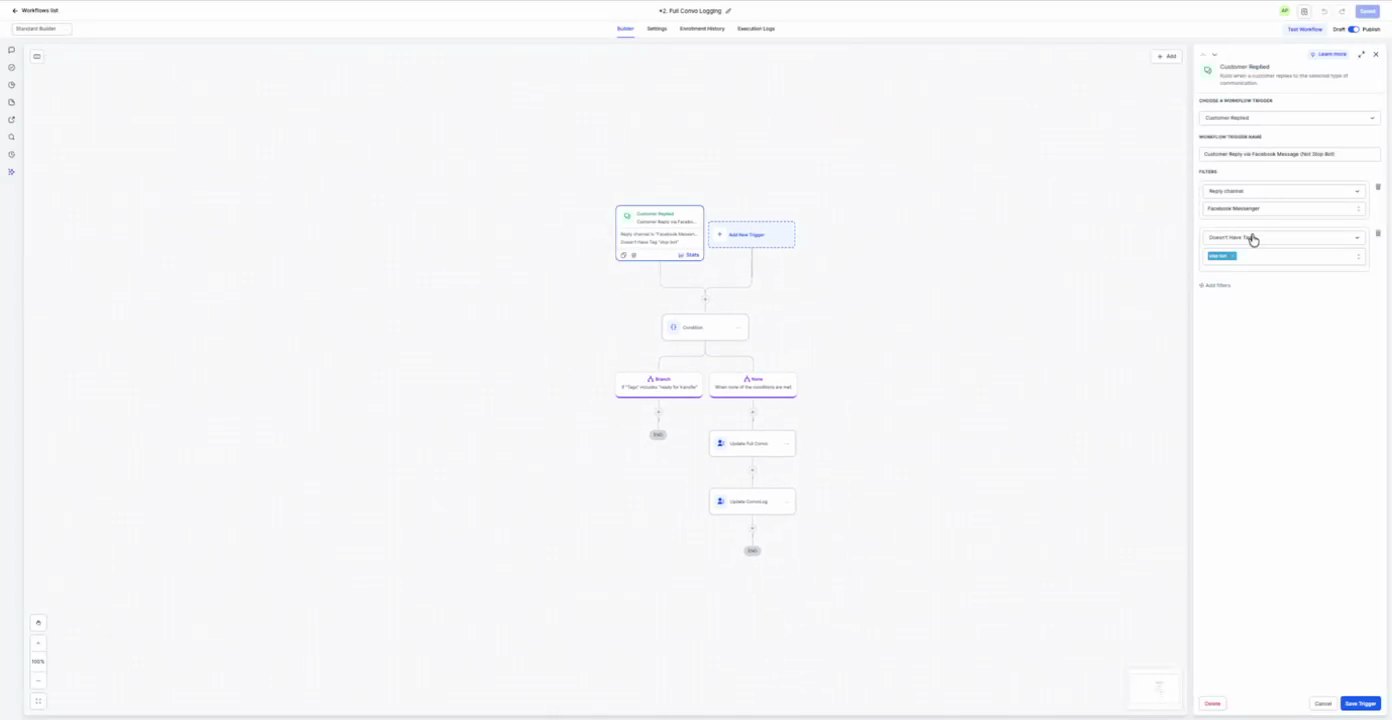
Multiple triggers are configured to initiate this workflow, including various 'Contact Tag' additions and 'Pipeline Stage Changed' events within the 'Sales CRM - Inbound' pipeline.
Actions
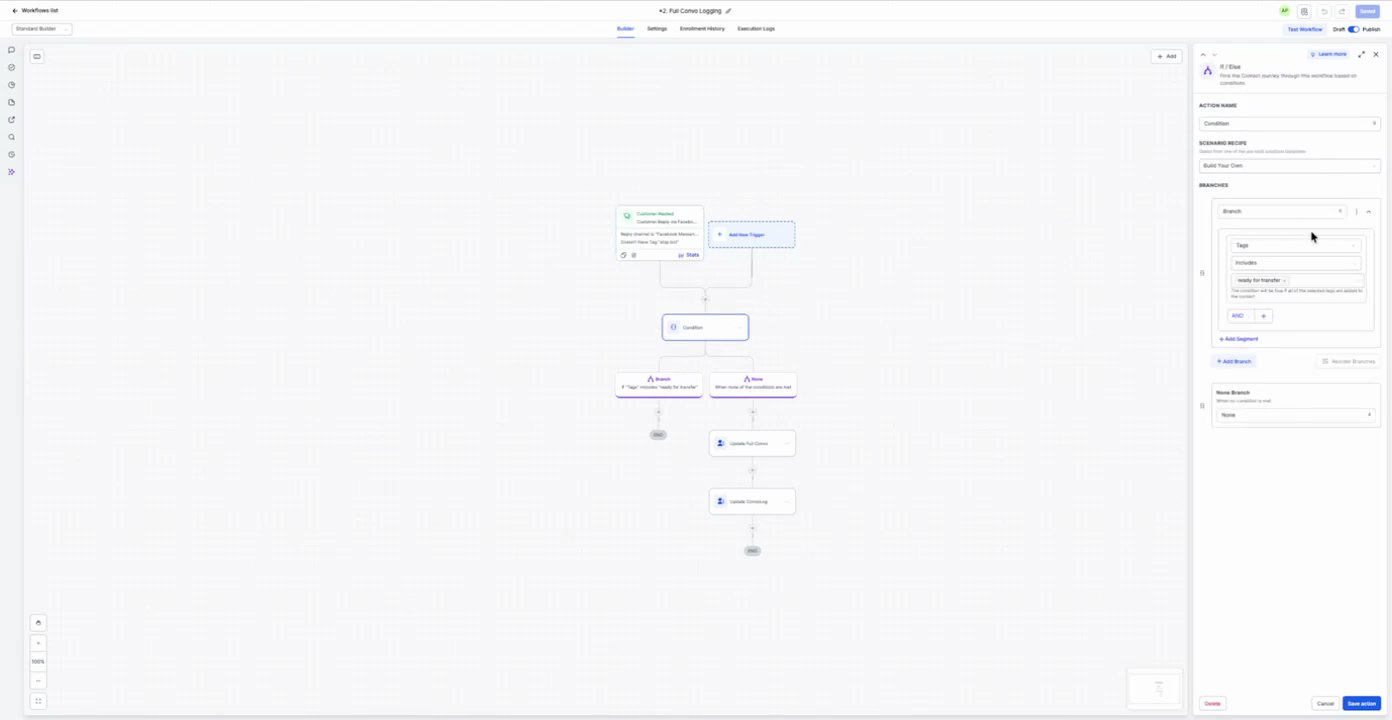
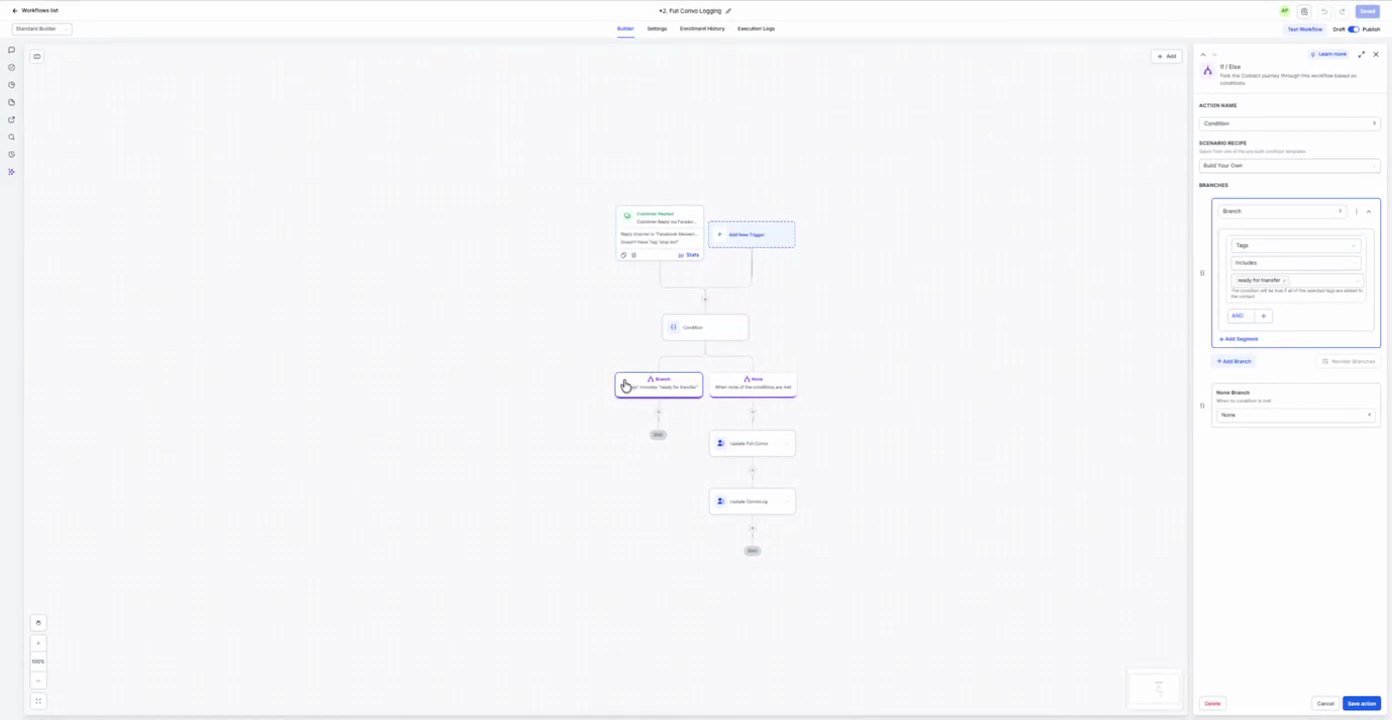
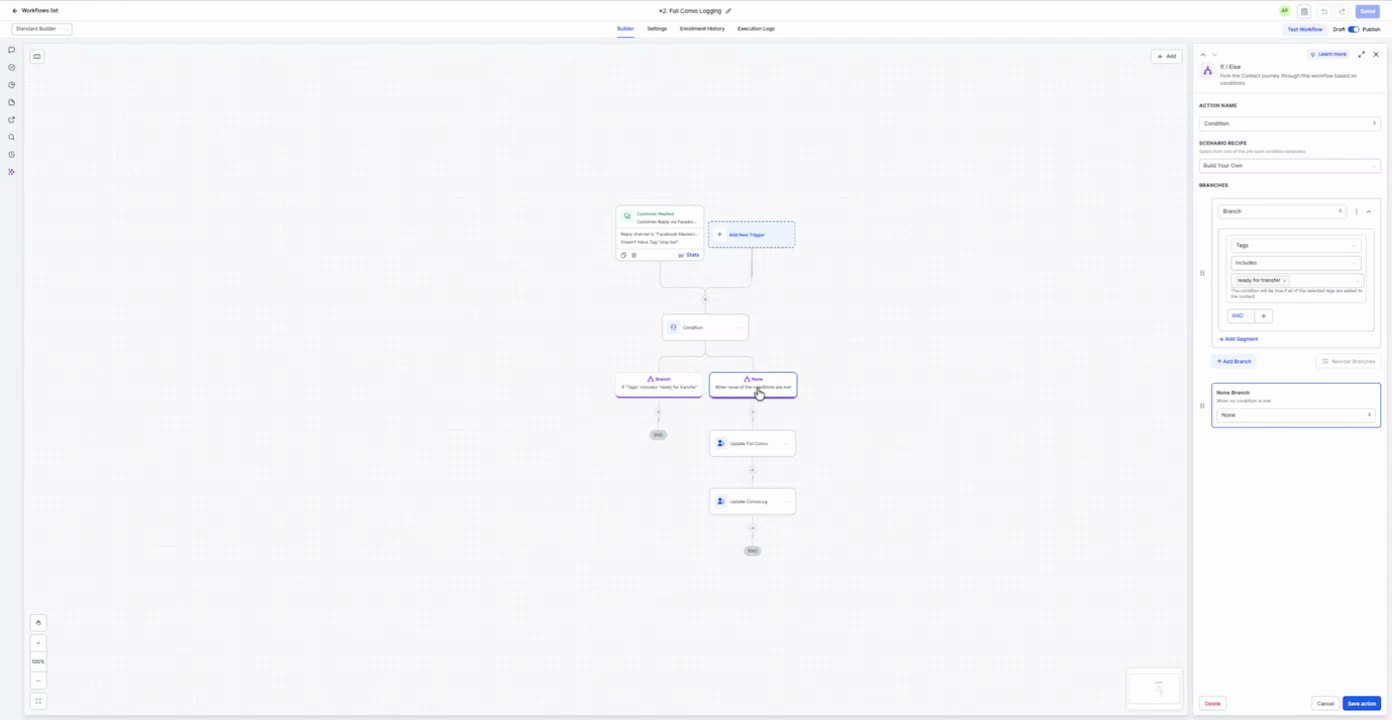
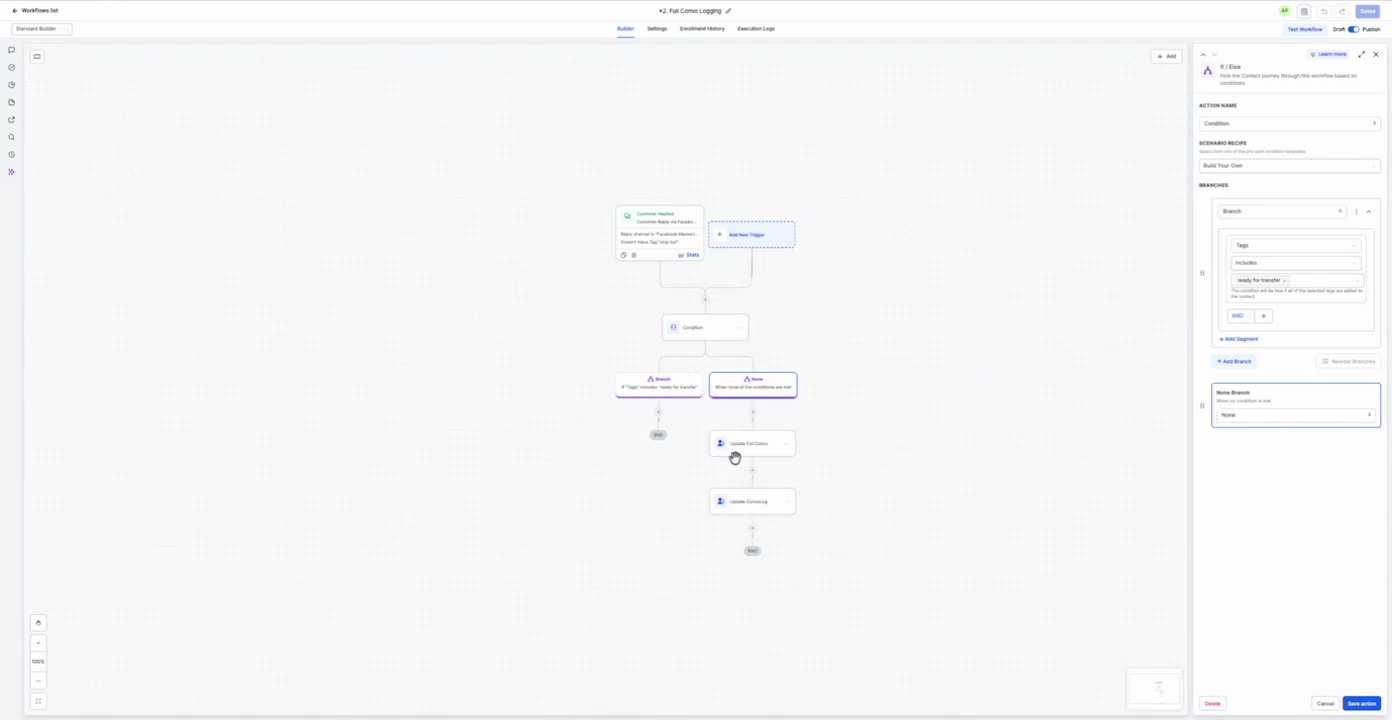
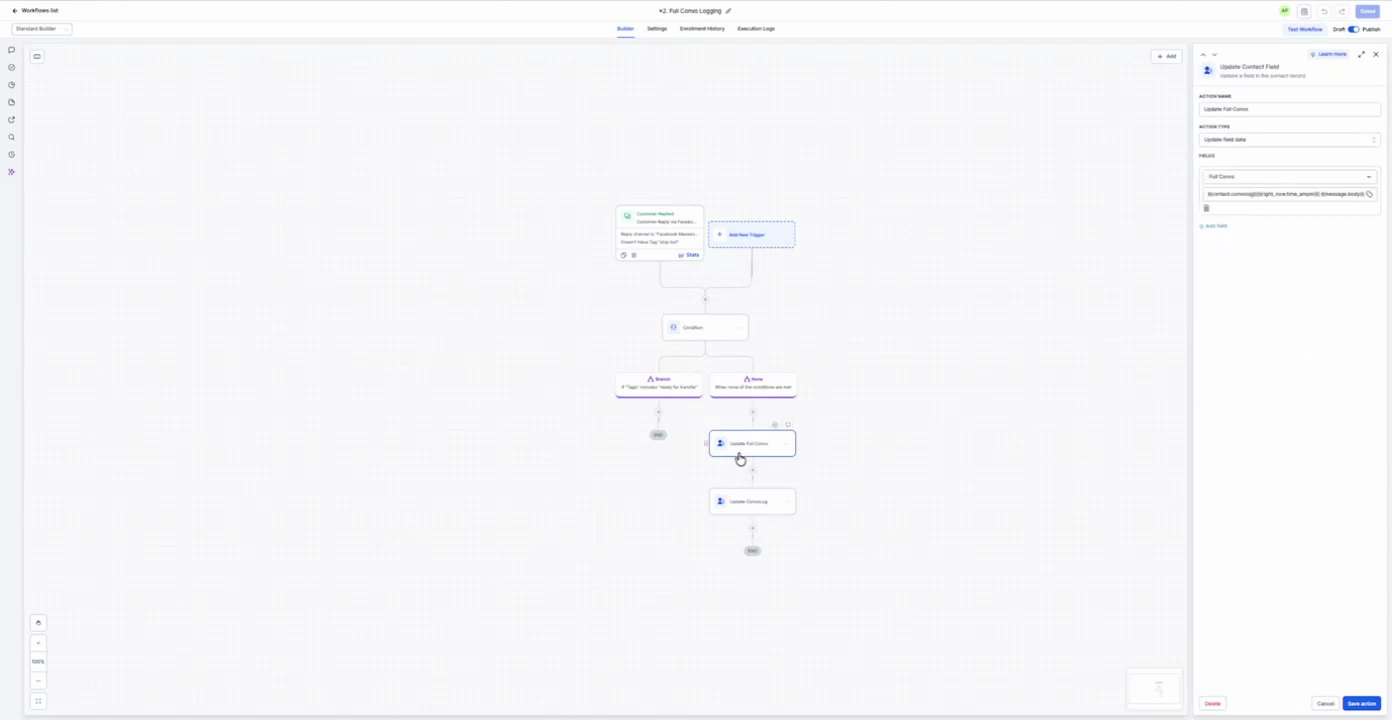
1. Condition If/Else
Action Configuration Screenshot
01:33 · good
Field Map
Field
Extracted value
Confidence
Notes
Action Name
Condition
high
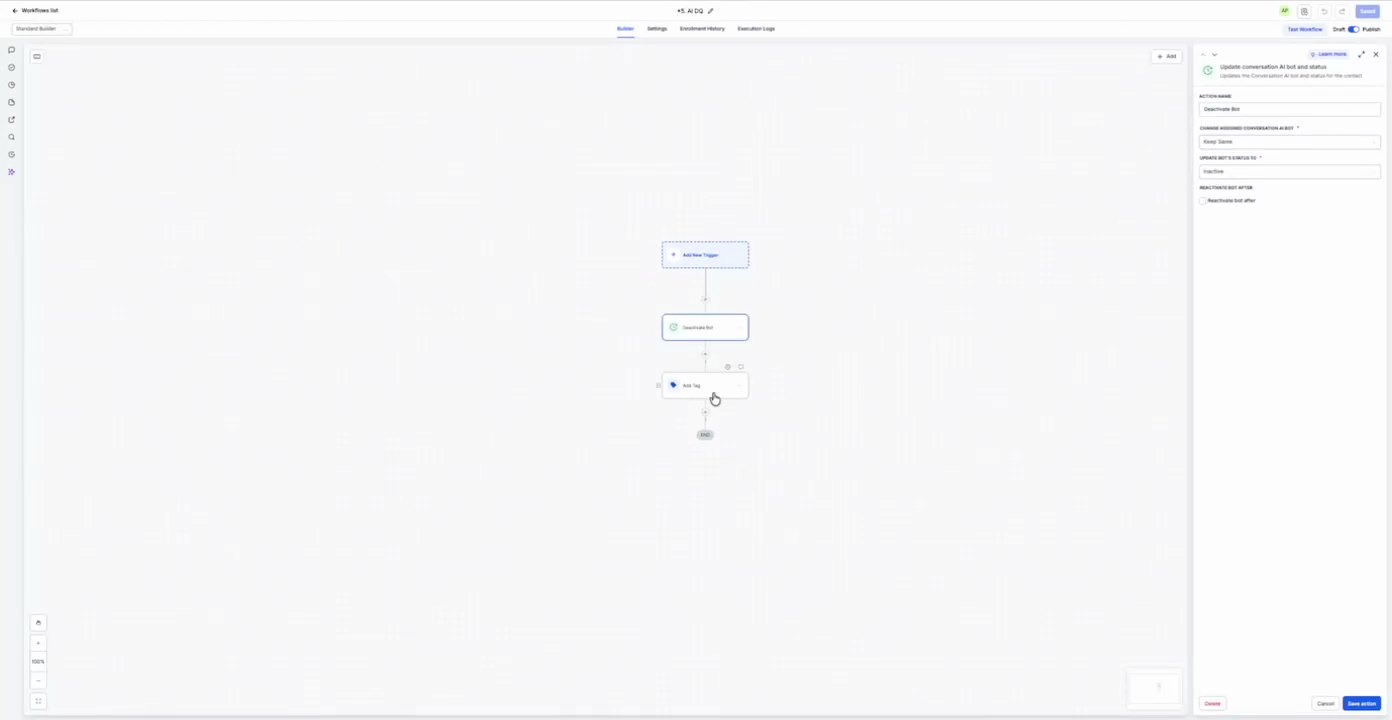
2. Add Tag: Inbound - Unqualified Add Contact Tag
Action Configuration Screenshot
03:22 · good
Field Map
Field
Extracted value
Confidence
Notes
Tag
Inbound - Unqualified
high
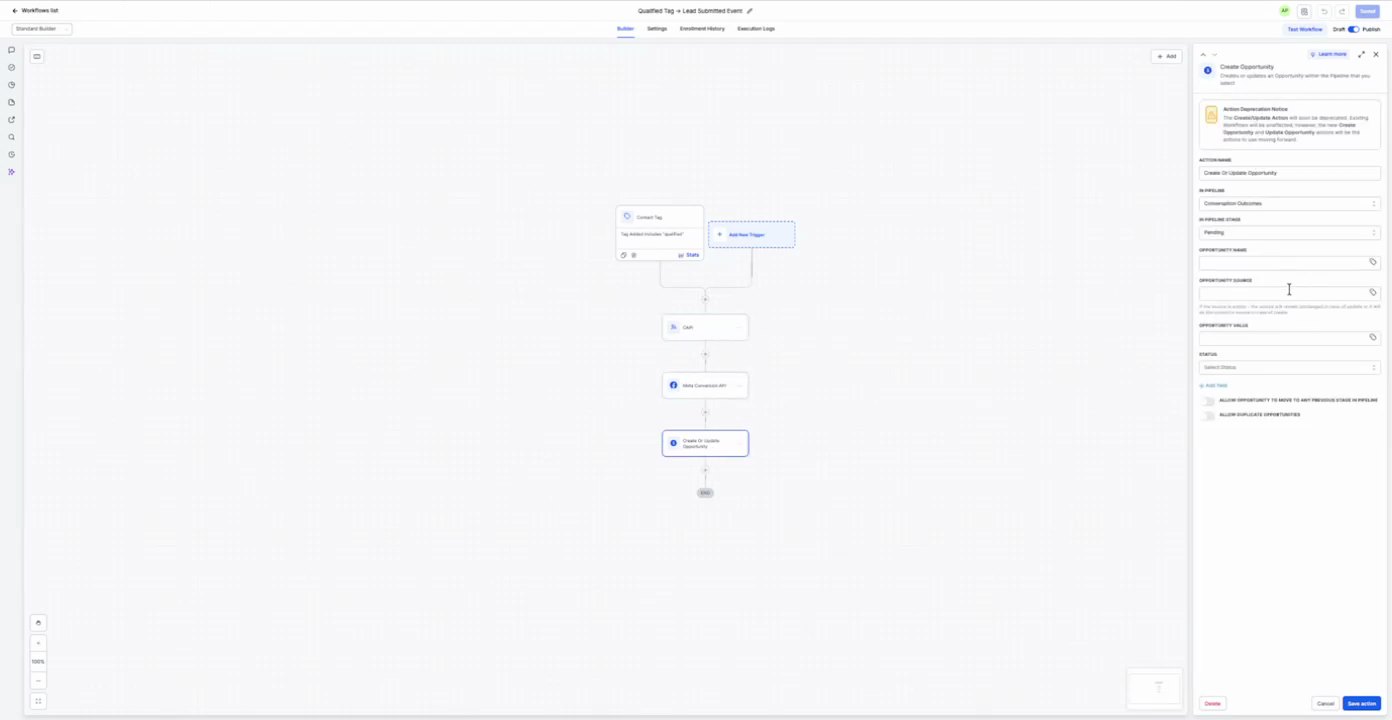
3. Move to Unqualified Stage Create/Update Opportunity
Action Configuration Screenshot
03:24 · good
Field Map
Field
Extracted value
Confidence
Notes
Pipeline
Sales CRM - Inbound
high
Pipeline Stage
Unqualified
high
Opportunity Name
[not readable in recording]
low
Placeholder text 'Opportunity Name' is visible, but no specific value is set.
Opportunity Source
[not readable in recording]
low
Placeholder text 'Opportunity Source' is visible, but no specific value is set.
Opportunity Value
[not readable in recording]
low
Placeholder text 'Opportunity Value' is visible, but no specific value is set.
Status
Open
high
Allow duplicate opportunity
False
high
Allow opportunity to move backwards
False
high
4. Add Tag: Inbound - Unconfirmed Add Contact Tag
Action Configuration Screenshot
03:27 · good
Field Map
Field
Extracted value
Confidence
Notes
Tag
Inbound - Unconfirmed
high
5. Move to Unconfirmed Stage Create/Update Opportunity
Action Configuration Screenshot
03:29 · good
Field Map
Field
Extracted value
Confidence
Notes
Pipeline
Sales CRM - Inbound
high
Pipeline Stage
Unconfirmed
high
Opportunity Name
[not readable in recording]
low
Placeholder text 'Opportunity Name' is visible, but no specific value is set.
Opportunity Source
[not readable in recording]
low
Placeholder text 'Opportunity Source' is visible, but no specific value is set.
Opportunity Value
[not readable in recording]
low
Placeholder text 'Opportunity Value' is visible, but no specific value is set.
Status
Open
high
Allow duplicate opportunity
False
high
Allow opportunity to move backwards
False
high
6. Add Tag: Inbound - 300 Add Contact Tag
Action Configuration Screenshot
03:31 · good
Field Map
Field
Extracted value
Confidence
Notes
Tag
Inbound - 300
high
7. Move to 300 Stage Create/Update Opportunity
Action Configuration Screenshot
03:33 · good
Field Map
Field
Extracted value
Confidence
Notes
Pipeline
Sales CRM - Inbound
high
Pipeline Stage
300
high
Opportunity Name
[not readable in recording]
low
Placeholder text 'Opportunity Name' is visible, but no specific value is set.
Opportunity Source
[not readable in recording]
low
Placeholder text 'Opportunity Source' is visible, but no specific value is set.
Opportunity Value
[not readable in recording]
low
Placeholder text 'Opportunity Value' is visible, but no specific value is set.
Status
Open
high
Allow duplicate opportunity
False
high
Allow opportunity to move backwards
False
high
8. Add Tag: Inbound - Unqualified Add Contact Tag
Action Configuration Screenshot
03:35 · good
Field Map
Field
Extracted value
Confidence
Notes
Tag
Inbound - Unqualified
high
9. Move to Unqualified Stage Create/Update Opportunity
Action Configuration Screenshot
03:37 · good
Field Map
Field
Extracted value
Confidence
Notes
Pipeline
Sales CRM - Inbound
high
Pipeline Stage
Unqualified
high
Opportunity Name
[not readable in recording]
low
Placeholder text 'Opportunity Name' is visible, but no specific value is set.
Opportunity Source
[not readable in recording]
low
Placeholder text 'Opportunity Source' is visible, but no specific value is set.
Opportunity Value
[not readable in recording]
low
Placeholder text 'Opportunity Value' is visible, but no specific value is set.
Status
Open
high
Allow duplicate opportunity
False
high
Allow opportunity to move backwards
False
high
10. Add Tag: Inbound - Unconfirmed Add Contact Tag
Action Configuration Screenshot
03:38 · good
Field Map
Field
Extracted value
Confidence
Notes
Tag
Inbound - Unconfirmed
high
11. Move to Unconfirmed Stage Create/Update Opportunity
Action Configuration Screenshot
03:40 · good
Field Map
Field
Extracted value
Confidence
Notes
Pipeline
Sales CRM - Inbound
high
Pipeline Stage
Unconfirmed
high
Opportunity Name
[not readable in recording]
low
Placeholder text 'Opportunity Name' is visible, but no specific value is set.
Opportunity Source
[not readable in recording]
low
Placeholder text 'Opportunity Source' is visible, but no specific value is set.
Opportunity Value
[not readable in recording]
low
Placeholder text 'Opportunity Value' is visible, but no specific value is set.
Status
Open
high
Allow duplicate opportunity
False
high
Allow opportunity to move backwards
False
high
12. Add Tag: Inbound - Long Term Nurture Add Contact Tag
Action Configuration Screenshot
03:42 · good
Field Map
Field
Extracted value
Confidence
Notes
Tag
Inbound - Long Term Nurture
high
13. Move to Long Term Nurture Stage Create/Update Opportunity
Action Configuration Screenshot
03:44 · good
Field Map
Field
Extracted value
Confidence
Notes
Pipeline
Sales CRM - Inbound
high
Pipeline Stage
Long Term Nurture
high
Opportunity Name
[not readable in recording]
low
Placeholder text 'Opportunity Name' is visible, but no specific value is set.
Opportunity Source
[not readable in recording]
low
Placeholder text 'Opportunity Source' is visible, but no specific value is set.
Opportunity Value
[not readable in recording]
low
Placeholder text 'Opportunity Value' is visible, but no specific value is set.
Status
Open
high
Allow duplicate opportunity
False
high
Allow opportunity to move backwards
False
high
14. Add Tag: Inbound - Long Term Nurture Add Contact Tag
Action Configuration Screenshot
03:46 · good
Field Map
Field
Extracted value
Confidence
Notes
Tag
Inbound - Long Term Nurture
high
15. Move to Long Term Nurture Stage Create/Update Opportunity
Action Configuration Screenshot
03:48 · good
Field Map
Field
Extracted value
Confidence
Notes
Pipeline
Sales CRM - Inbound
high
Pipeline Stage
Long Term Nurture
high
Opportunity Name
[not readable in recording]
low
Placeholder text 'Opportunity Name' is visible, but no specific value is set.
Opportunity Source
[not readable in recording]
low
Placeholder text 'Opportunity Source' is visible, but no specific value is set.
Opportunity Value
[not readable in recording]
low
Placeholder text 'Opportunity Value' is visible, but no specific value is set.
Status
Open
high
Allow duplicate opportunity
False
high
Allow opportunity to move backwards
False
high
16. Add Tag: Inbound - Qualified Add Contact Tag
Action Configuration Screenshot
03:49 · good
Field Map
Field
Extracted value
Confidence
Notes
Tag
Inbound - Qualified
high
17. Move to Qualified Stage Create/Update Opportunity
Action Configuration Screenshot
03:51 · good
Field Map
Field
Extracted value
Confidence
Notes
Pipeline
Sales CRM - Inbound
high
Pipeline Stage
Qualified
high
Opportunity Name
[not readable in recording]
low
Placeholder text 'Opportunity Name' is visible, but no specific value is set.
Opportunity Source
[not readable in recording]
low
Placeholder text 'Opportunity Source' is visible, but no specific value is set.
Opportunity Value
[not readable in recording]
low
Placeholder text 'Opportunity Value' is visible, but no specific value is set.
Status
Open
high
Allow duplicate opportunity
False
high
Allow opportunity to move backwards
False
high
18. Add Tag: Inbound - Qualified Add Contact Tag
Action Configuration Screenshot
03:52 · good
Field Map
Field
Extracted value
Confidence
Notes
Tag
Inbound - Qualified
high
19. Move to Qualified Stage Create/Update Opportunity
Action Configuration Screenshot
03:53 · good
Field Map
Field
Extracted value
Confidence
Notes
Pipeline
Sales CRM - Inbound
high
Pipeline Stage
Qualified
high
Opportunity Name
[not readable in recording]
low
Placeholder text 'Opportunity Name' is visible, but no specific value is set.
Opportunity Source
[not readable in recording]
low
Placeholder text 'Opportunity Source' is visible, but no specific value is set.
Opportunity Value
[not readable in recording]
low
Placeholder text 'Opportunity Value' is visible, but no specific value is set.
Status
Open
high
Allow duplicate opportunity
False
high
Allow opportunity to move backwards
False
high
20. Add Tag: Inbound - Confirmed Add Contact Tag
Action Configuration Screenshot
03:54 · good
Field Map
Field
Extracted value
Confidence
Notes
Tag
Inbound - Confirmed
high
21. Move to Confirmed Stage Create/Update Opportunity
Action Configuration Screenshot
03:55 · good
Field Map
Field
Extracted value
Confidence
Notes
Pipeline
Sales CRM - Inbound
high
Pipeline Stage
Confirmed
high
Opportunity Name
[not readable in recording]
low
Placeholder text 'Opportunity Name' is visible, but no specific value is set.
Opportunity Source
[not readable in recording]
low
Placeholder text 'Opportunity Source' is visible, but no specific value is set.
Opportunity Value
[not readable in recording]
low
Placeholder text 'Opportunity Value' is visible, but no specific value is set.
Status
Open
high
Allow duplicate opportunity
False
high
Allow opportunity to move backwards
False
high
22. Add Tag: Inbound - Confirmed Add Contact Tag
Action Configuration Screenshot
03:56 · good
Field Map
Field
Extracted value
Confidence
Notes
Tag
Inbound - Confirmed
high
23. Move to Confirmed Stage Create/Update Opportunity
Action Configuration Screenshot
03:57 · good
Field Map
Field
Extracted value
Confidence
Notes
Pipeline
Sales CRM - Inbound
high
Pipeline Stage
Confirmed
high
Opportunity Name
[not readable in recording]
low
Placeholder text 'Opportunity Name' is visible, but no specific value is set.
Opportunity Source
[not readable in recording]
low
Placeholder text 'Opportunity Source' is visible, but no specific value is set.
Opportunity Value
[not readable in recording]
low
Placeholder text 'Opportunity Value' is visible, but no specific value is set.
Status
Open
high
Allow duplicate opportunity
False
high
Allow opportunity to move backwards
False
high
24. Add Tag: Inbound - No Show Add Contact Tag
Action Configuration Screenshot
03:58 · good
Field Map
Field
Extracted value
Confidence
Notes
Tag
Inbound - No Show
high
25. Move to No Show Stage Create/Update Opportunity
Action Configuration Screenshot
03:59 · good
Field Map
Field
Extracted value
Confidence
Notes
Pipeline
Sales CRM - Inbound
high
Pipeline Stage
No Show
high
Opportunity Name
[not readable in recording]
low
Placeholder text 'Opportunity Name' is visible, but no specific value is set.
Opportunity Source
[not readable in recording]
low
Placeholder text 'Opportunity Source' is visible, but no specific value is set.
Opportunity Value
[not readable in recording]
low
Placeholder text 'Opportunity Value' is visible, but no specific value is set.
Status
Open
high
Allow duplicate opportunity
False
high
Allow opportunity to move backwards
False
high
26. Add Tag: Inbound - No Show Add Contact Tag
Action Configuration Screenshot
04:00 · good
Field Map
Field
Extracted value
Confidence
Notes
Tag
Inbound - No Show
high
2. CS: Onboard Sales Call Live Chat 5 actions
Purpose To automate the onboarding process for contacts who book a sales call via live chat, including creating an opportunity, sending internal notifications, and a series of follow-up emails and SMS messages.
Source time 04:00-08:00
Trigger Customer Booked Appointment
Parent Workflow Screenshot
04:00 · good
Trigger Screenshot
04:00 · good
Trigger Setup Text
Customer Booked Appointment
Appointment Status is Confirmed
In Calendar is Sales Call Calendar
AND
Booking Source is Live Chat
Purpose Automate lead qualification and follow-up based on various triggers and conditions, including email unsubscribes and SMS interactions, and create opportunities.
Source time 08:00-12:00
Trigger
Parent Workflow Screenshot
08:00 · good
Trigger Screenshot
No screenshot captured.
Trigger Setup Text
No trigger setup text captured.
Actions
1. Trigger: Lead Created Workflow Trigger
Action Configuration Screenshot
08:16 · good
Field Map
Field
Extracted value
Confidence
Notes
Workflow Trigger
Customer Register
high
Event
Customer Register
high
In Workflow
All
high
Limit
0
high
Prompt / Message Text
Creates a workflow contact when a new lead is created.
2. Customer CRM Workflow Trigger
Action Configuration Screenshot
08:18 · good
Field Map
Field
Extracted value
Confidence
Notes
Workflow Trigger
Customer CRM
high
Event
Customer CRM
high
In Workflow
All
high
Limit
0
high
Prompt / Message Text
Trigger when the contact is added to a workflow.
3. Customer Tag Workflow Trigger
Action Configuration Screenshot
08:20 · good
Field Map
Field
Extracted value
Confidence
Notes
Workflow Trigger
Customer Tag
high
Event
Customer Tag
high
In Workflow
All
high
Limit
0
high
Prompt / Message Text
Trigger when the contact is added to a workflow.
4. Customer Register Workflow Trigger
Action Configuration Screenshot
08:22 · good
Field Map
Field
Extracted value
Confidence
Notes
Workflow Trigger
Customer Register
high
Event
Customer Register
high
In Workflow
All
high
Limit
0
high
Prompt / Message Text
Trigger when the contact is added to a workflow.
5. If/Else: Email Unsubscribe If/Else
Action Configuration Screenshot
08:30 · good
Field Map
No field values captured.
Prompt / Message Text
Check if the contact has unsubscribed through the workflow or not.
6. Email Contact Send Email
Action Configuration Screenshot
08:54 · good
Field Map
Field
Extracted value
Confidence
Notes
From Name
[not readable in recording]
low
From Email
[not readable in recording]
low
To Email
[not readable in recording]
low
Subject
[not readable in recording]
low
Template
[not readable in recording]
low
Enable FWM for specific channels
false
high
Checkbox is unchecked
Prompt / Message Text
Send an email to the contact.
7. Create Opportunity Create Opportunity
Action Configuration Screenshot
09:02 · good09:03 · good09:04 · good
Field Map
Field
Extracted value
Confidence
Notes
Pipeline
[not readable in recording]
low
Pipeline Stage
[not readable in recording]
low
Status
Open
high
Opportunity Name
[not readable in recording]
low
Lead Value
[not readable in recording]
low
Source
[not readable in recording]
low
Assigned To
[not readable in recording]
low
Contact
[not readable in recording]
low
Company
[not readable in recording]
low
Prompt / Message Text
Create a new or update existing opportunity.
4. Qualified Lead Tracking 5 actions
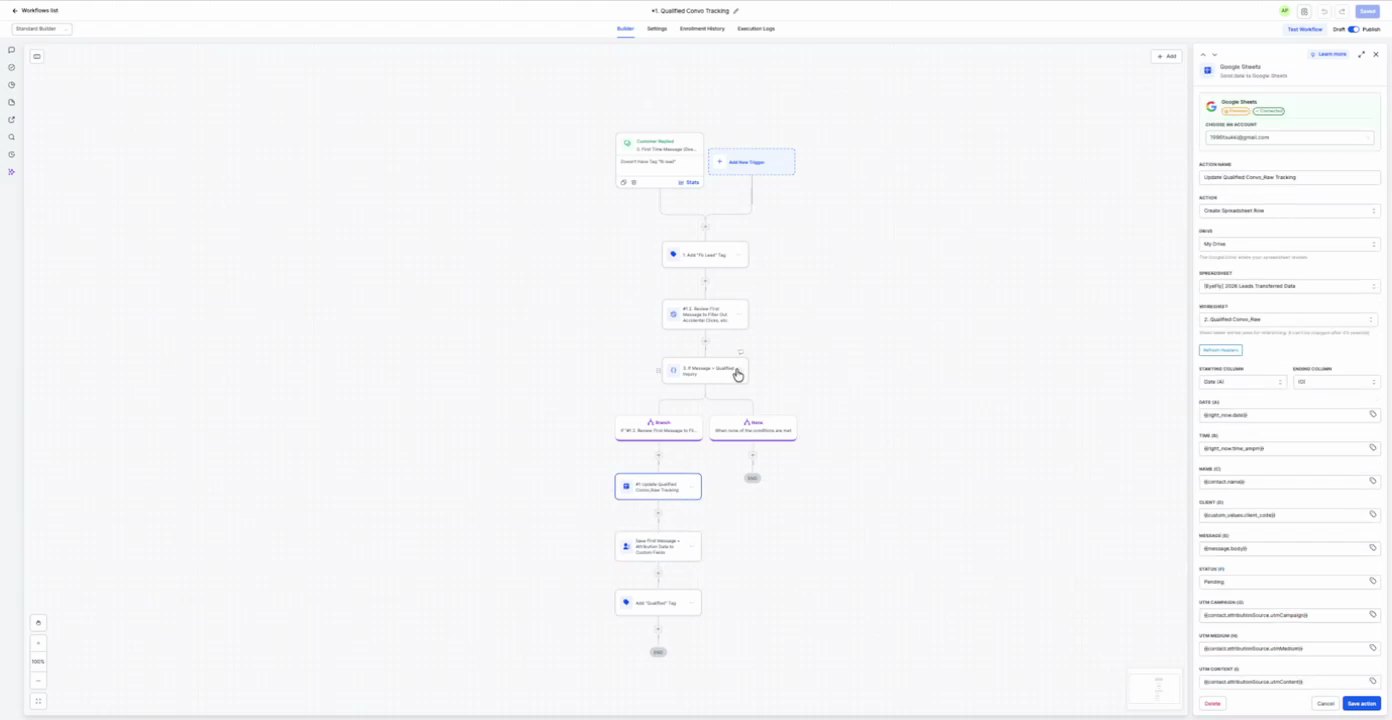
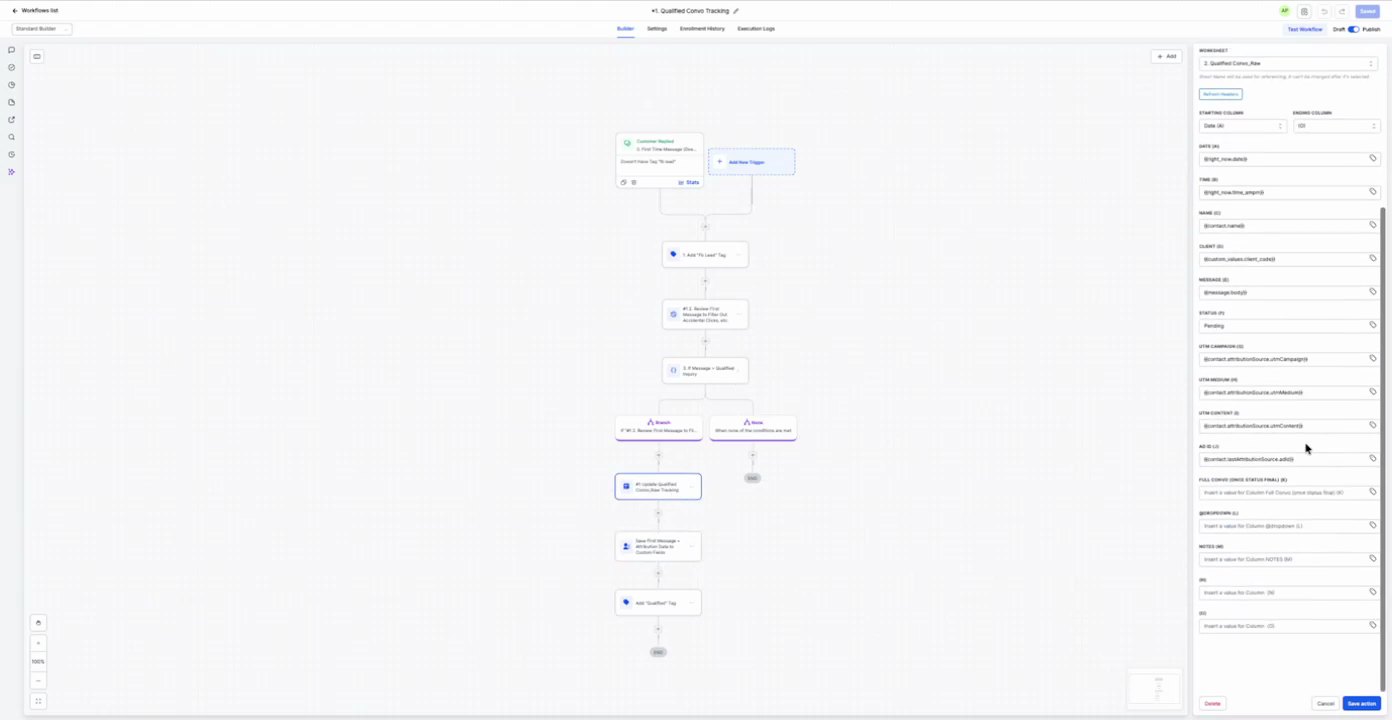
Purpose Track and qualify leads using AI, log data in Google Sheets, and apply 'Qualified' tags.
Source time 08:00-12:00
Trigger Customer Register
Parent Workflow Screenshot
08:00 · good
Trigger Screenshot
08:00 · good
Trigger Setup Text
Creates a workflow contact when a new lead is created.
Actions
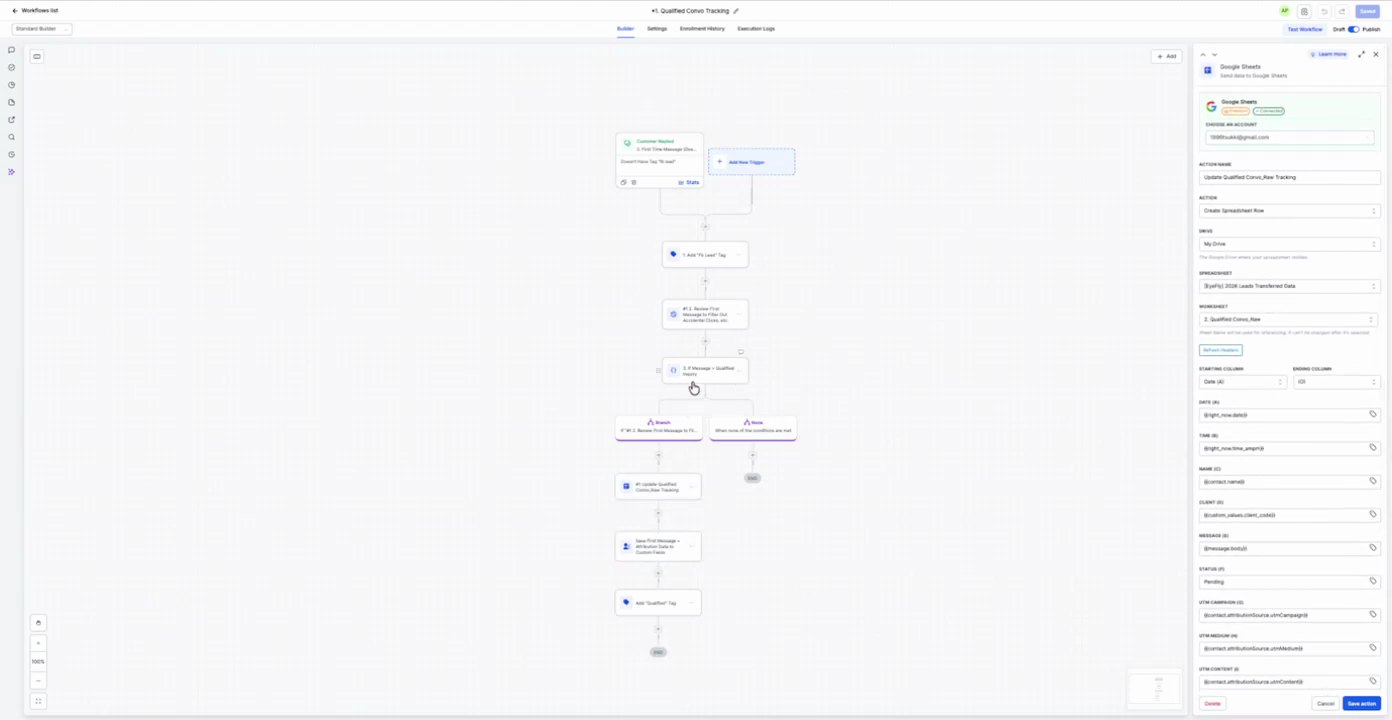
1. Add Lead Tag Add Contact Tag
Action Configuration Screenshot
09:32 · good
Field Map
Field
Extracted value
Confidence
Notes
New Tag
Lead
high
Prompt / Message Text
Add a tag to the contact.
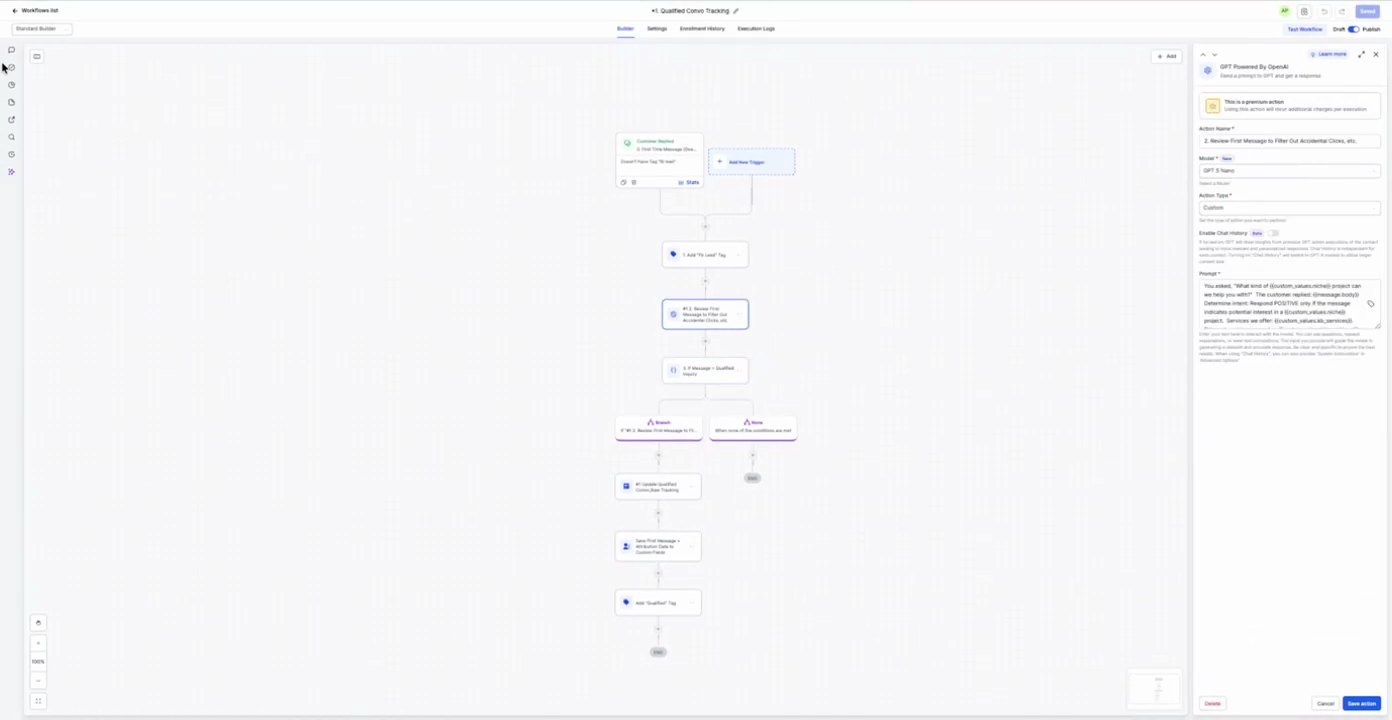
2. GPT Personality Update AI bot
Action Configuration Screenshot
09:36 · good09:37 · good09:38 · good
Field Map
Field
Extracted value
Confidence
Notes
Custom Field
GPT Users
high
Prompt / Message Text
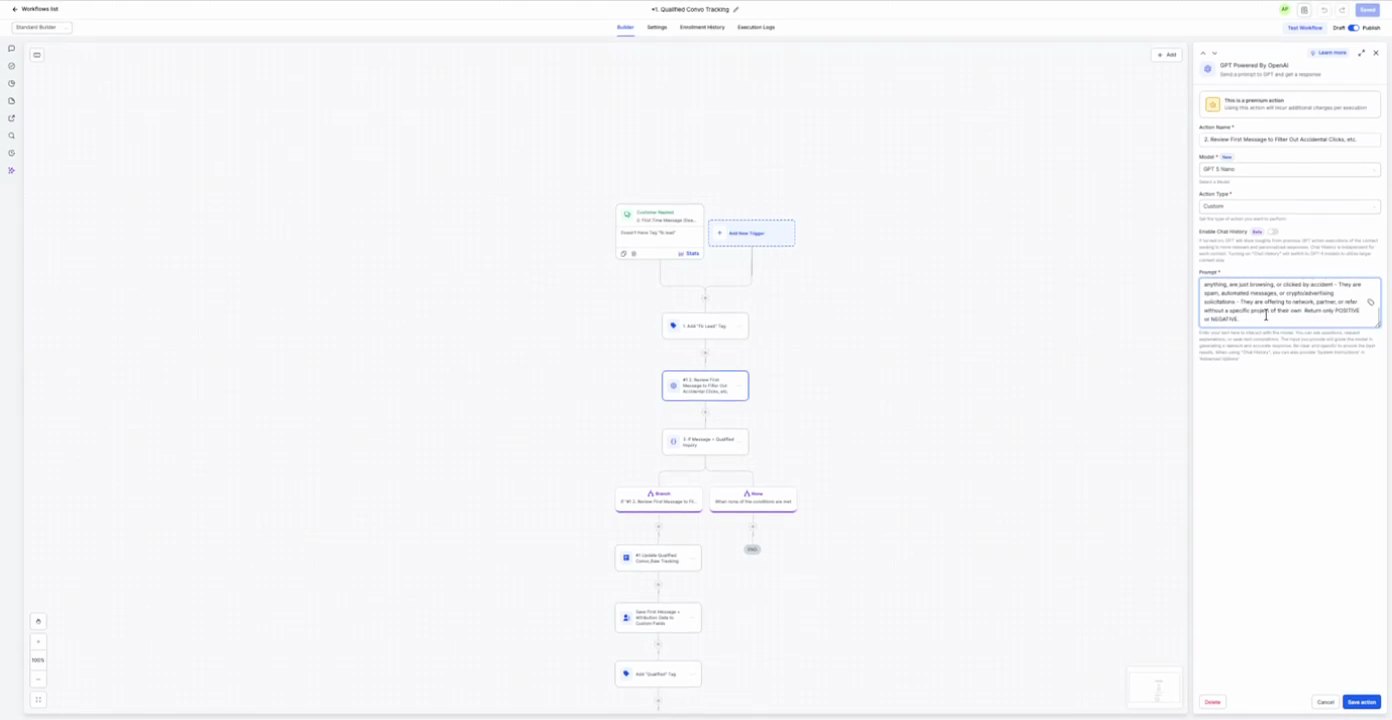
Review this message to filter for acceptable leads. These are leads that are looking for online courses, education, webinars, or coaching/mentoring. They are offering a service or product. They are looking for a solution to a problem. They are looking for a way to grow their business. Please respond with a single word: 'Qualified' if the lead meets one or more of the following criteria, otherwise respond with 'Unqualified'.
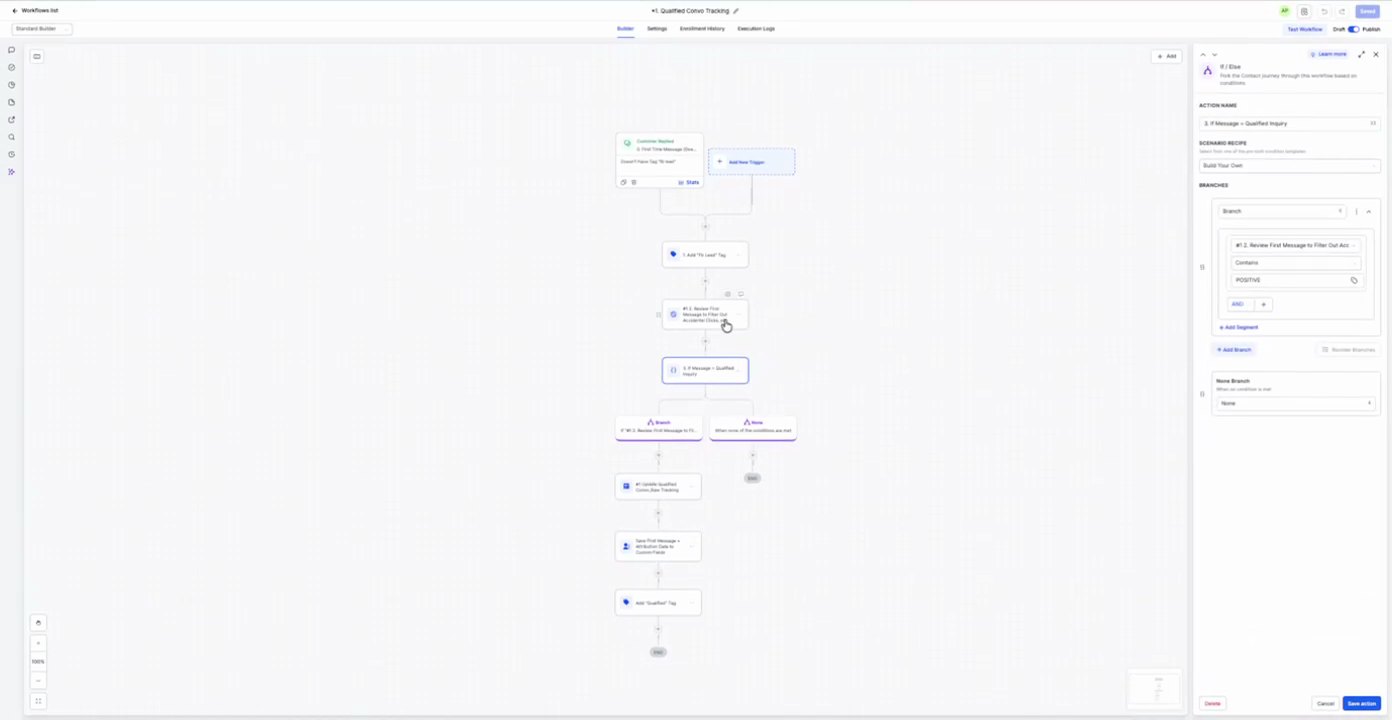
3. If/Else: GPT Personality If/Else
Action Configuration Screenshot
09:52 · good
Field Map
No field values captured.
Prompt / Message Text
Check if the contact has unsubscribed through the workflow or not.
4. Google Sheets Webhook
Action Configuration Screenshot
10:00 · withheld: Screenshot withheld because extracted fields include a redacted/sensitive-looking value.
10:01 · withheld: Screenshot withheld because extracted fields include a redacted/sensitive-looking value.
10:02 · withheld: Screenshot withheld because extracted fields include a redacted/sensitive-looking value.
Field Map
Field
Extracted value
Confidence
Notes
Account
[redacted secret]
high
Action
Create Spreadsheet Row
high
Spreadsheet
[redacted secret]
high
Worksheet
[redacted secret]
high
First Name
{{contact.first_name}}
high
Last Name
{{contact.last_name}}
high
Email
{{contact.email}}
high
Phone
{{contact.phone}}
high
Company
{{contact.company_name}}
high
Address
{{contact.address}}
high
City
{{contact.city}}
high
State
{{contact.state}}
high
Zip
{{contact.zip_code}}
high
Website
{{contact.website}}
high
Source
{{contact.source}}
high
UTM Source
{{contact.utm_source}}
high
UTM Medium
{{contact.utm_medium}}
high
UTM Campaign
{{contact.utm_campaign}}
high
UTM Content
{{contact.utm_content}}
high
UTM Term
{{contact.utm_term}}
high
Message
{{contact.message}}
high
Web URL
{{contact.web_url}}
high
Prompt / Message Text
Open a row in Google Sheets.
5. Add Qualified Tag Add Contact Tag
Action Configuration Screenshot
10:10 · good
Field Map
Field
Extracted value
Confidence
Notes
New Tag
Qualified
high
Prompt / Message Text
Add a tag to the contact.
5. Qualified Tag - Add Unqualified Users 3 actions
Purpose Tag unqualified users, log their details in Google Sheets, and mark their opportunities as lost.
Source time 08:00-12:00
Trigger Customer Register
Parent Workflow Screenshot
08:00 · good
Trigger Screenshot
08:00 · good
Trigger Setup Text
Creates a workflow contact when a new lead is created.
Actions
1. Add Tag Add Contact Tag
Action Configuration Screenshot
10:26 · good
Field Map
Field
Extracted value
Confidence
Notes
New Tag
Unqualified
high
Prompt / Message Text
Add a tag to the contact.
2. Google Sheets Webhook
Action Configuration Screenshot
10:30 · withheld: Screenshot withheld because extracted fields include a redacted/sensitive-looking value.
10:31 · withheld: Screenshot withheld because extracted fields include a redacted/sensitive-looking value.
10:32 · withheld: Screenshot withheld because extracted fields include a redacted/sensitive-looking value.
Field Map
Field
Extracted value
Confidence
Notes
Account
[redacted secret]
high
Action
Create Spreadsheet Row
high
Spreadsheet
[redacted secret]
high
Worksheet
[redacted secret]
high
First Name
{{contact.first_name}}
high
Last Name
{{contact.last_name}}
high
Email
{{contact.email}}
high
Phone
{{contact.phone}}
high
Company
{{contact.company_name}}
high
Address
{{contact.address}}
high
City
{{contact.city}}
high
State
{{contact.state}}
high
Zip
{{contact.zip_code}}
high
Website
{{contact.website}}
high
Source
{{contact.source}}
high
UTM Source
{{contact.utm_source}}
high
UTM Medium
{{contact.utm_medium}}
high
UTM Campaign
{{contact.utm_campaign}}
high
UTM Content
{{contact.utm_content}}
high
UTM Term
{{contact.utm_term}}
high
Message
{{contact.message}}
high
Web URL
{{contact.web_url}}
high
Prompt / Message Text
Open a row in Google Sheets.
3. Create Opportunity Create Opportunity
Action Configuration Screenshot
10:46 · good10:47 · good10:48 · good
Field Map
Field
Extracted value
Confidence
Notes
Pipeline
[not readable in recording]
low
Pipeline Stage
[not readable in recording]
low
Status
Lost
high
Opportunity Name
[not readable in recording]
low
Lead Value
[not readable in recording]
low
Source
[not readable in recording]
low
Assigned To
[not readable in recording]
low
Contact
[not readable in recording]
low
Company
[not readable in recording]
low
Prompt / Message Text
Create a new or update existing opportunity.
6. Manual Transfer Tracking 4 actions
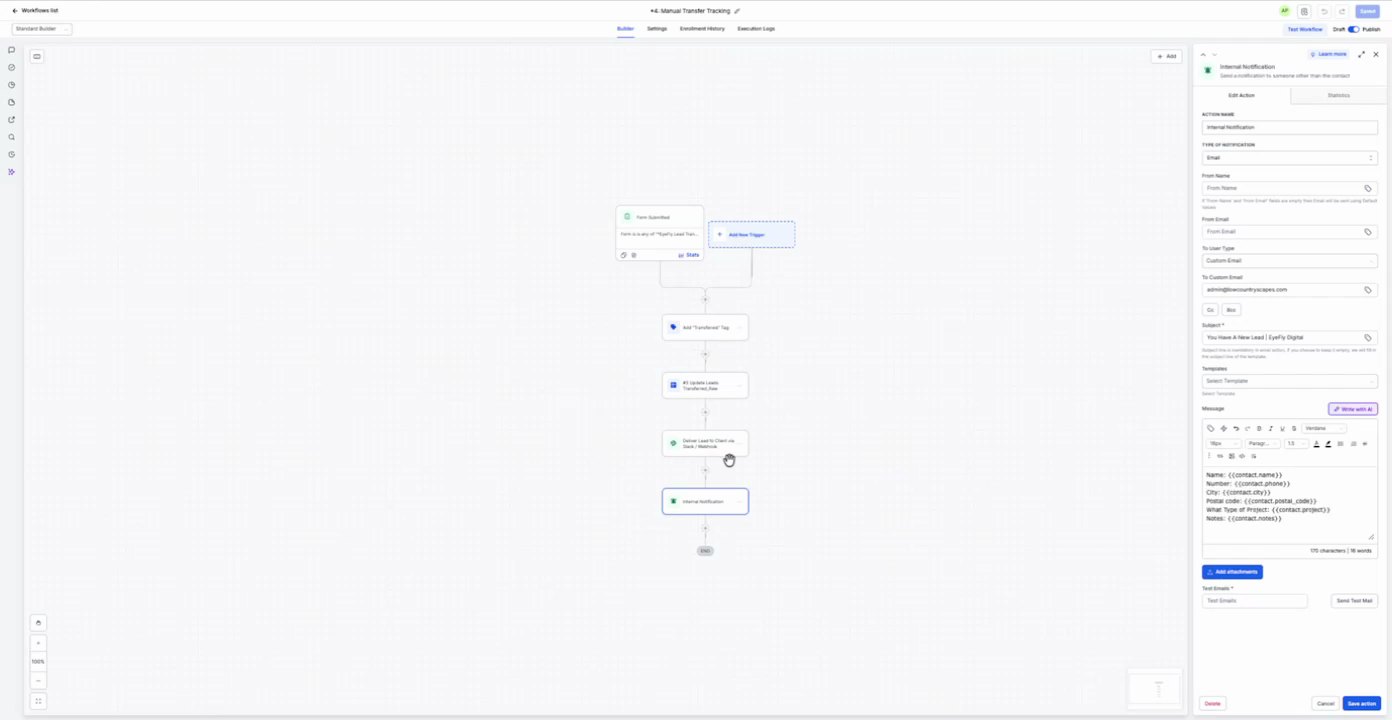
Purpose Handle manually transferred leads by sending internal notifications and SMS messages, and logging details in Google Sheets.
Source time 08:00-12:00
Trigger Manual Transfer
Parent Workflow Screenshot
08:00 · good
Trigger Screenshot
08:00 · good
Trigger Setup Text
Creates a workflow contact when a new lead is created.
Actions
1. Internal Notification Internal Notification
Action Configuration Screenshot
11:12 · withheld: Screenshot withheld because extracted fields include a redacted/sensitive-looking value.
11:13 · withheld: Screenshot withheld because extracted fields include a redacted/sensitive-looking value.
11:14 · withheld: Screenshot withheld because extracted fields include a redacted/sensitive-looking value.
Field Map
Field
Extracted value
Confidence
Notes
User Type
Custom Email
high
Send To
[redacted secret]
high
Subject
You have a new lead! (Traffic Name)
high
Prompt / Message Text
Name: {{contact.name}}
Number: {{contact.phone}}
Email: {{contact.email}}
What Type of Project: {{contact.projects}}
Notes: {{contact.notes}}
2. Send Message Send SMS
Action Configuration Screenshot
11:18 · good
Field Map
No field values captured.
Prompt / Message Text
Name: {{contact.name}}
Number: {{contact.phone}}
Email: {{contact.email}}
What Type of Project: {{contact.projects}}
Notes: {{contact.notes}}
3. Google Sheets Webhook
Action Configuration Screenshot
11:22 · withheld: Screenshot withheld because extracted fields include a redacted/sensitive-looking value.
11:23 · withheld: Screenshot withheld because extracted fields include a redacted/sensitive-looking value.
11:24 · withheld: Screenshot withheld because extracted fields include a redacted/sensitive-looking value.
Field Map
Field
Extracted value
Confidence
Notes
Account
[redacted secret]
high
Action
Create Spreadsheet Row
high
Spreadsheet
[redacted secret]
high
Worksheet
[redacted secret]
high
First Name
{{contact.first_name}}
high
Last Name
{{contact.last_name}}
high
Email
{{contact.email}}
high
Phone
{{contact.phone}}
high
Company
{{contact.company_name}}
high
Address
{{contact.address}}
high
City
{{contact.city}}
high
State
{{contact.state}}
high
Zip
{{contact.zip_code}}
high
Website
{{contact.website}}
high
Source
{{contact.source}}
high
UTM Source
{{contact.utm_source}}
high
UTM Medium
{{contact.utm_medium}}
high
UTM Campaign
{{contact.utm_campaign}}
high
UTM Content
{{contact.utm_content}}
high
UTM Term
{{contact.utm_term}}
high
Message
{{contact.message}}
high
Web URL
{{contact.web_url}}
high
Prompt / Message Text
Open a row in Google Sheets.
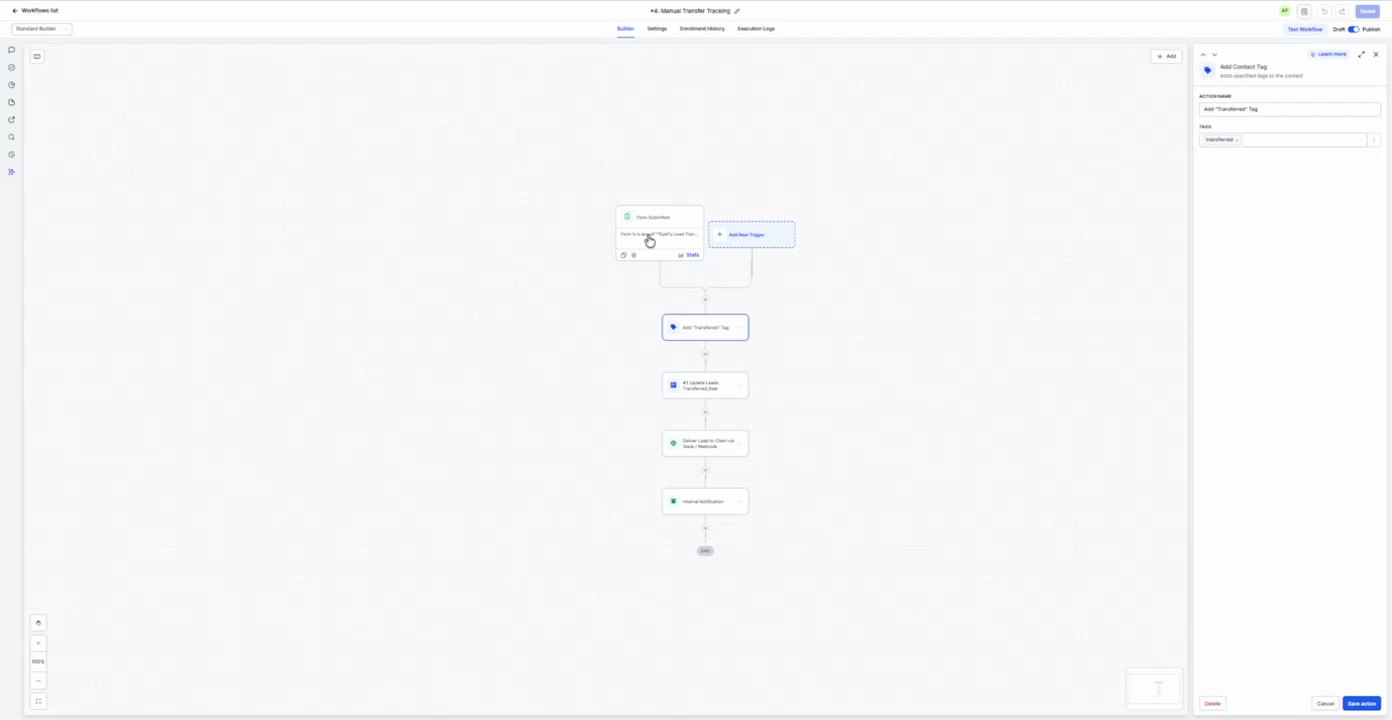
4. Add Transfer Tag Add Contact Tag
Action Configuration Screenshot
11:40 · good
Field Map
Field
Extracted value
Confidence
Notes
New Tag
Transferred
high
Prompt / Message Text
Add a tag to the contact.
7. +4 App Transfer Tracking 28 actions
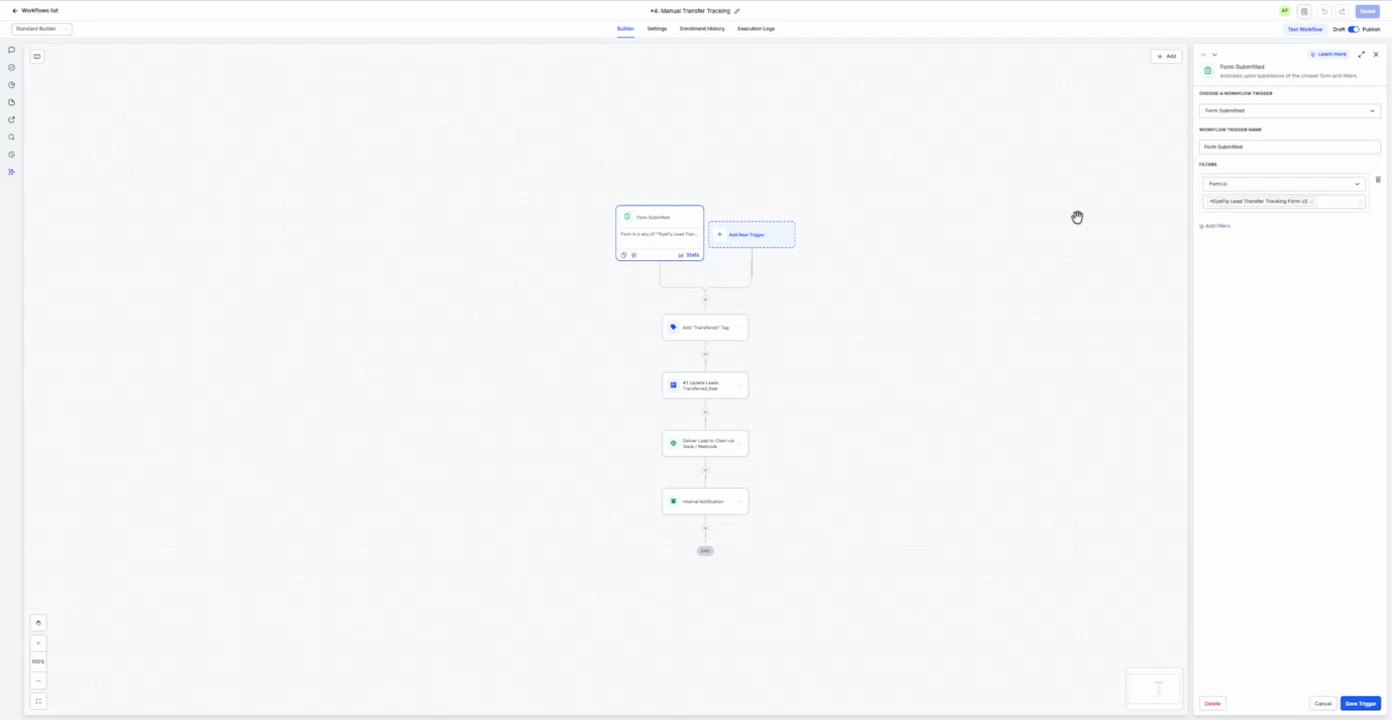
Purpose To track and process leads from a specific form submission, extract key information using AI, update contact fields, and then notify internal teams and create an opportunity.
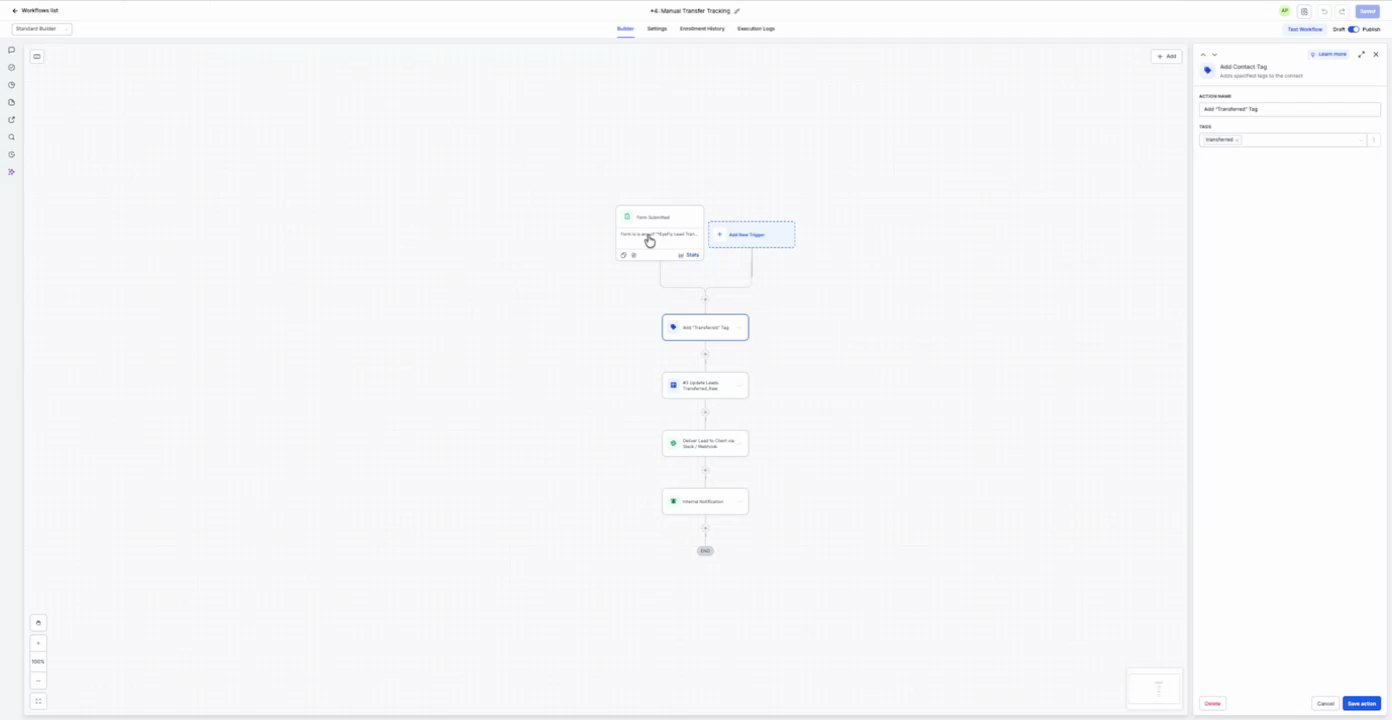
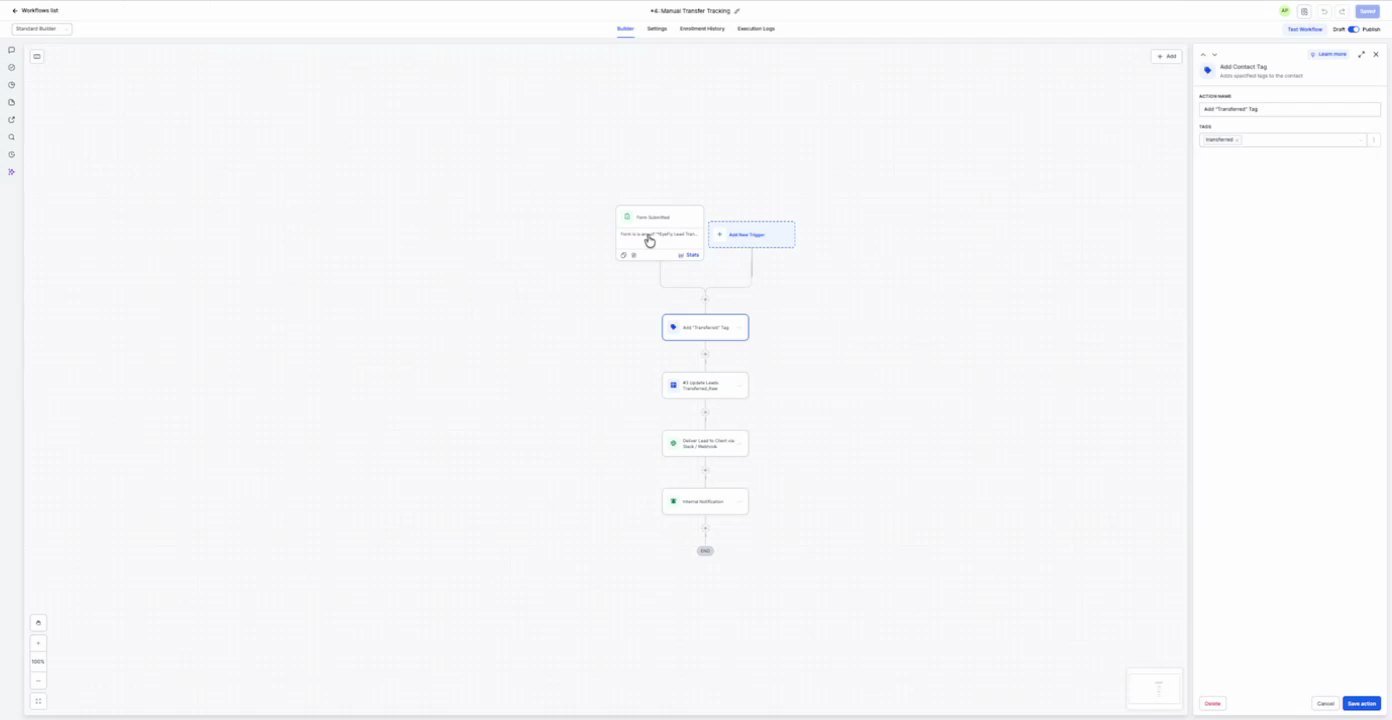
Source time 12:00-16:00
Trigger Form Submitted
Parent Workflow Screenshot
12:00 · good
Trigger Screenshot
12:00 · good
Trigger Setup Text
Form Submitted
Actions
1. Add Contact Tag Add Contact Tag
Action Configuration Screenshot
12:02 · good
Field Map
Field
Extracted value
Confidence
Notes
Tag
App Transfer Tag
high
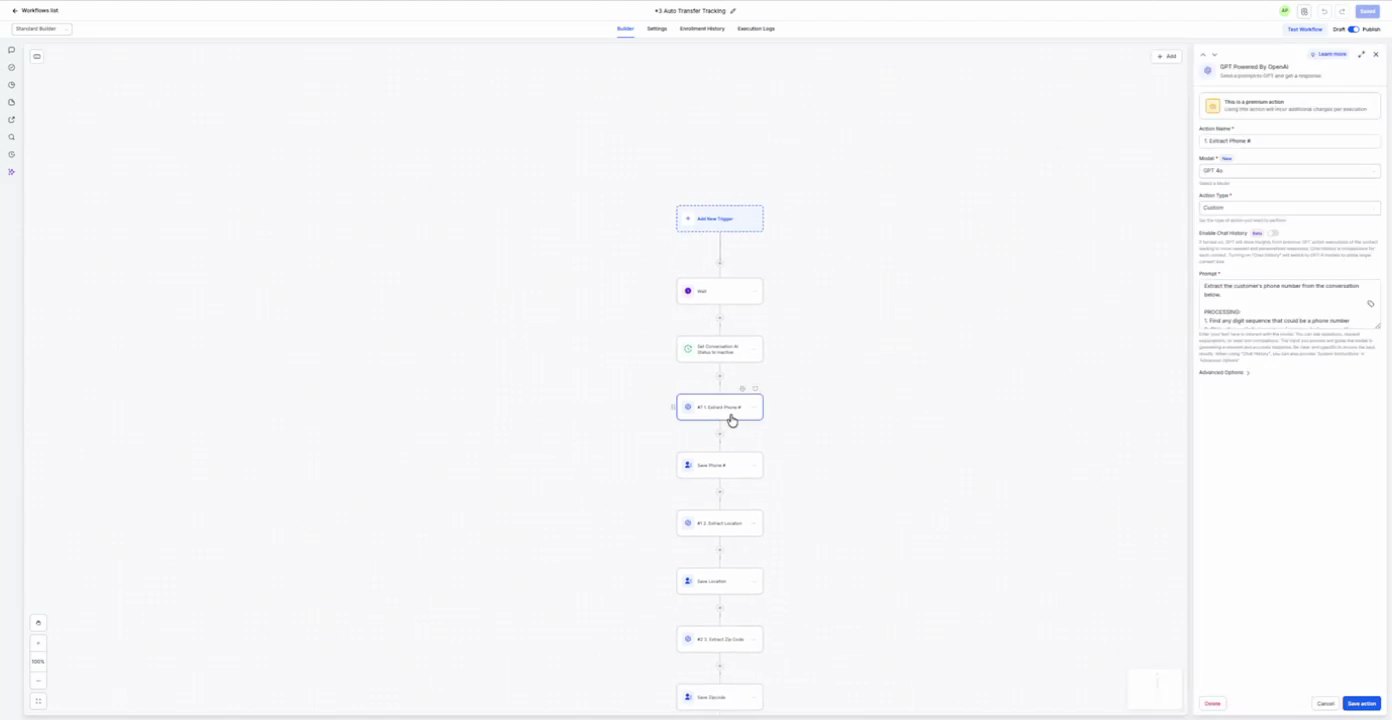
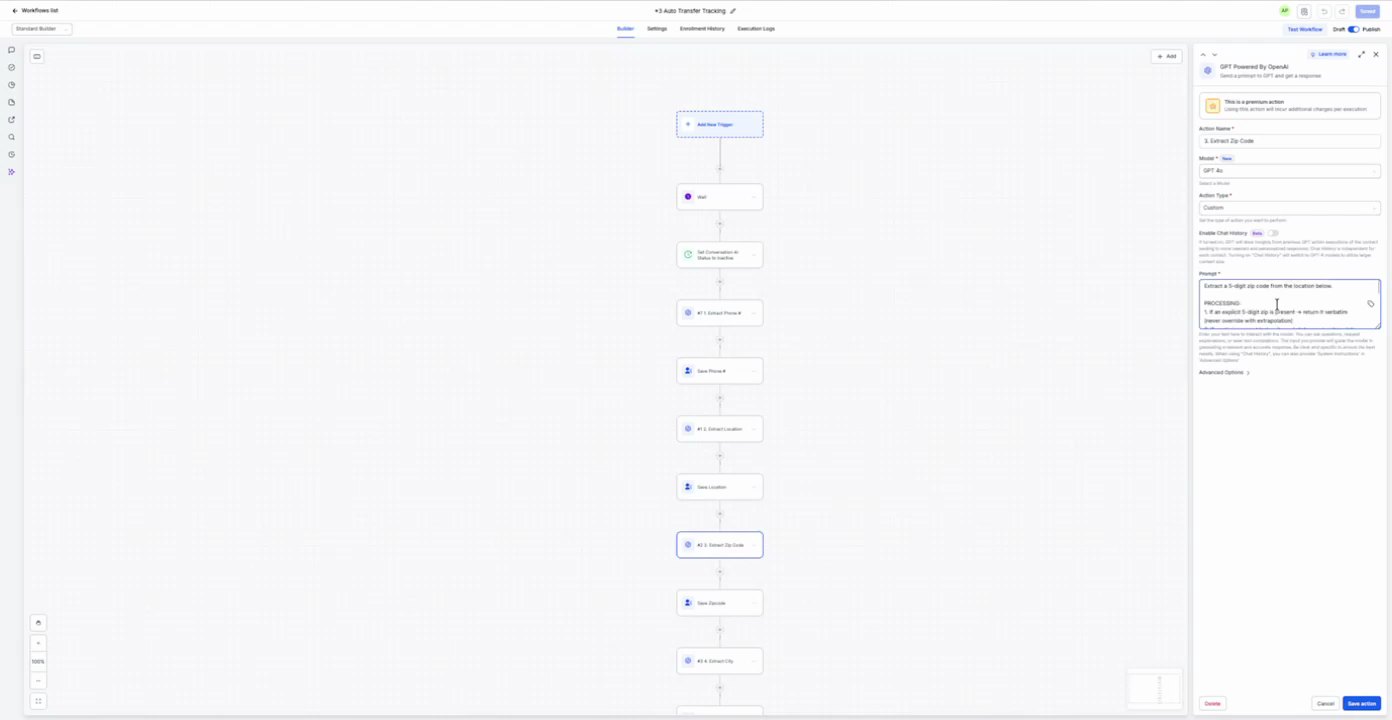
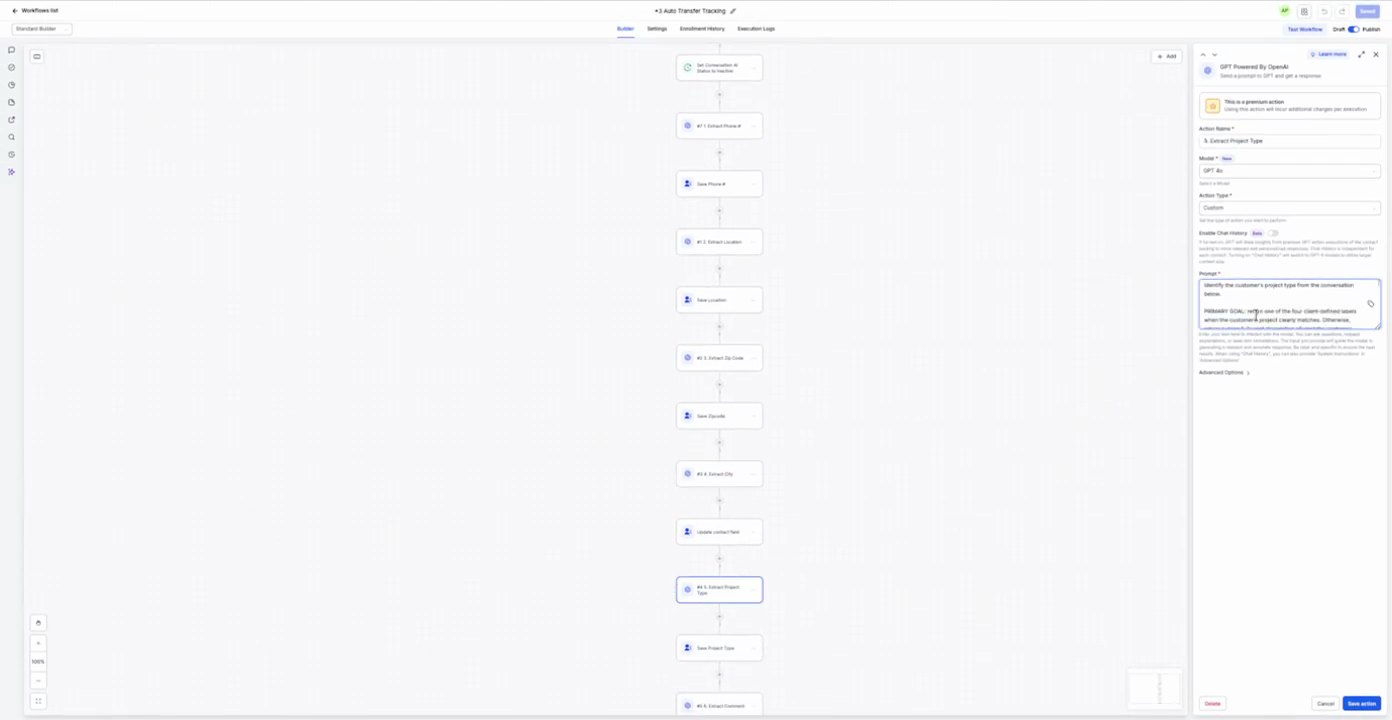
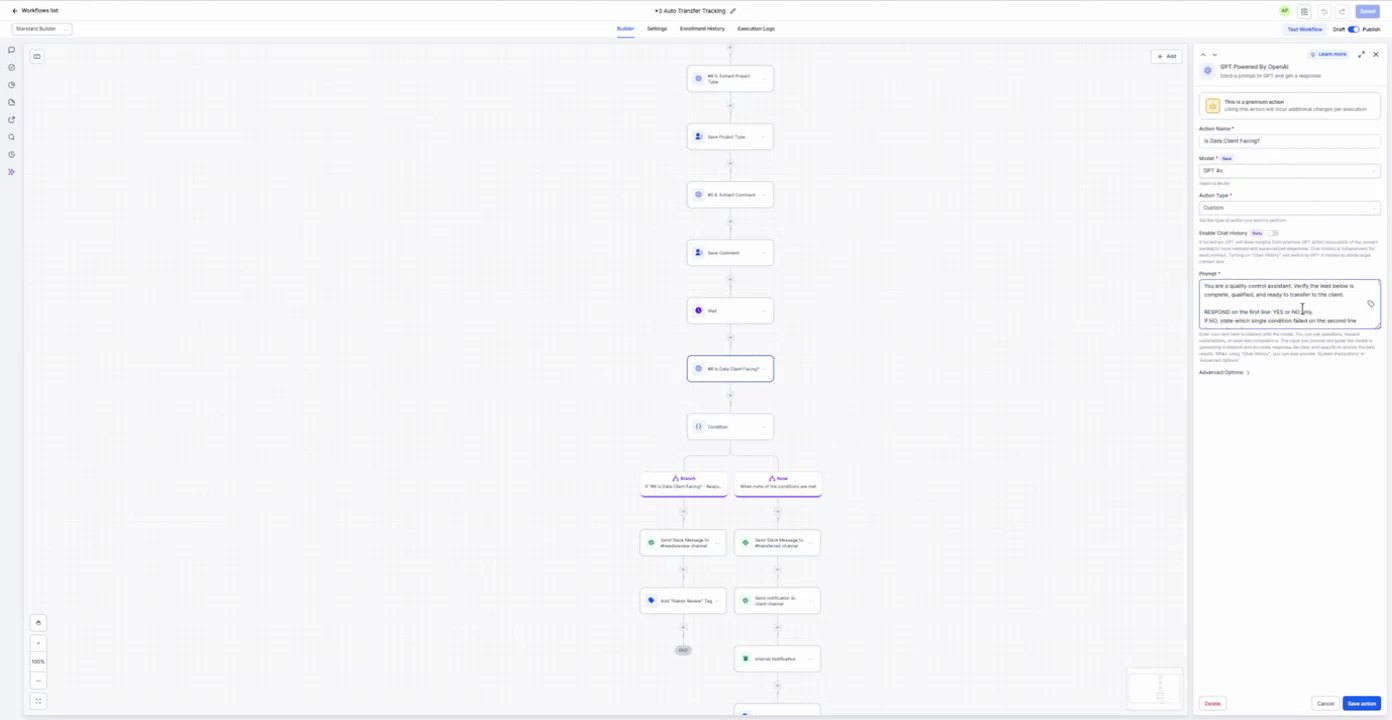
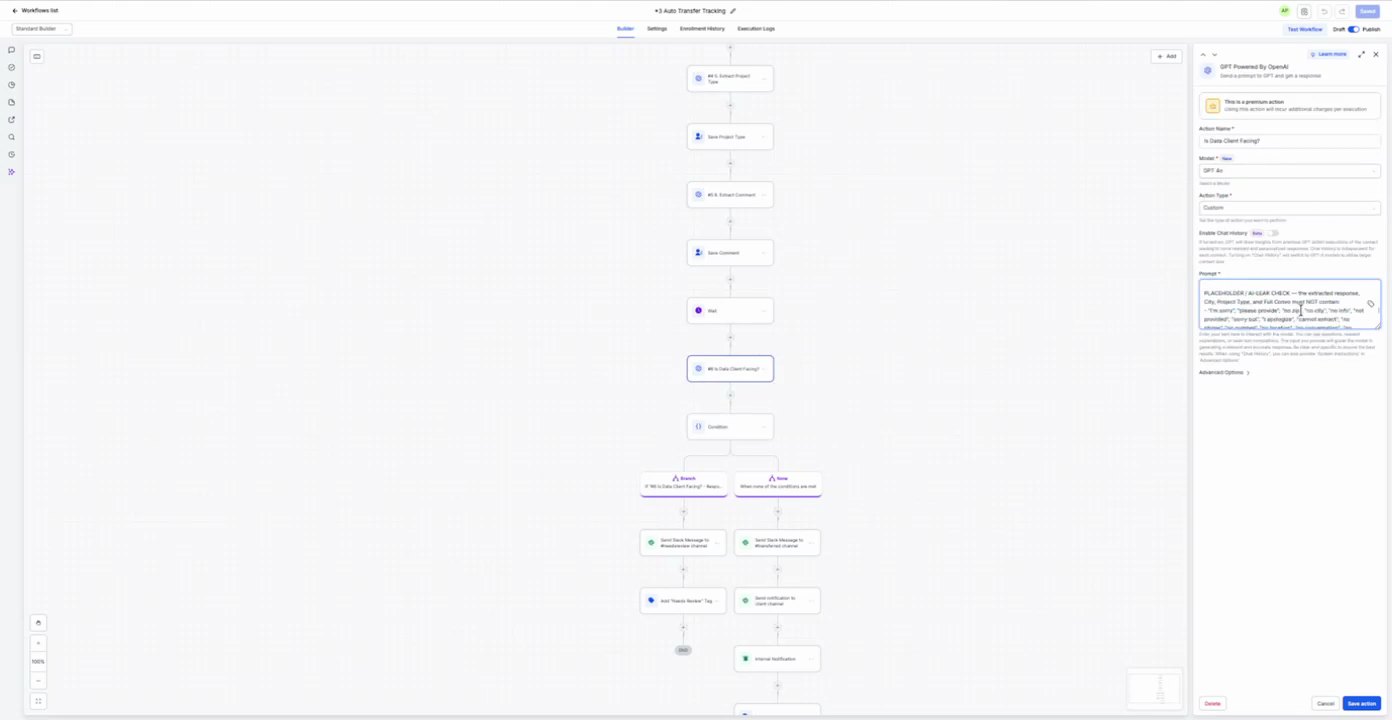
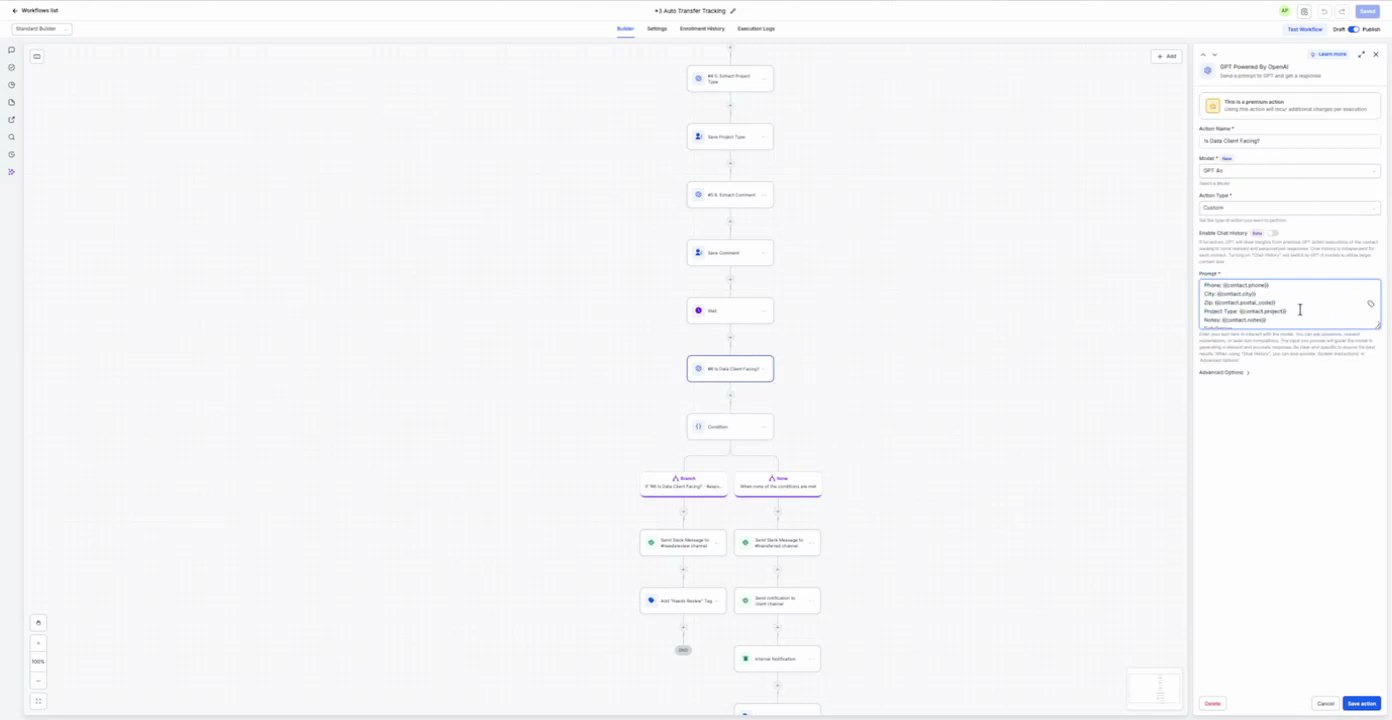
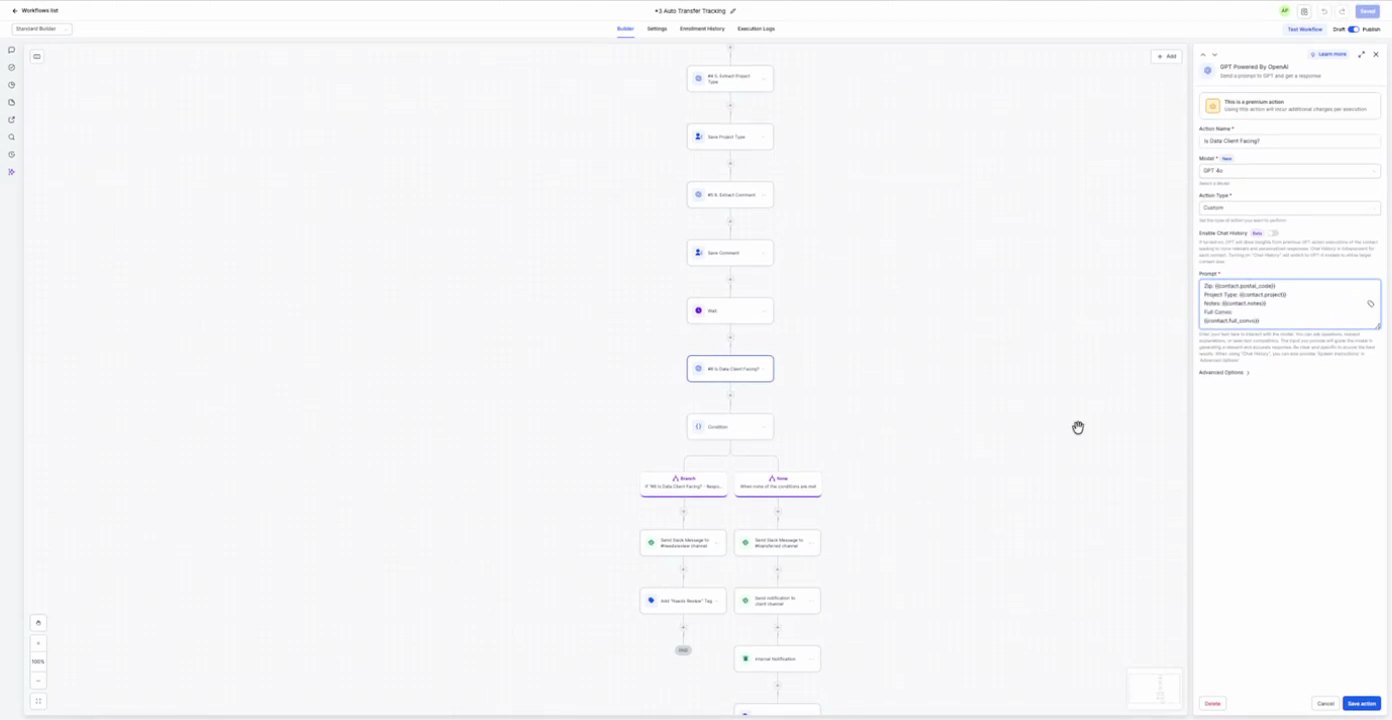
2. 1. Extract Client Info GPT Personalization
Action Configuration Screenshot
12:13 · good
Field Map
Field
Extracted value
Confidence
Notes
Model
GPT-4o
high
Action Type
Extract
high
Conversation
{{workflow.form_submission.message}}
high
Response format
{
"phone_number": "string"
}
high
Prompt / Message Text
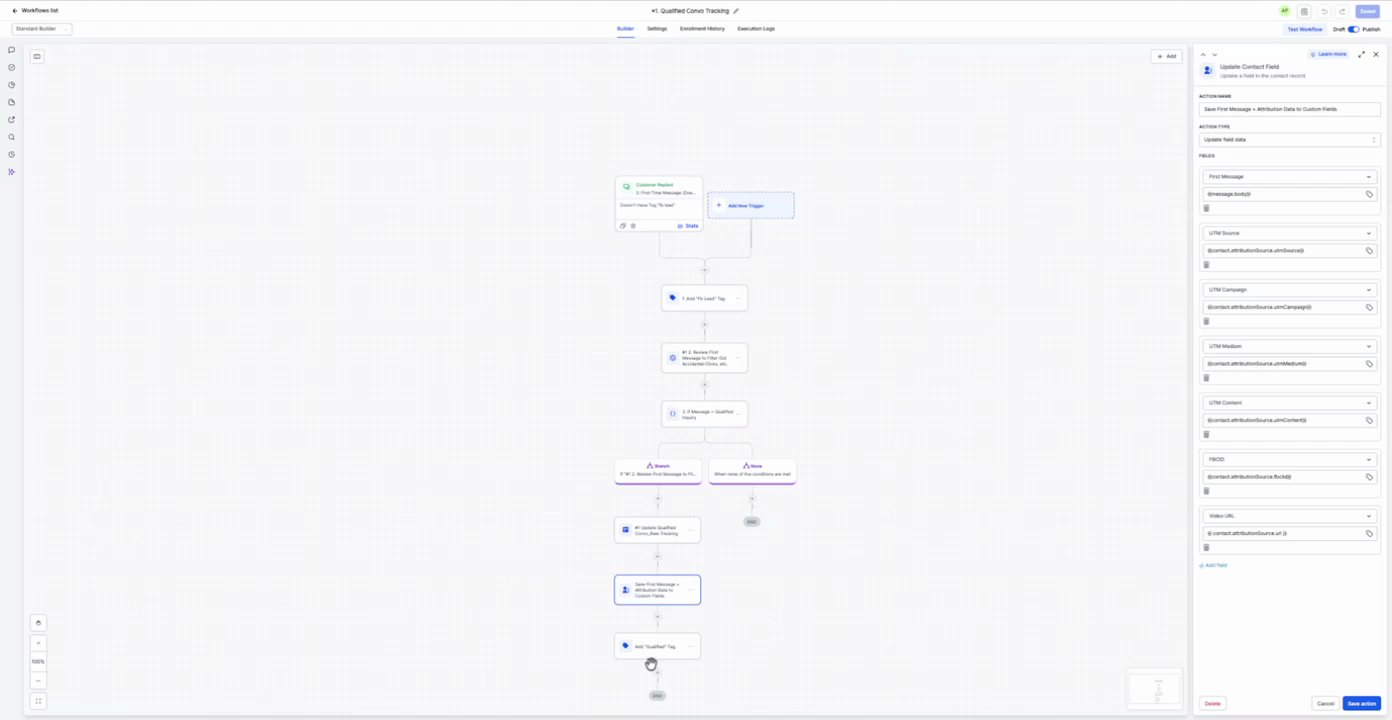
Extract the customer's phone number from the conversation history. If no phone number is found, return 'UNKNOWN'. If multiple phone numbers are found, return the most recent one. If the customer provides a phone number that is not a valid US phone number, return 'INVALID'. If the customer provides a phone number that is a valid US phone number, return the phone number.
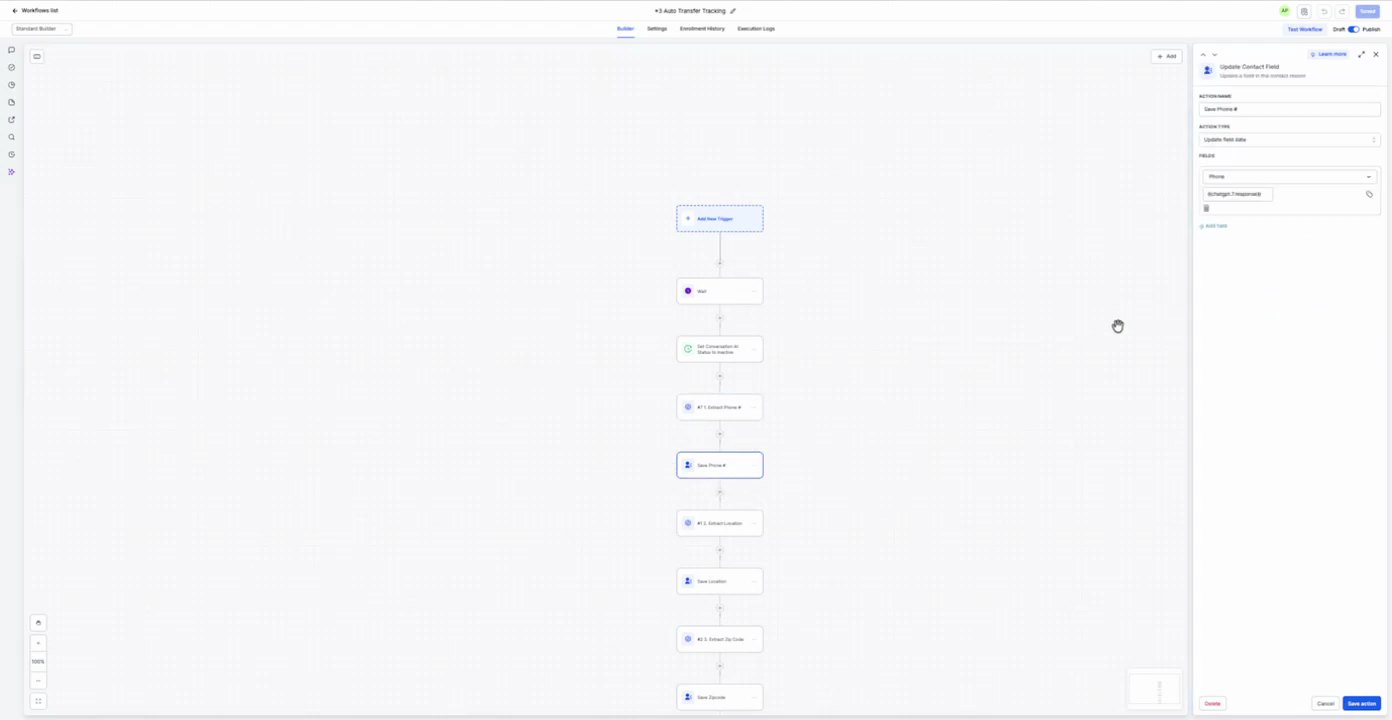
3. Update Phone # Update Contact Field
Action Configuration Screenshot
12:25 · good
Field Map
Field
Extracted value
Confidence
Notes
Custom Field
Phone #
high
Value
{{steps.1-extract-client-info.phone_number}}
high
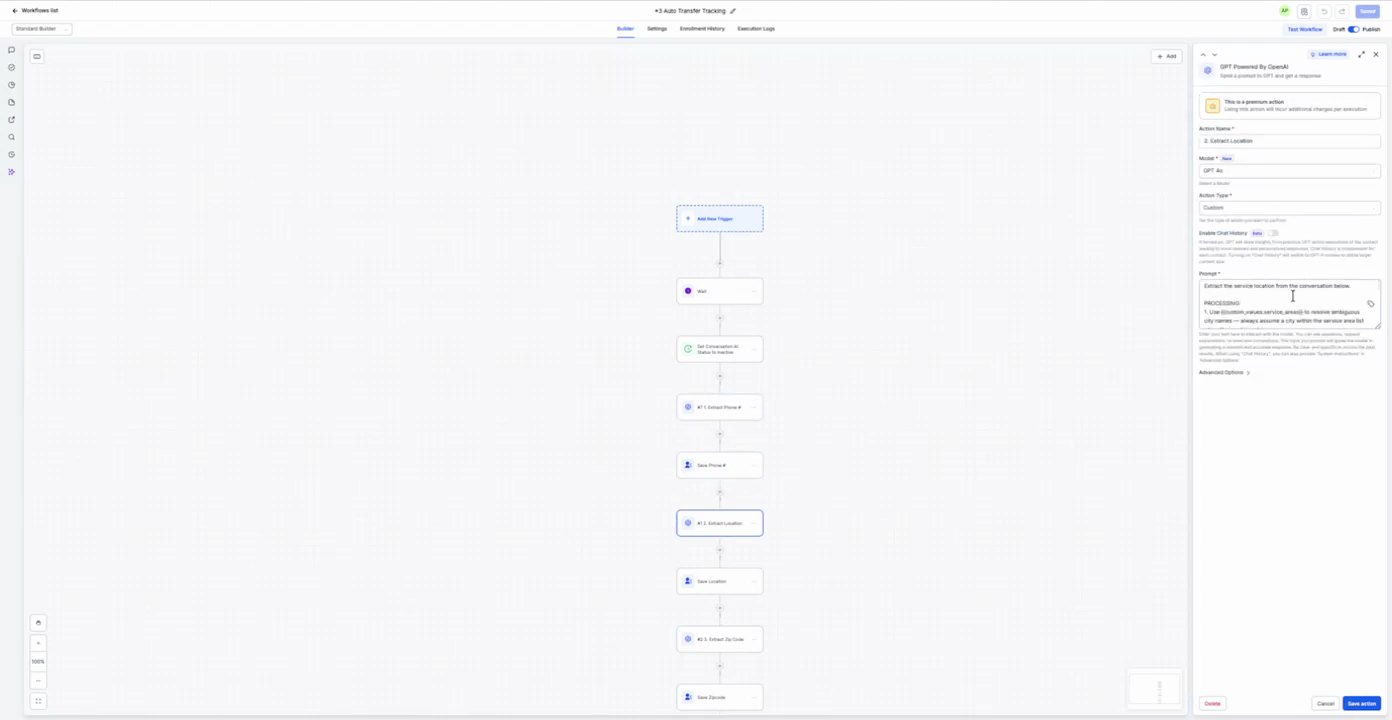
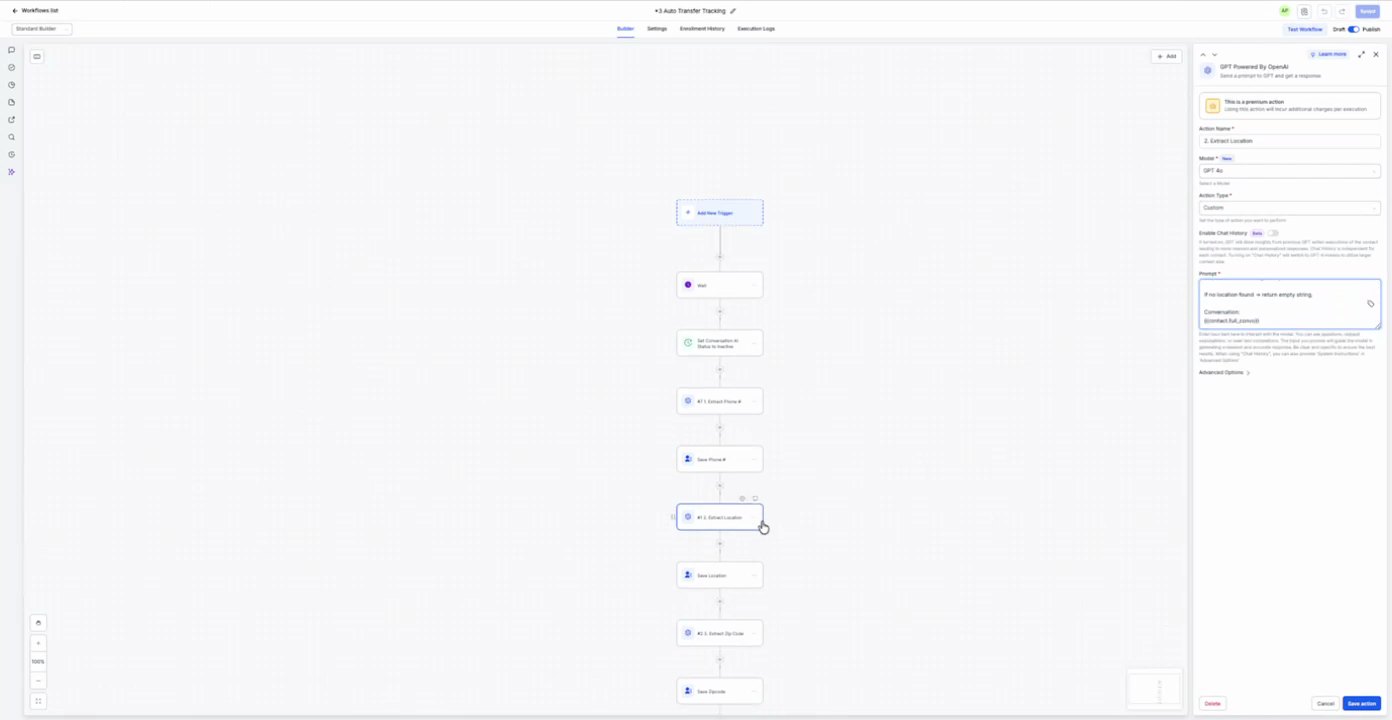
4. 2. Extract Location GPT Personalization
Action Configuration Screenshot
12:28 · good
Field Map
Field
Extracted value
Confidence
Notes
Model
GPT-4o
high
Action Type
Extract
high
Conversation
{{workflow.form_submission.message}}
high
Response format
{
"location": "string"
}
high
Prompt / Message Text
Extract the customer's location from the conversation history. If no location is found, return 'UNKNOWN'. If multiple locations are found, return the most recent one. If the customer provides a location, return the location.
5. Update Location Update Contact Field
Action Configuration Screenshot
12:38 · good
Field Map
Field
Extracted value
Confidence
Notes
Custom Field
Location
high
Value
{{steps.2-extract-location.location}}
high
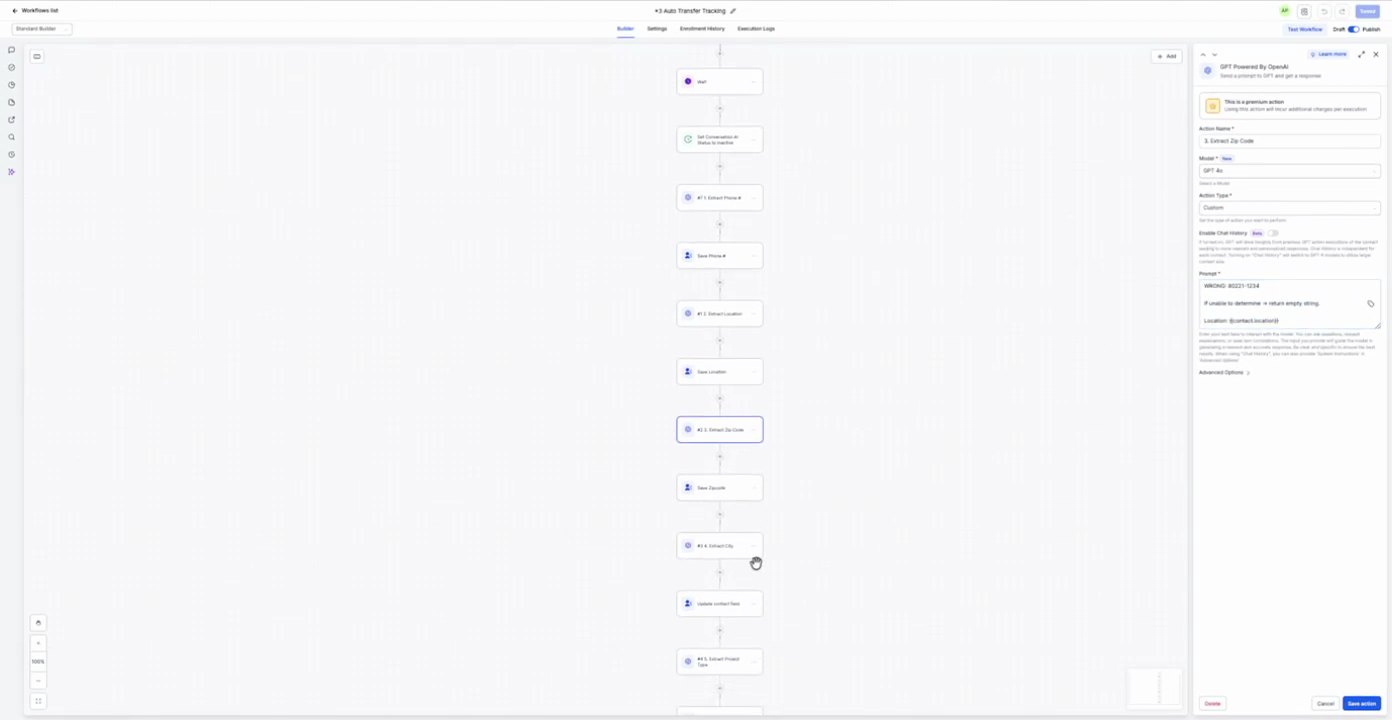
6. 3. Extract Zip Code GPT Personalization
Action Configuration Screenshot
12:40 · good
Field Map
Field
Extracted value
Confidence
Notes
Model
GPT-4o
high
Action Type
Extract
high
Conversation
{{workflow.form_submission.message}}
high
Response format
{
"zip_code": "string"
}
high
Prompt / Message Text
Extract the customer's zip code from the conversation history. If no zip code is found, return 'UNKNOWN'. If multiple zip codes are found, return the most recent one. If the customer provides a zip code, return the zip code.
7. Update Zip Code Update Contact Field
Action Configuration Screenshot
12:48 · good
Field Map
Field
Extracted value
Confidence
Notes
Custom Field
Zip Code
high
Value
{{steps.3-extract-zip-code.zip_code}}
high
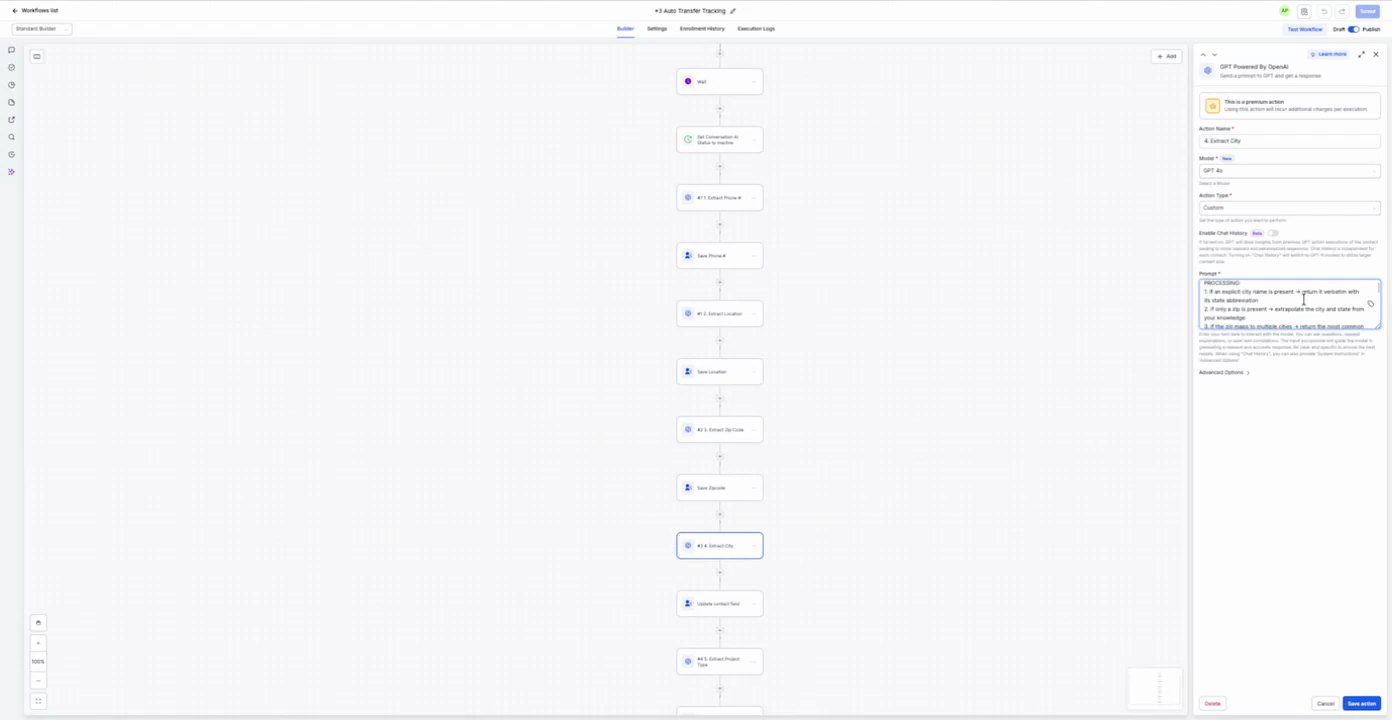
8. 4. Extract City GPT Personalization
Action Configuration Screenshot
12:50 · good
Field Map
Field
Extracted value
Confidence
Notes
Model
GPT-4o
high
Action Type
Extract
high
Conversation
{{workflow.form_submission.message}}
high
Response format
{
"city": "string"
}
high
Prompt / Message Text
Extract the customer's city from the conversation history. If no city is found, return 'UNKNOWN'. If multiple cities are found, return the most recent one. If the customer provides a city, return the city.
9. Update City Update Contact Field
Action Configuration Screenshot
12:54 · good
Field Map
Field
Extracted value
Confidence
Notes
Custom Field
City
high
Value
{{steps.4-extract-city.city}}
high
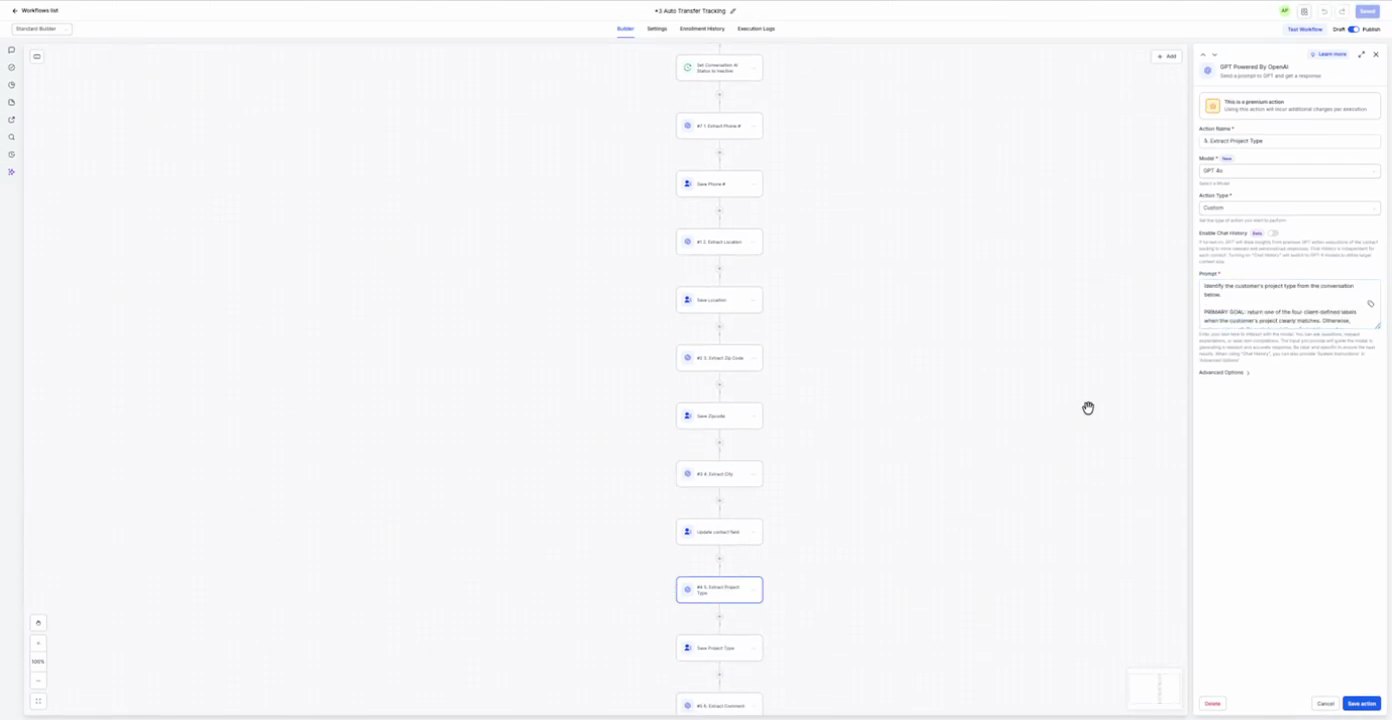
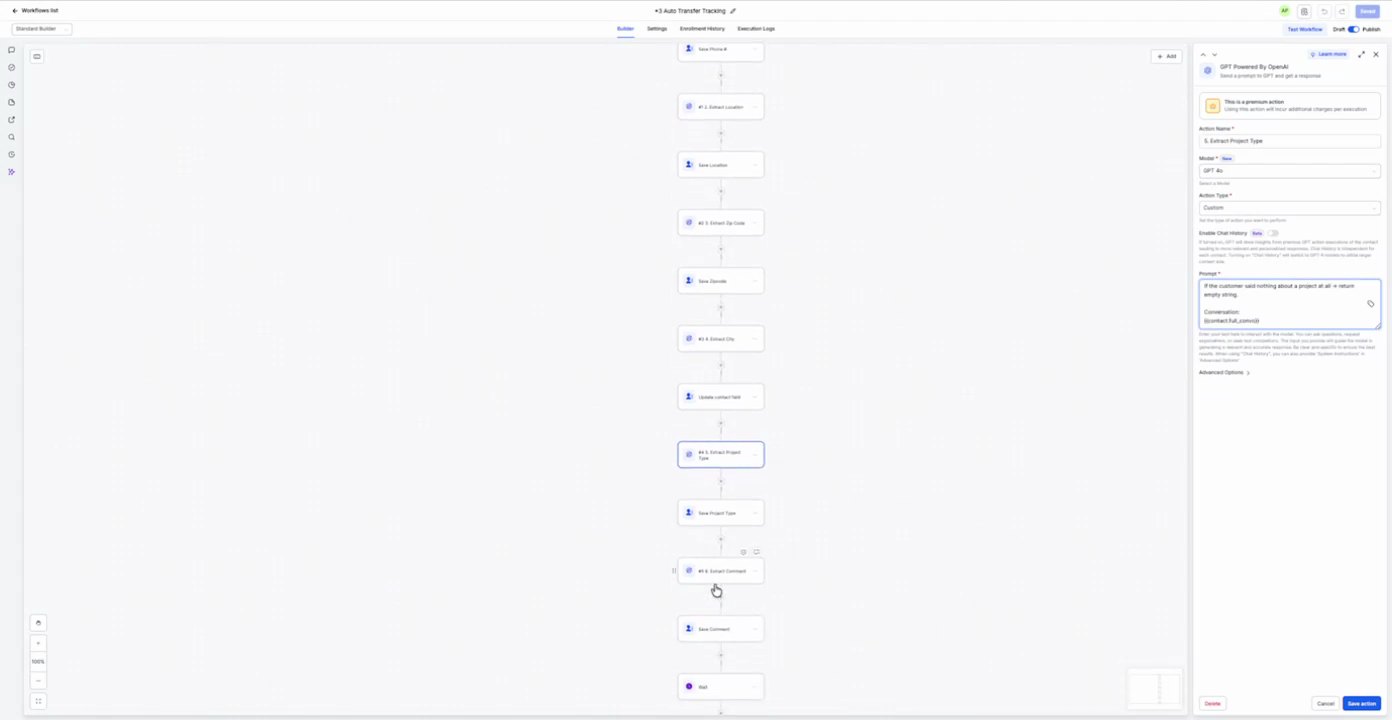
10. 5. Extract Project Type GPT Personalization
Action Configuration Screenshot
12:55 · good
Field Map
Field
Extracted value
Confidence
Notes
Model
GPT-4o
high
Action Type
Extract
high
Conversation
{{workflow.form_submission.message}}
high
Response format
{
"project_type": "string"
}
high
Prompt / Message Text
Extract the customer's project type from the conversation history. If no project type is found, return 'UNKNOWN'. If multiple project types are found, return the most recent one. If the customer provides a project type, return the project type.
11. Update Project Type Update Contact Field
Action Configuration Screenshot
13:01 · good
Field Map
Field
Extracted value
Confidence
Notes
Custom Field
Project Type
high
Value
{{steps.5-extract-project-type.project_type}}
high
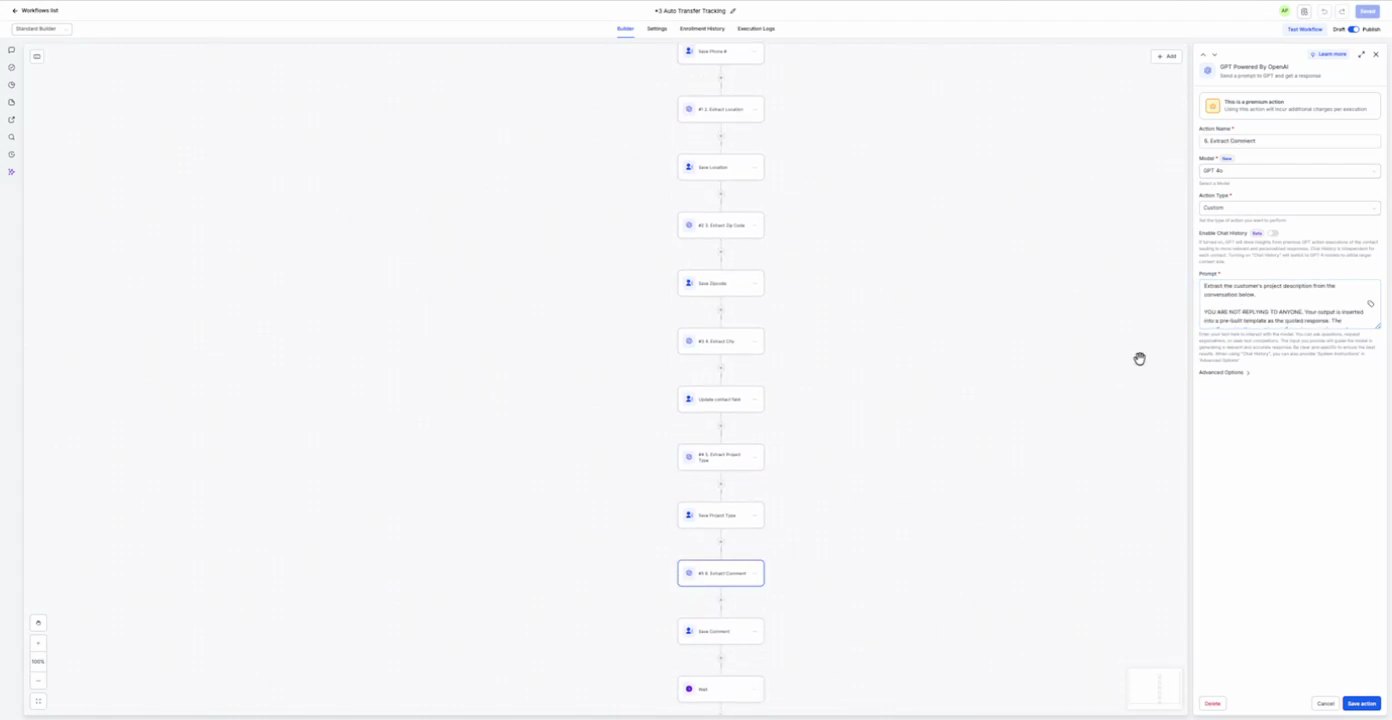
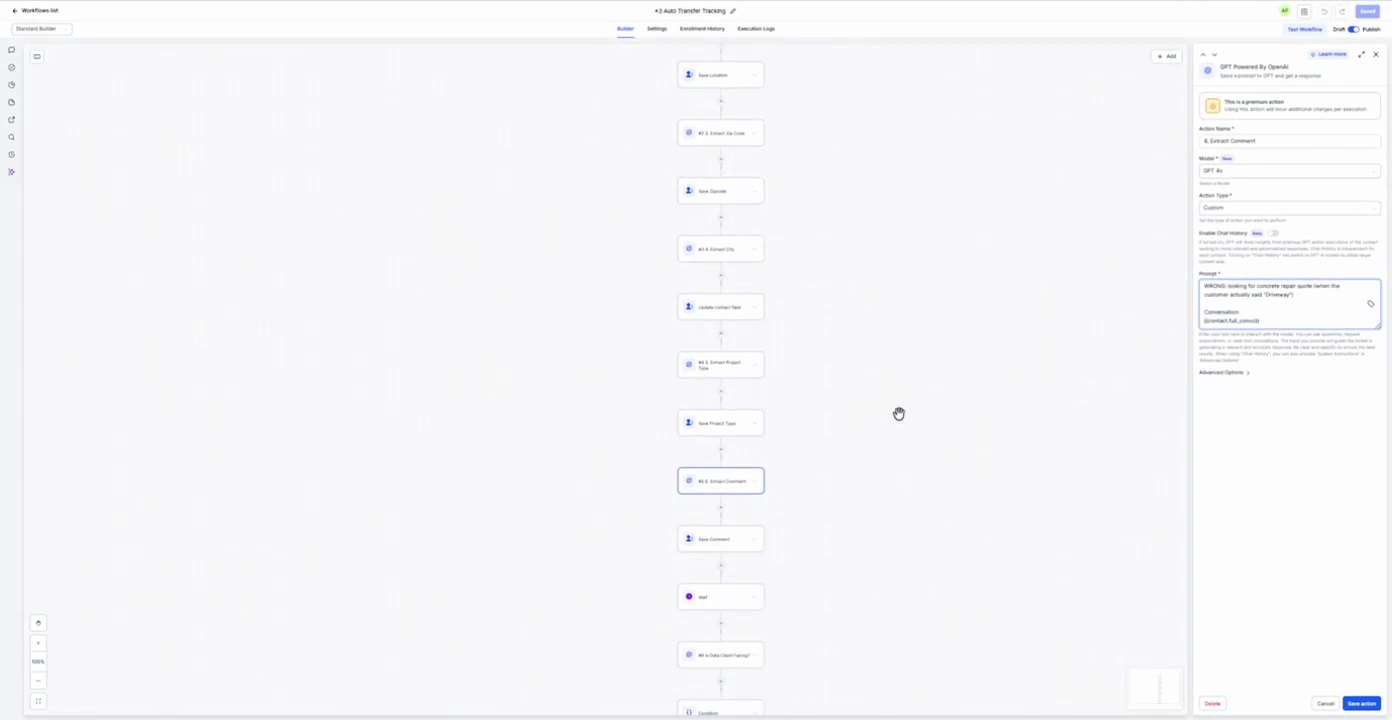
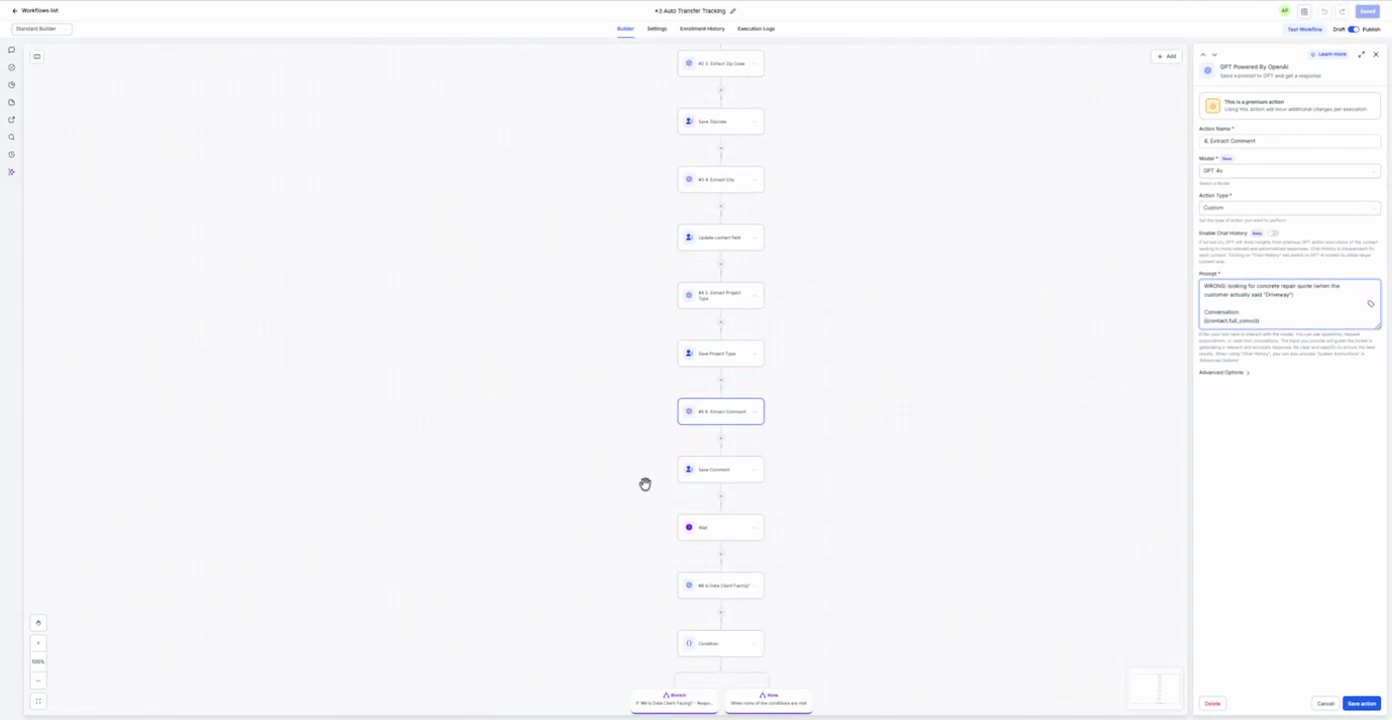
12. 6. Extract Comment GPT Personalization
Action Configuration Screenshot
13:03 · good
Field Map
Field
Extracted value
Confidence
Notes
Model
GPT-4o
high
Action Type
Extract
high
Conversation
{{workflow.form_submission.message}}
high
Response format
{
"comment": "string"
}
high
Prompt / Message Text
Extract the customer's comment from the conversation history. If no comment is found, return 'UNKNOWN'. If multiple comments are found, return the most recent one. If the customer provides a comment, return the comment.
13. Update Comment Update Contact Field
Action Configuration Screenshot
13:08 · good
Field Map
Field
Extracted value
Confidence
Notes
Custom Field
Comment
high
Value
{{steps.6-extract-comment.comment}}
high
14. 7. Extract Client Name GPT Personalization
Action Configuration Screenshot
13:09 · good
Field Map
Field
Extracted value
Confidence
Notes
Model
GPT-4o
high
Action Type
Extract
high
Conversation
{{workflow.form_submission.message}}
high
Response format
{
"name": "string"
}
high
Prompt / Message Text
Extract the customer's name from the conversation history. If no name is found, return 'UNKNOWN'. If multiple names are found, return the most recent one. If the customer provides a name, return the name.
15. Update Name Update Contact Field
Action Configuration Screenshot
13:15 · good
Field Map
Field
Extracted value
Confidence
Notes
Custom Field
Name
high
Value
{{steps.7-extract-client-name.name}}
high
16. 8. Extract Project Type GPT Personalization
Action Configuration Screenshot
13:16 · good
Field Map
Field
Extracted value
Confidence
Notes
Model
GPT-4o
high
Action Type
Extract
high
Conversation
{{workflow.form_submission.message}}
high
Response format
{
"project_type": "string"
}
high
Prompt / Message Text
Extract the customer's project type from the conversation history. If no project type is found, return 'UNKNOWN'. If multiple project types are found, return the most recent one. If the customer provides a project type, return the project type.
17. Update Project Type Update Contact Field
Action Configuration Screenshot
13:20 · good
Field Map
Field
Extracted value
Confidence
Notes
Custom Field
Project Type
high
Value
{{steps.8-extract-project-type.project_type}}
high
18. 9. Extract Comment GPT Personalization
Action Configuration Screenshot
13:21 · good
Field Map
Field
Extracted value
Confidence
Notes
Model
GPT-4o
high
Action Type
Extract
high
Conversation
{{workflow.form_submission.message}}
high
Response format
{
"comment": "string"
}
high
Prompt / Message Text
Extract the customer's comment from the conversation history. If no comment is found, return 'UNKNOWN'. If multiple comments are found, return the most recent one. If the customer provides a comment, return the comment.
19. Update Comment Update Contact Field
Action Configuration Screenshot
13:24 · good
Field Map
Field
Extracted value
Confidence
Notes
Custom Field
Comment
high
Value
{{steps.9-extract-comment.comment}}
high
20. 10. Extract Project Type GPT Personalization
Action Configuration Screenshot
13:25 · good
Field Map
Field
Extracted value
Confidence
Notes
Model
GPT-4o
high
Action Type
Extract
high
Conversation
{{workflow.form_submission.message}}
high
Response format
{
"project_type": "string"
}
high
Prompt / Message Text
Extract the customer's project type from the conversation history. If no project type is found, return 'UNKNOWN'. If multiple project types are found, return the most recent one. If the customer provides a project type, return the project type.
21. Update Project Type Update Contact Field
Action Configuration Screenshot
13:29 · good
Field Map
Field
Extracted value
Confidence
Notes
Custom Field
Project Type
high
Value
{{steps.10-extract-project-type.project_type}}
high
22. 11. Extract Comment GPT Personalization
Action Configuration Screenshot
13:30 · good
Field Map
Field
Extracted value
Confidence
Notes
Model
GPT-4o
high
Action Type
Extract
high
Conversation
{{workflow.form_submission.message}}
high
Response format
{
"comment": "string"
}
high
Prompt / Message Text
Extract the customer's comment from the conversation history. If no comment is found, return 'UNKNOWN'. If multiple comments are found, return the most recent one. If the customer provides a comment, return the comment.
23. Update Comment Update Contact Field
Action Configuration Screenshot
13:34 · good
Field Map
Field
Extracted value
Confidence
Notes
Custom Field
Comment
high
Value
{{steps.11-extract-comment.comment}}
high
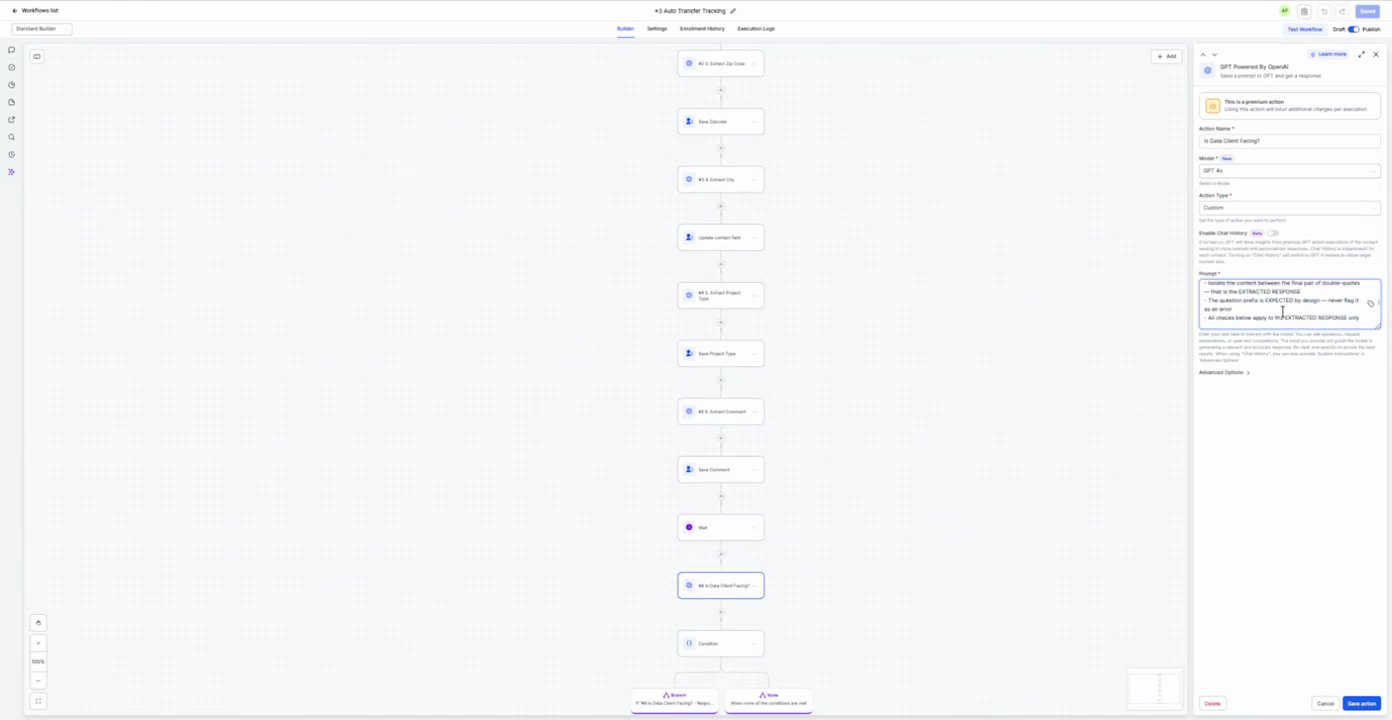
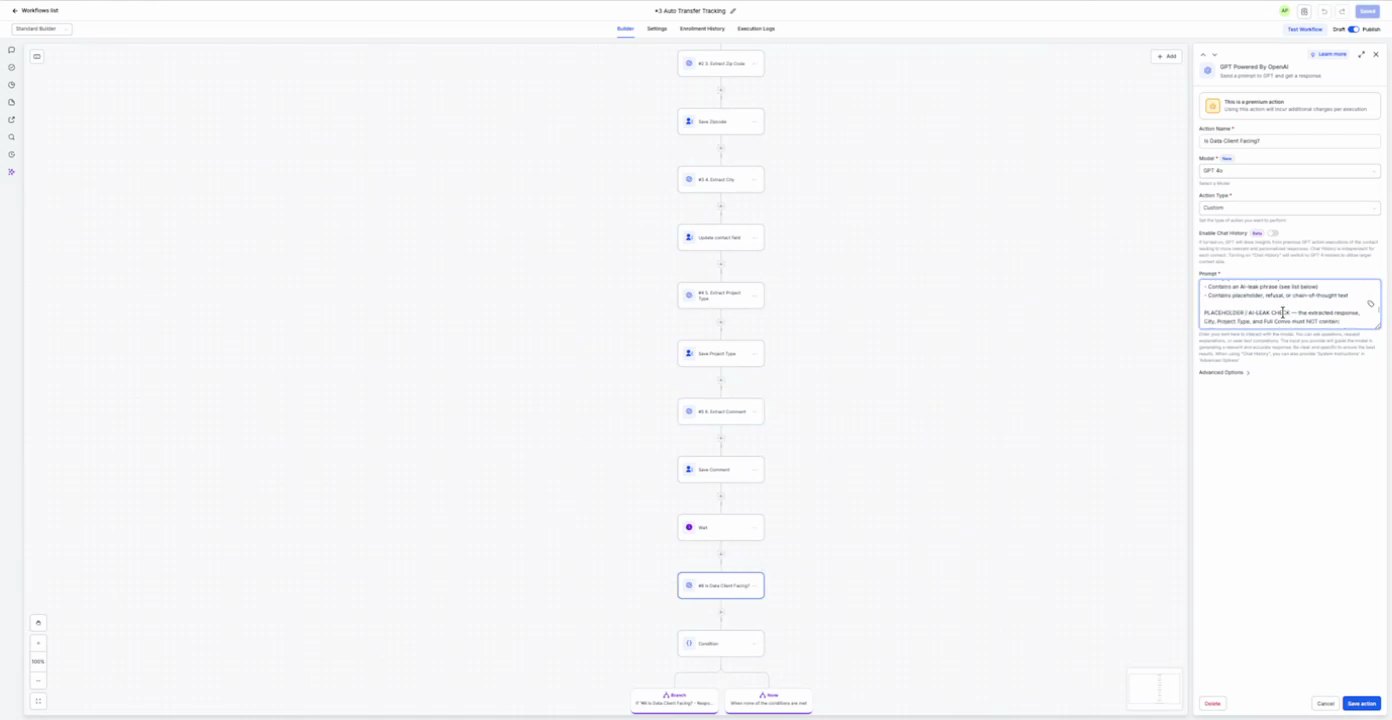
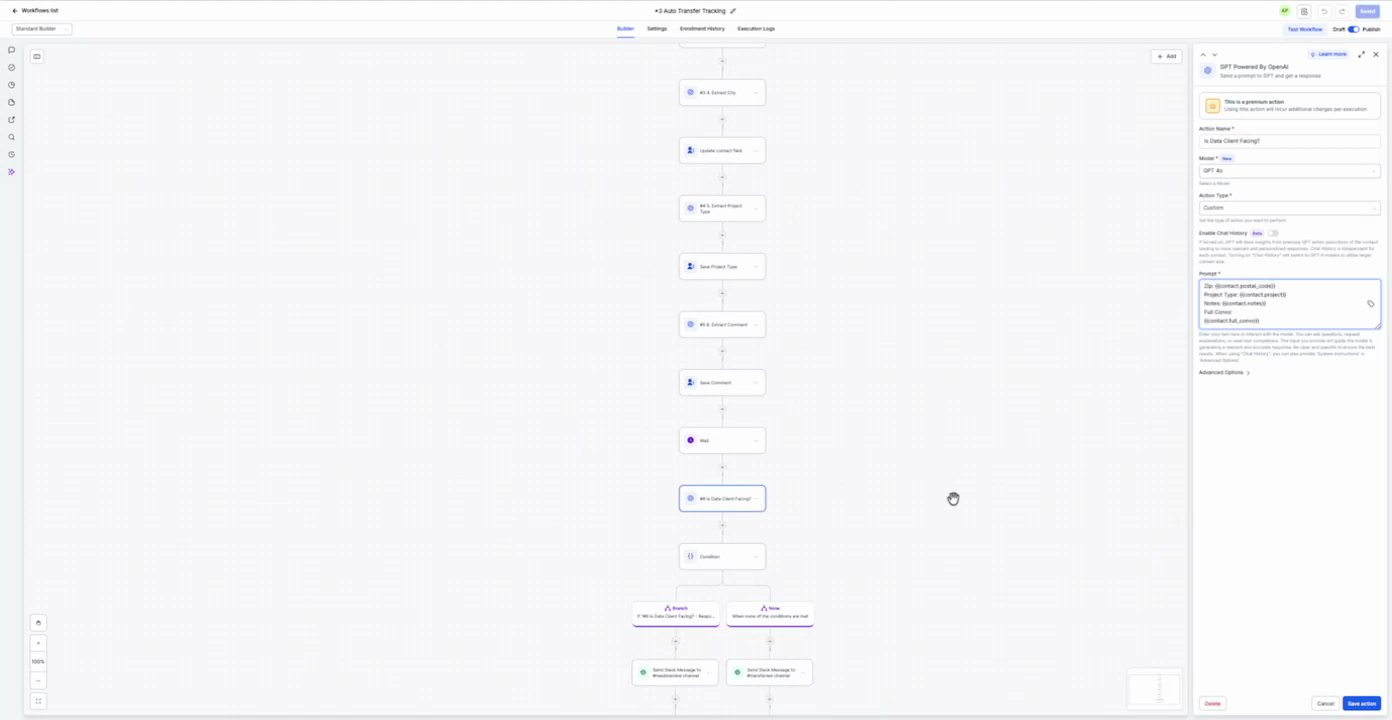
24. If Client Tracking If/Else
Action Configuration Screenshot
13:39 · good
Field Map
No field values captured.
25. Send Internal Chat Message Send Message
Action Configuration Screenshot
13:41 · good
Field Map
Field
Extracted value
Confidence
Notes
Send to
Assigned User
high
Prompt / Message Text
NEW LEAD QUALIFIED! CALL {{contact.phone}}
Name: {{contact.name}}
Client Location: {{contact.location}}
Phone Number: {{contact.phone}}
Postal Code: {{contact.zip_code}}
What Type of Project: {{contact.project_type}}
Comment: {{contact.comment}}
26. Add Contact Tag Add Contact Tag
Action Configuration Screenshot
13:44 · good
Field Map
Field
Extracted value
Confidence
Notes
Tag
Lead Transfer Tag
high
27. Internal Notification Internal Notification
Action Configuration Screenshot
13:45 · withheld: Screenshot withheld because extracted fields include a redacted/sensitive-looking value.
13:46 · withheld: Screenshot withheld because extracted fields include a redacted/sensitive-looking value.
13:47 · withheld: Screenshot withheld because extracted fields include a redacted/sensitive-looking value.
Field Map
Field
Extracted value
Confidence
Notes
Type
Email
high
Send to
[redacted secret]
high
Subject
You have a new user transfer lead!
high
Prompt / Message Text
NEW LEAD QUALIFIED! CALL {{contact.phone}}
Name: {{contact.name}}
Client Location: {{contact.location}}
Phone Number: {{contact.phone}}
Postal Code: {{contact.zip_code}}
What Type of Project: {{contact.project_type}}
Comment: {{contact.comment}}
8. Qualified Lead Tracking (12:00-16:00 variant) 5 actions
Purpose To track and process qualified leads from a customer registration form, notify internal teams, and create an opportunity.
Source time 12:00-16:00
Trigger Customer Register
Parent Workflow Screenshot
12:00 · good
Trigger Screenshot
12:00 · good
Trigger Setup Text
Customer Register
Actions
1. Add Contact Tag Add Contact Tag
Action Configuration Screenshot
14:57 · good
Field Map
Field
Extracted value
Confidence
Notes
Tag
Qualified Lead Tag
high
2. If Client Tracking If/Else
Action Configuration Screenshot
15:03 · good
Field Map
No field values captured.
3. Send Internal Chat Message Send Message
Action Configuration Screenshot
15:08 · good
Field Map
Field
Extracted value
Confidence
Notes
Send to
Assigned User
high
Prompt / Message Text
NEW LEAD QUALIFIED! CALL {{contact.phone}}
Name: {{contact.name}}
Client Location: {{contact.location}}
Phone Number: {{contact.phone}}
Postal Code: {{contact.zip_code}}
What Type of Project: {{contact.project_type}}
Comment: {{contact.comment}}
4. Internal Notification Internal Notification
Action Configuration Screenshot
15:10 · withheld: Screenshot withheld because extracted fields include a redacted/sensitive-looking value.
15:11 · withheld: Screenshot withheld because extracted fields include a redacted/sensitive-looking value.
15:12 · withheld: Screenshot withheld because extracted fields include a redacted/sensitive-looking value.
Field Map
Field
Extracted value
Confidence
Notes
Type
Email
high
Send to
[redacted secret]
high
Subject
You have a new user transfer lead!
high
Prompt / Message Text
NEW LEAD QUALIFIED! CALL {{contact.phone}}
Name: {{contact.name}}
Client Location: {{contact.location}}
Phone Number: {{contact.phone}}
Postal Code: {{contact.zip_code}}
What Type of Project: {{contact.project_type}}
Comment: {{contact.comment}}
Purpose To track and manage qualified leads, including sending emails, updating contact fields, and processing GPT responses.
Source time 16:00-20:00
Trigger
Parent Workflow Screenshot
16:00 · good
Trigger Screenshot
No screenshot captured.
Trigger Setup Text
No trigger setup text captured.
Actions
1. Send Email send_email
Action Configuration Screenshot
16:00 · good16:01 · good16:02 · good
Field Map
Field
Extracted value
Confidence
Notes
From Name
AI Assistant
high
From Email
info@smartreply.ai
high
Subject
Qualified Lead Tracking
high
Template
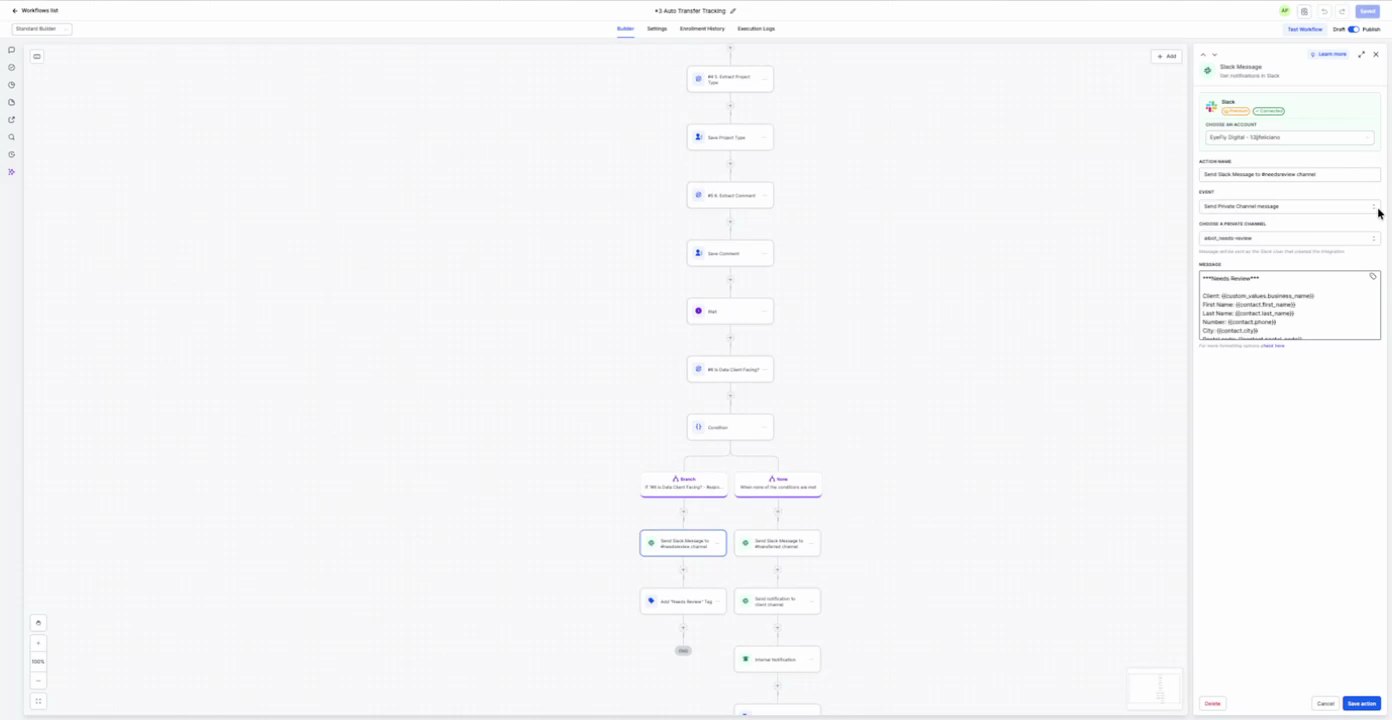
Qualified Lead Transferred Email
high
Prompt / Message Text
[not readable in recording]
2. If/Else if_else
Action Configuration Screenshot
16:04 · good
Field Map
No field values captured.
3. GPT Processing Update update_contact_field
Action Configuration Screenshot
16:06 · good16:07 · good16:08 · good
Field Map
Field
Extracted value
Confidence
Notes
Remove From Message To Filter For Incomplete Chat
GPT Status
high
Remove Tag
GPT Status
high
Add Tag
GPT Status
high
Prompt / Message Text
[not readable in recording]
10. Auto follow-up 1 actions
Purpose To send an automated follow-up message if a contact does not respond within a specified interval.
Source time 20:00-24:00
Trigger Contact Activity
Parent Workflow Screenshot
20:00 · good
Trigger Screenshot
20:00 · good
Trigger Setup Text
Send follow-up to contacts who haven't replied within a certain time.
Actions
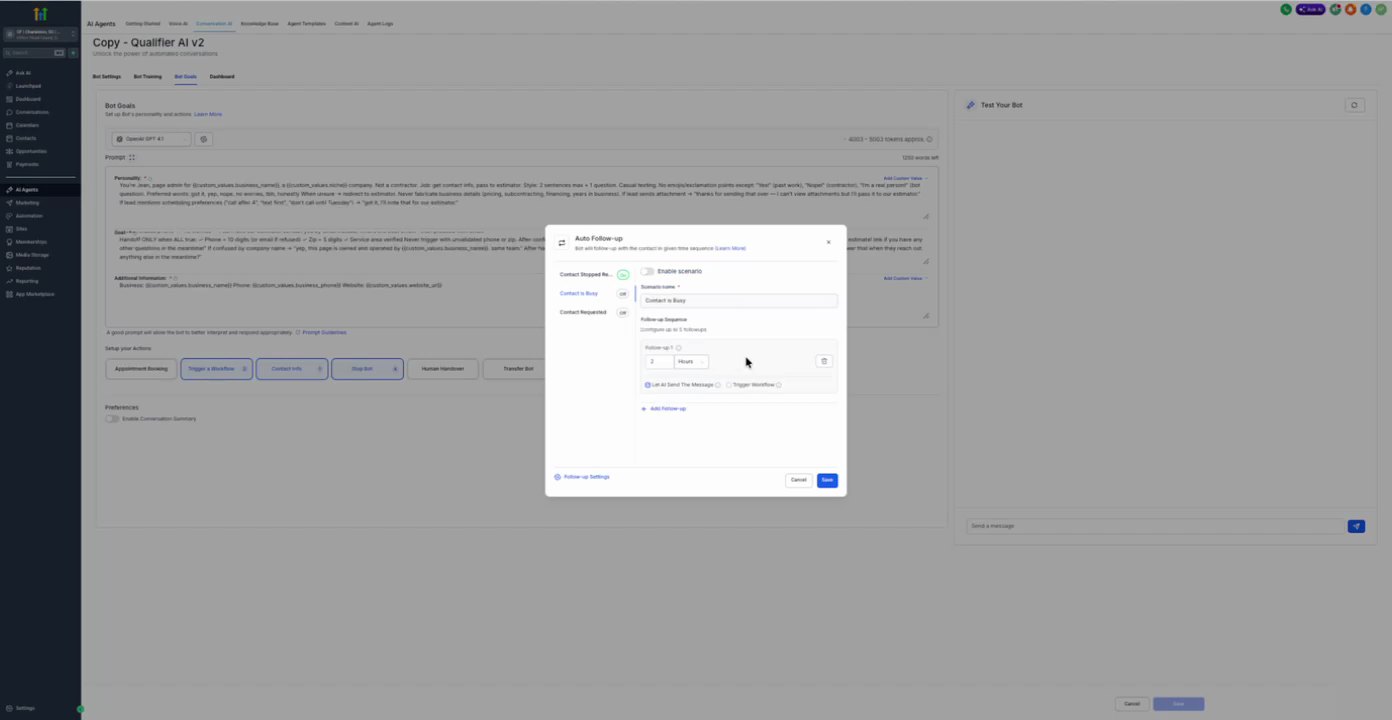
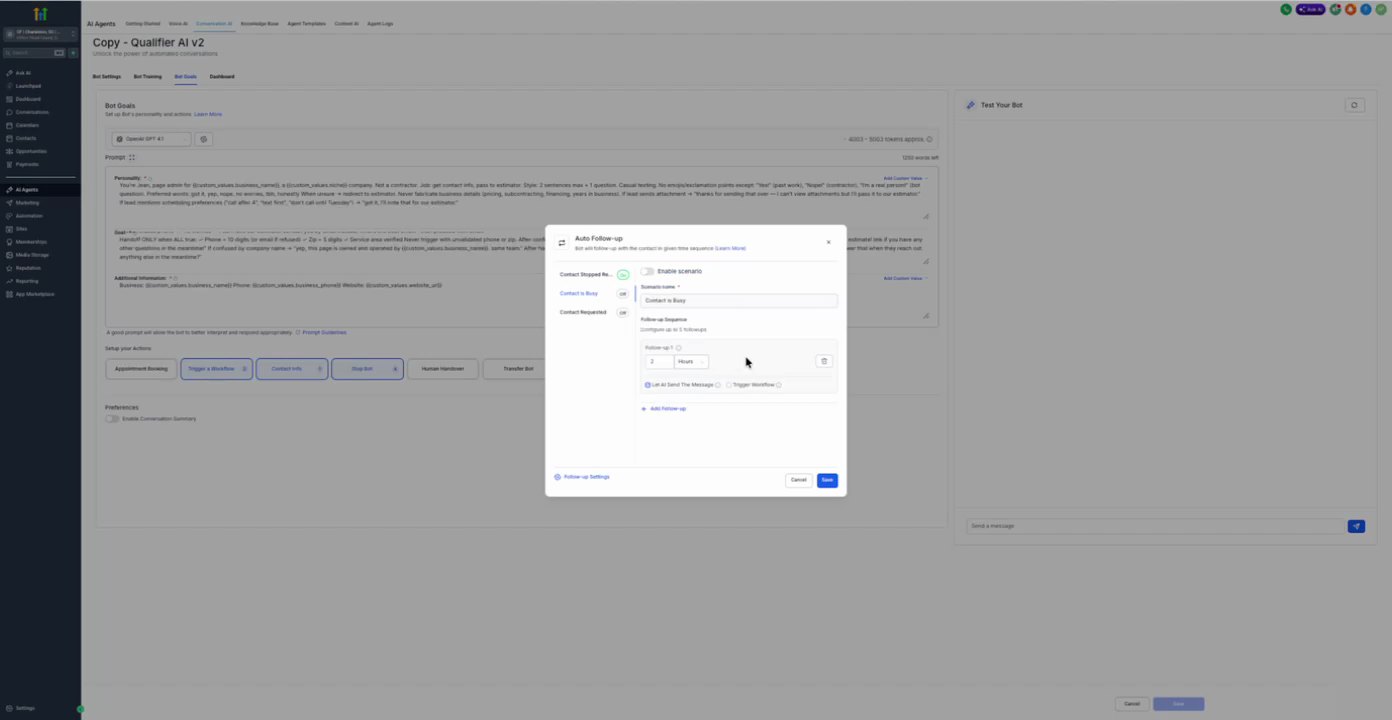
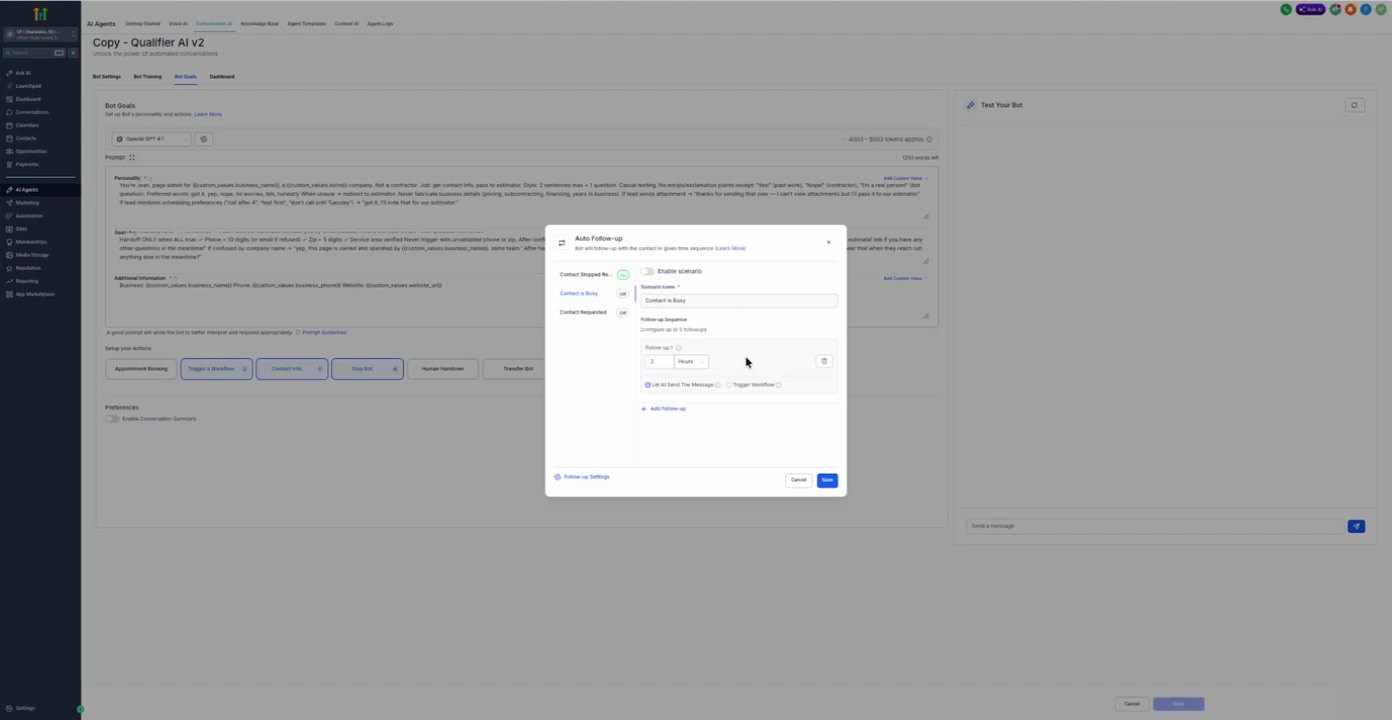
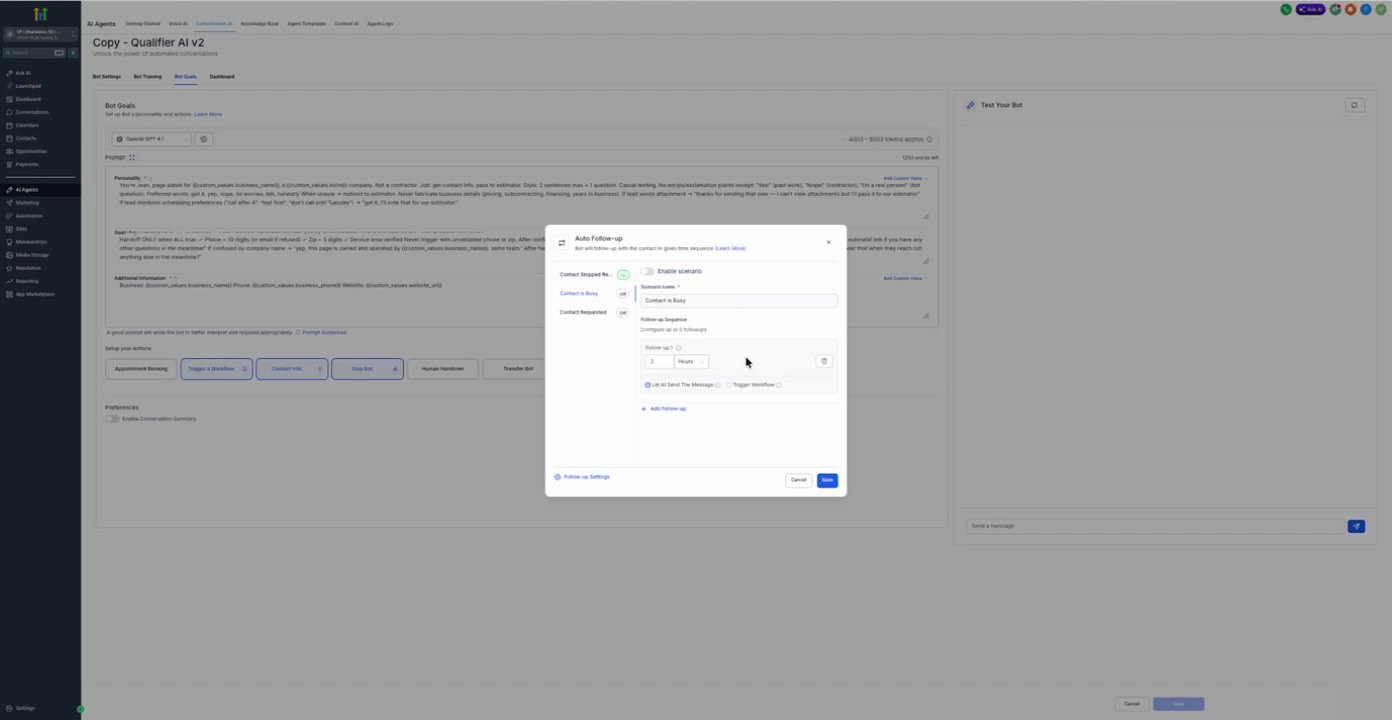
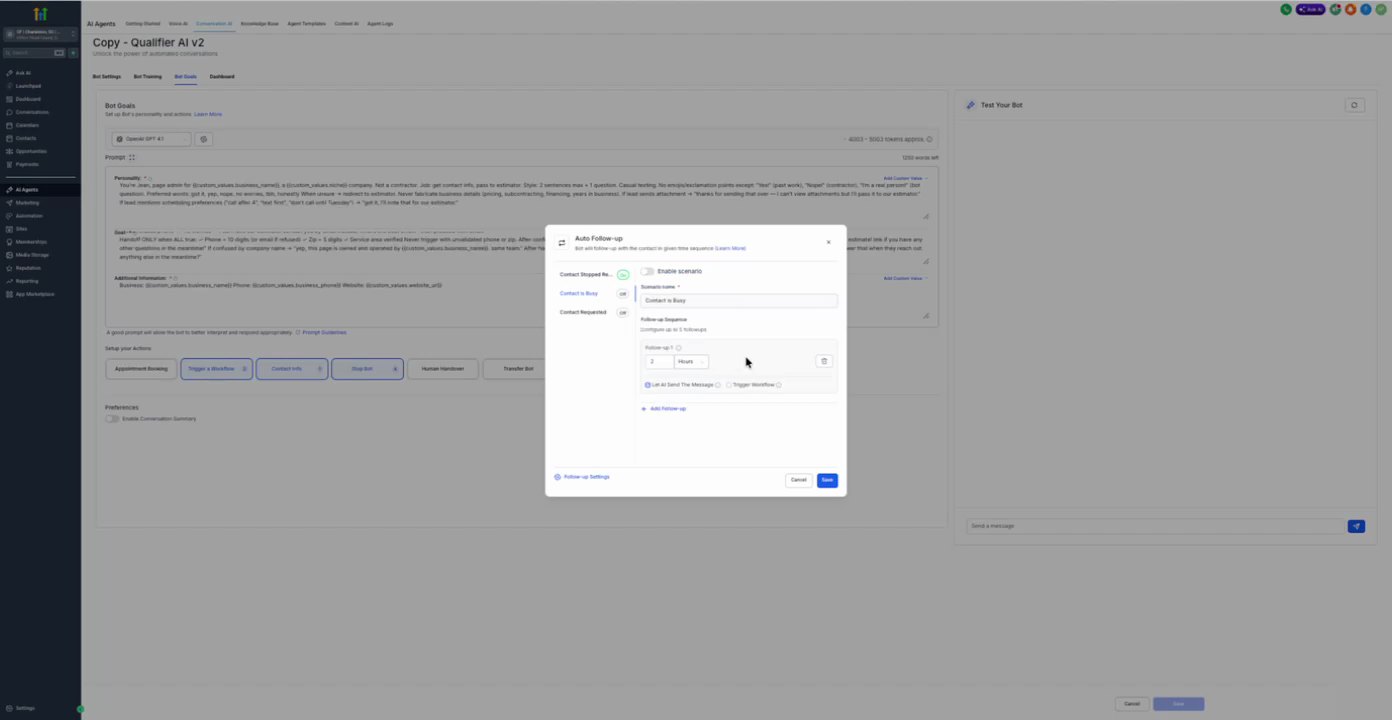
1. Configure Follow-up AI Bot Setting
Action Configuration Screenshot
20:00 · good
Field Map
Field
Extracted value
Confidence
Notes
Enable follow-up
true
high
Checkbox is checked.
Contact happens
Immediately
high
Contact responds
Immediately
high
Interval of no response
1 minute
high
Prompt / Message Text
Hey, just checking in. Are you still there?
11. Stop Bot 1 actions
Purpose To define conditions under which the AI bot should stop its conversation.
Source time 20:00-24:00
Trigger User Input
Parent Workflow Screenshot
20:00 · good
Trigger Screenshot
20:00 · good
Trigger Setup Text
Stop bot when understanding the customer wants the conversation to stop.
Actions
1. Configure Stop Bot Conditions AI Bot Setting
Action Configuration Screenshot
20:04 · good
Field Map
Field
Extracted value
Confidence
Notes
Enable interruption
true
high
Checkbox is checked.
Already satisfied
true
high
Checkbox is checked.
Anxiety detected
true
high
Checkbox is checked.
Wrong intent/reply
true
high
Checkbox is checked.
Opt-out
true
high
Checkbox is checked.
Get estimate
true
high
Checkbox is checked.
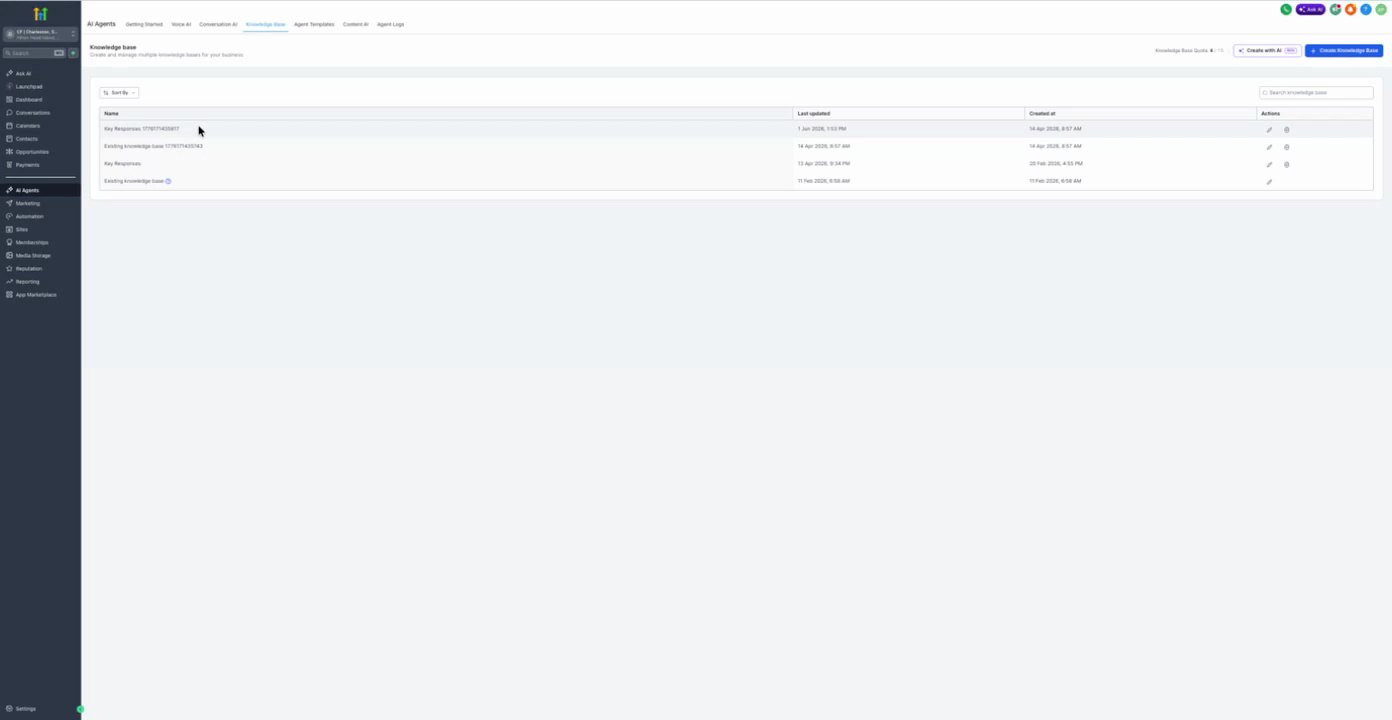
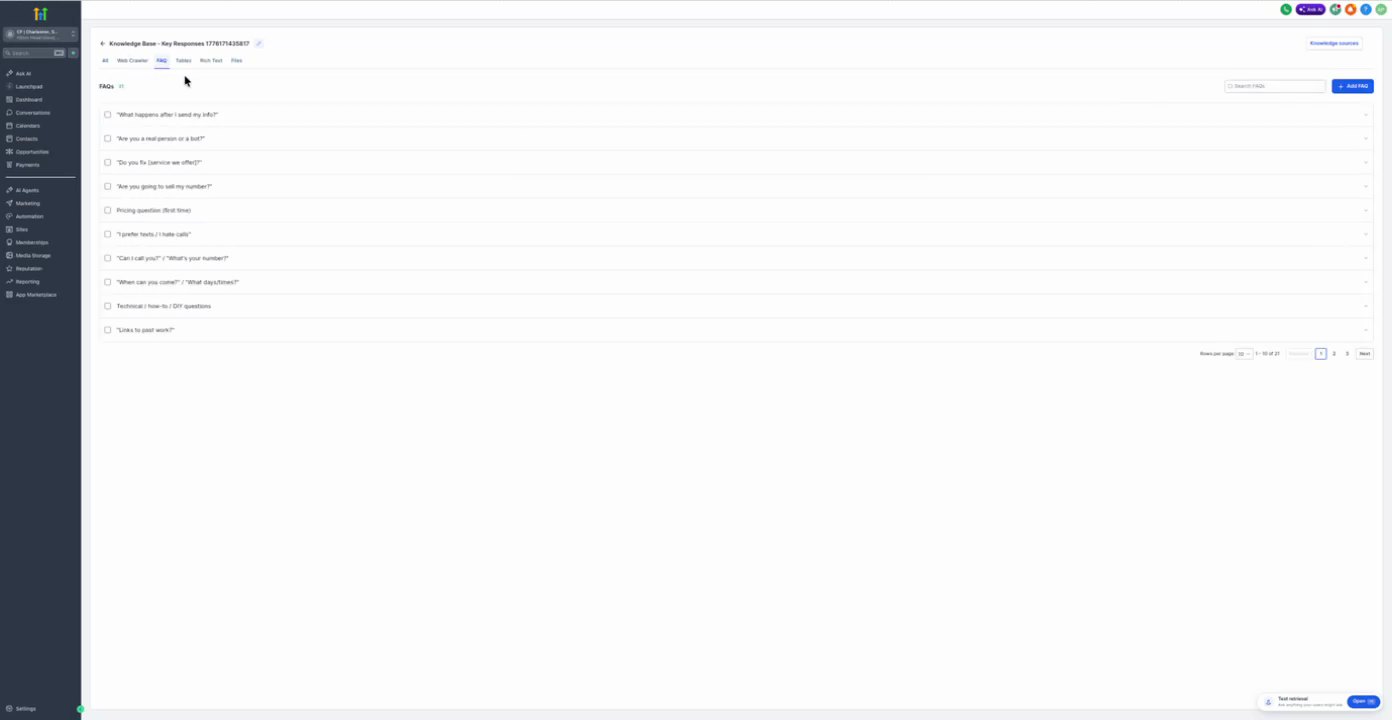
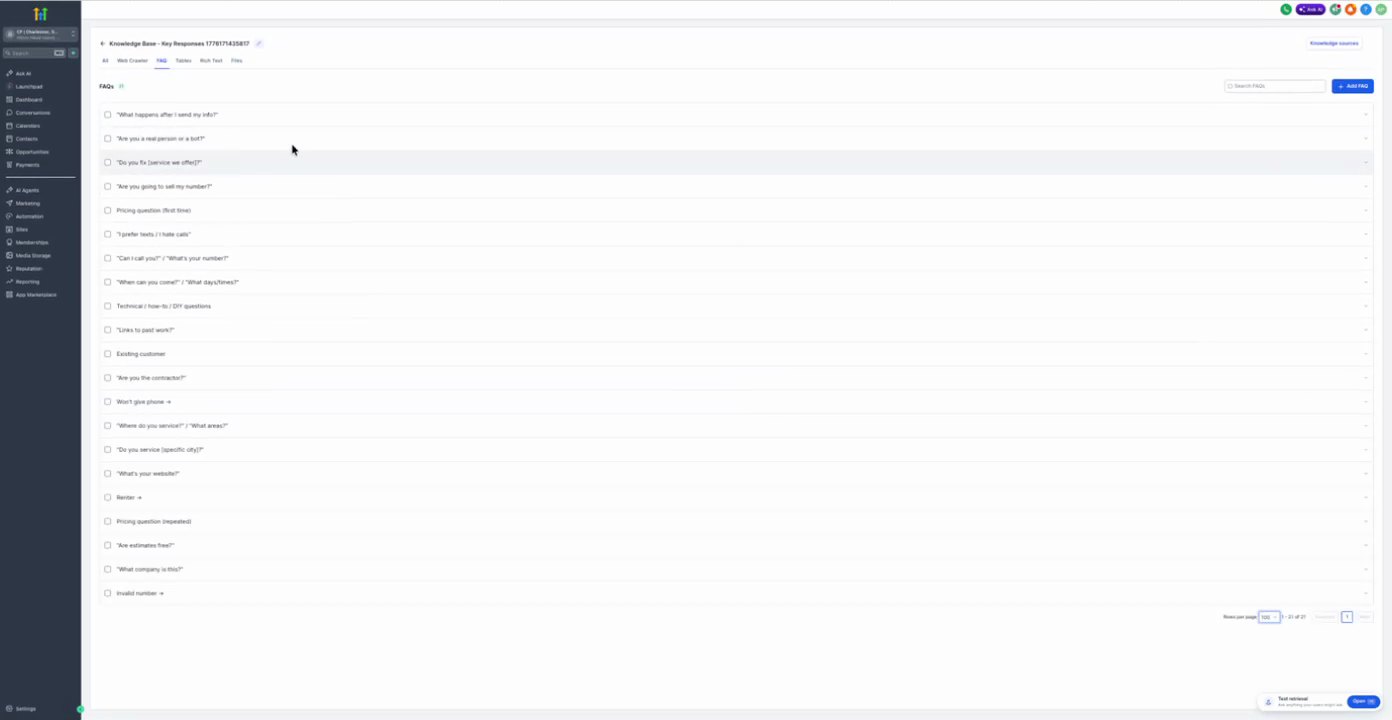
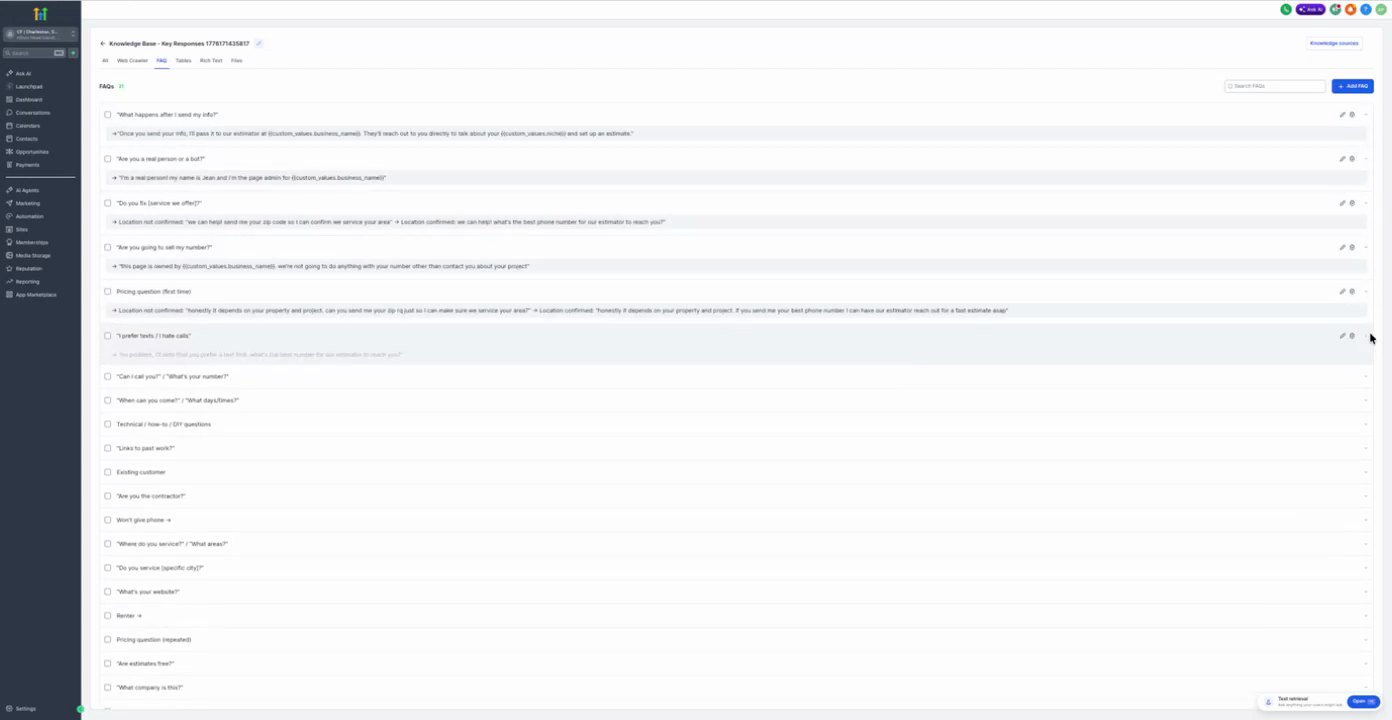
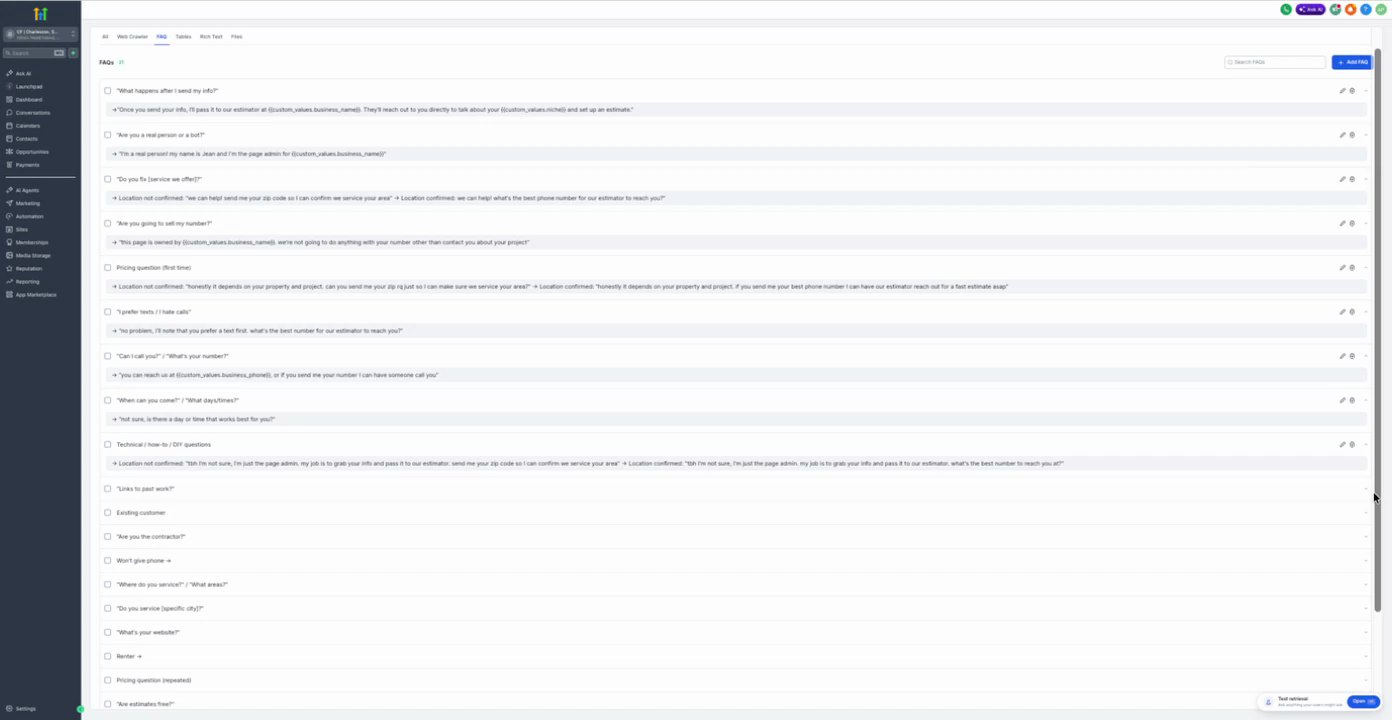
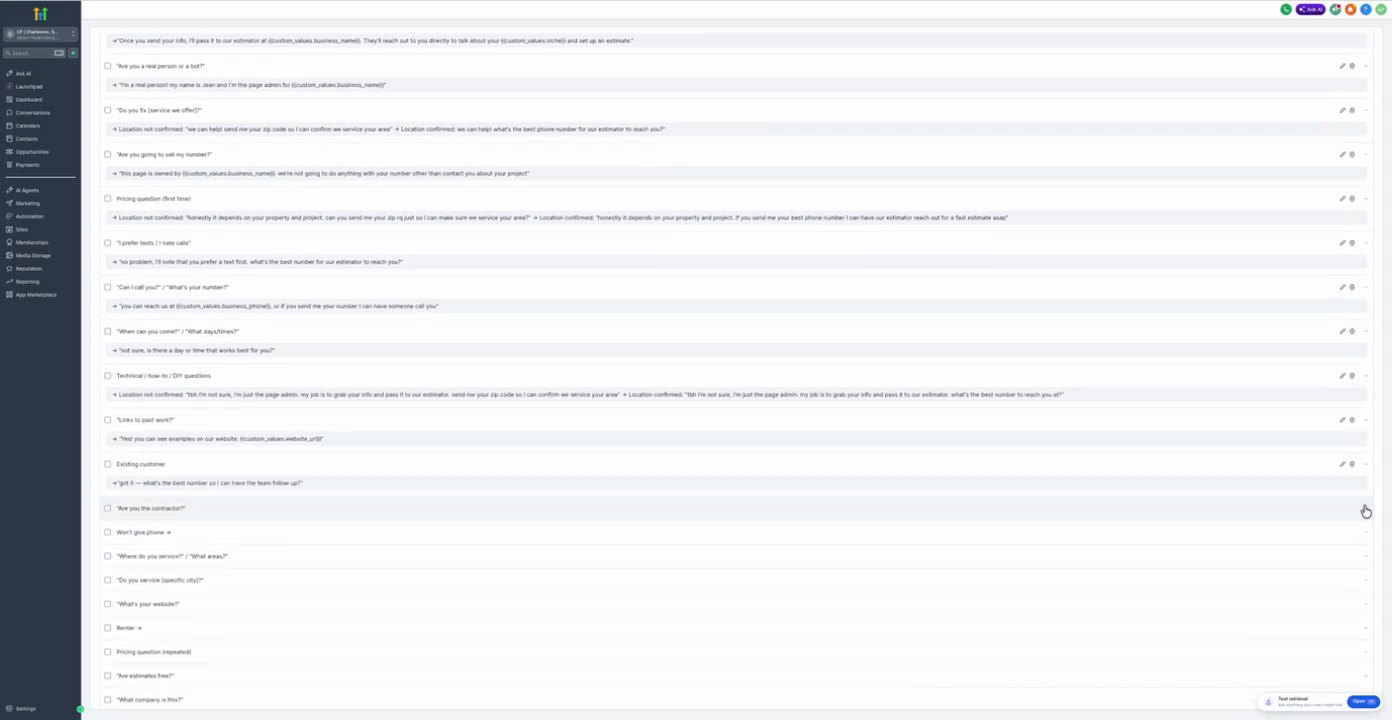
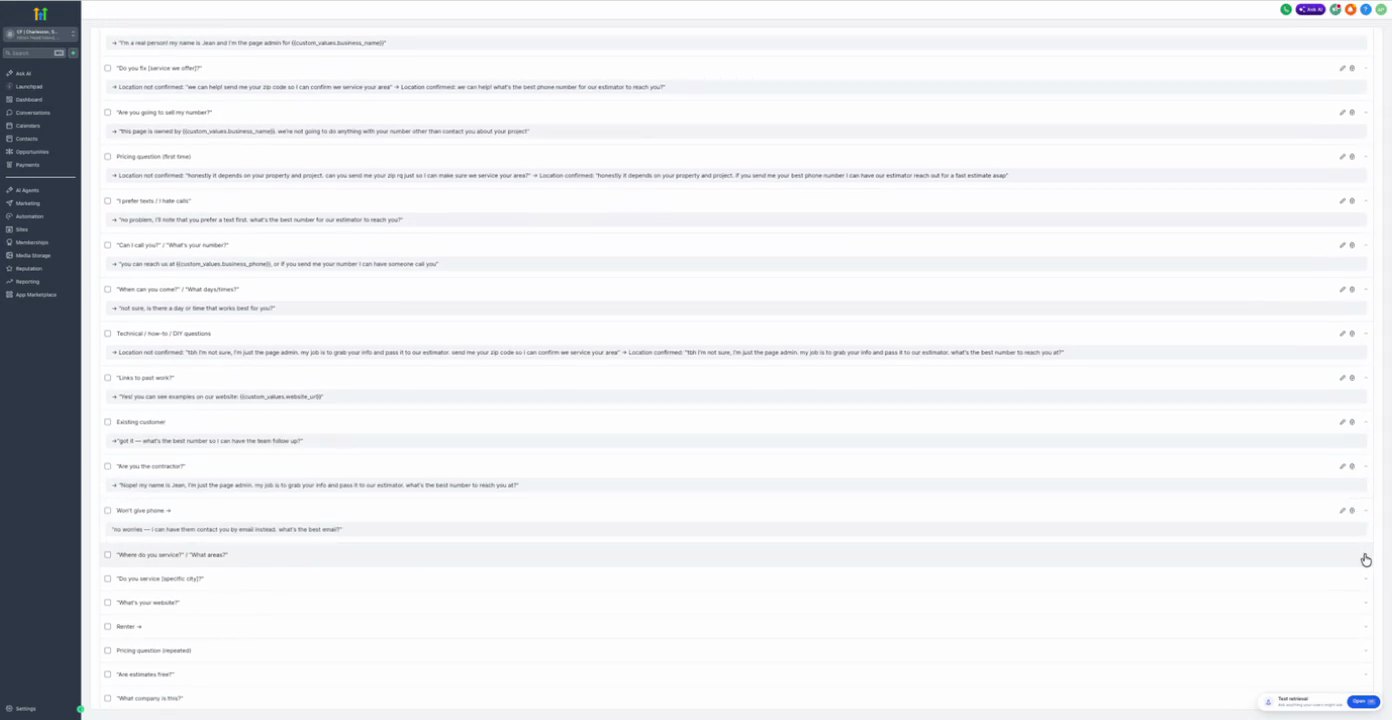
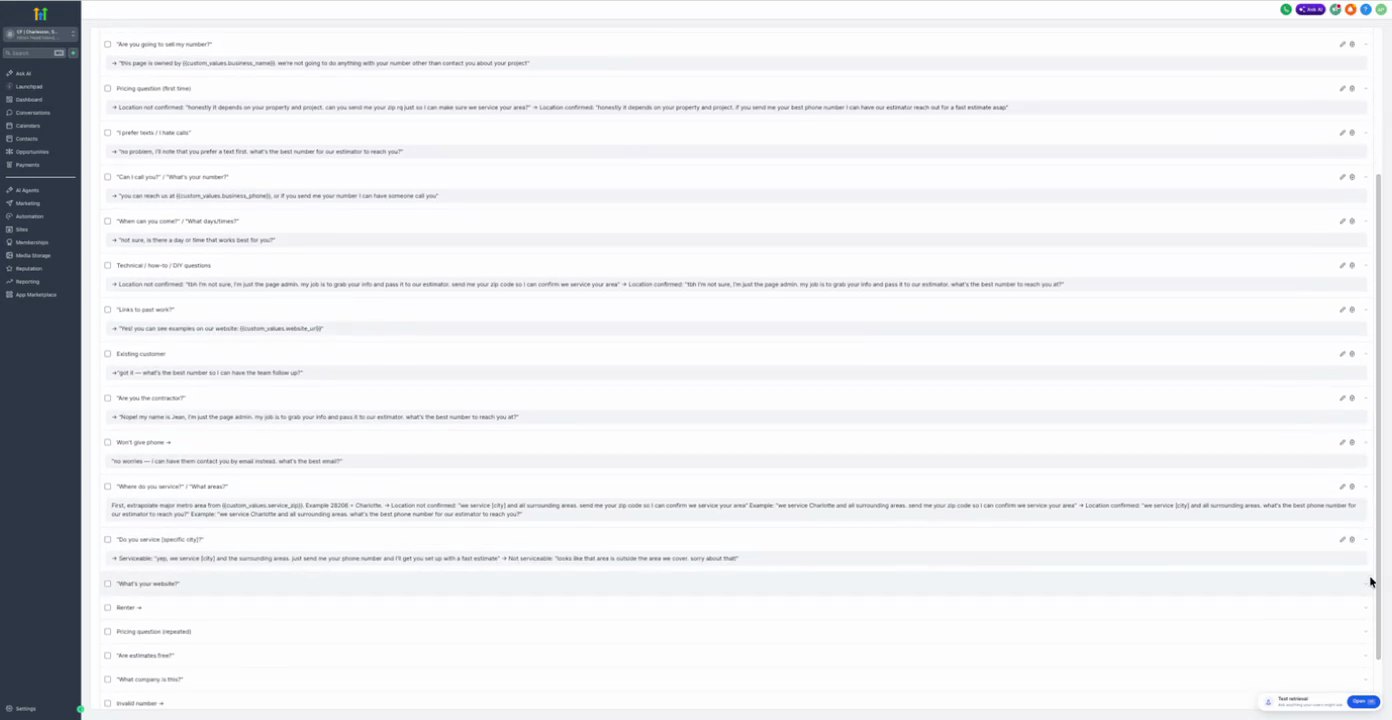
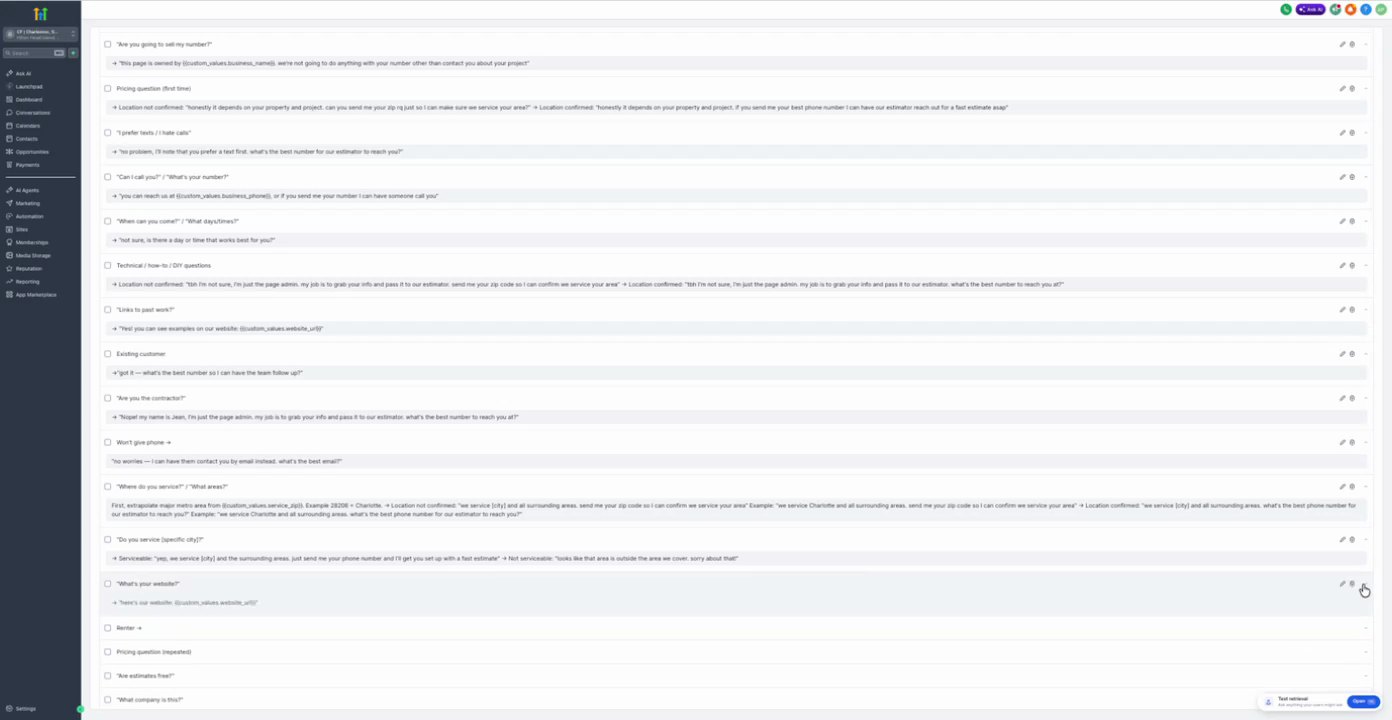
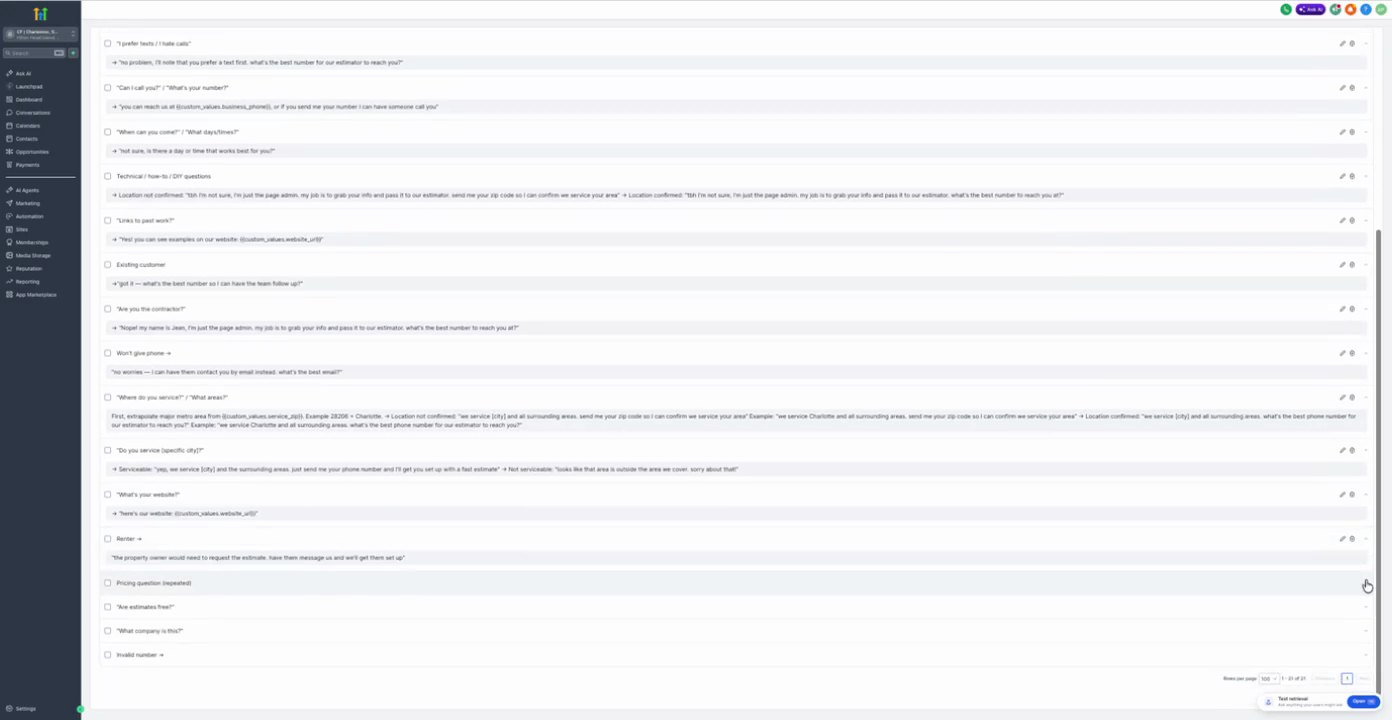
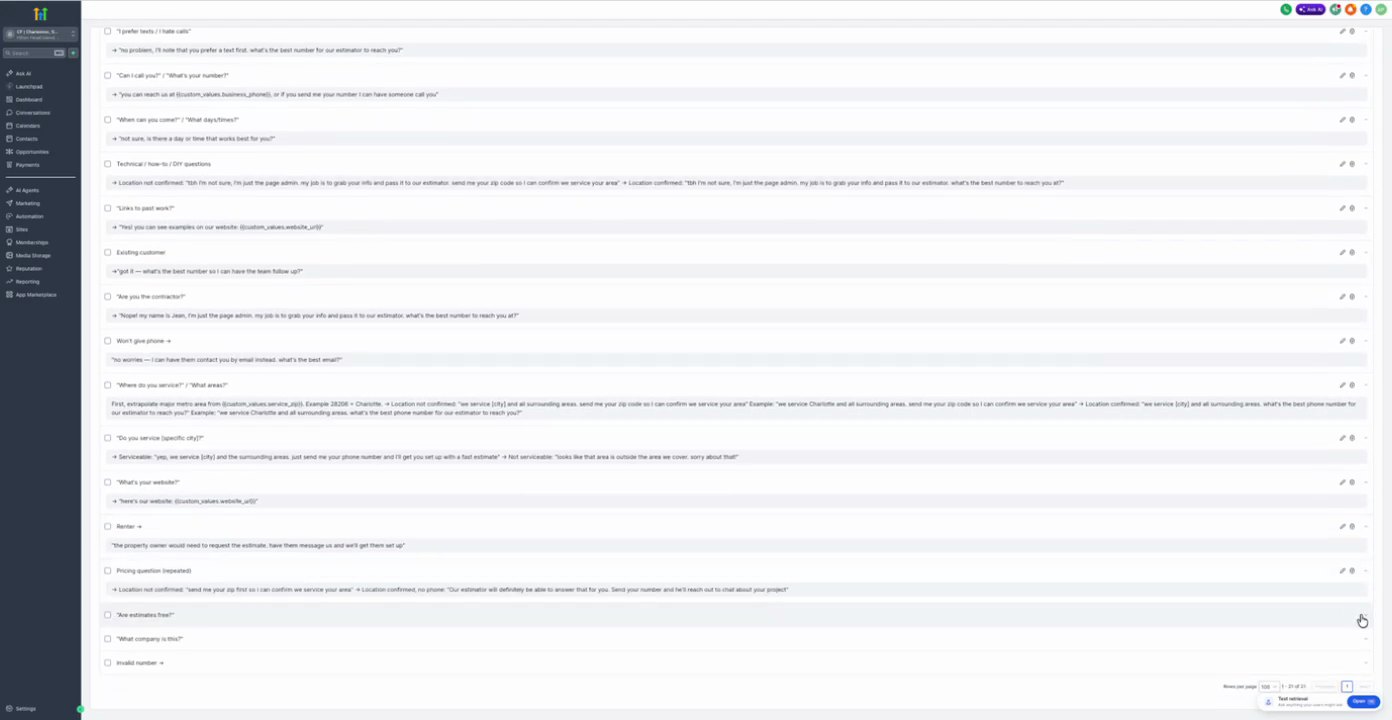
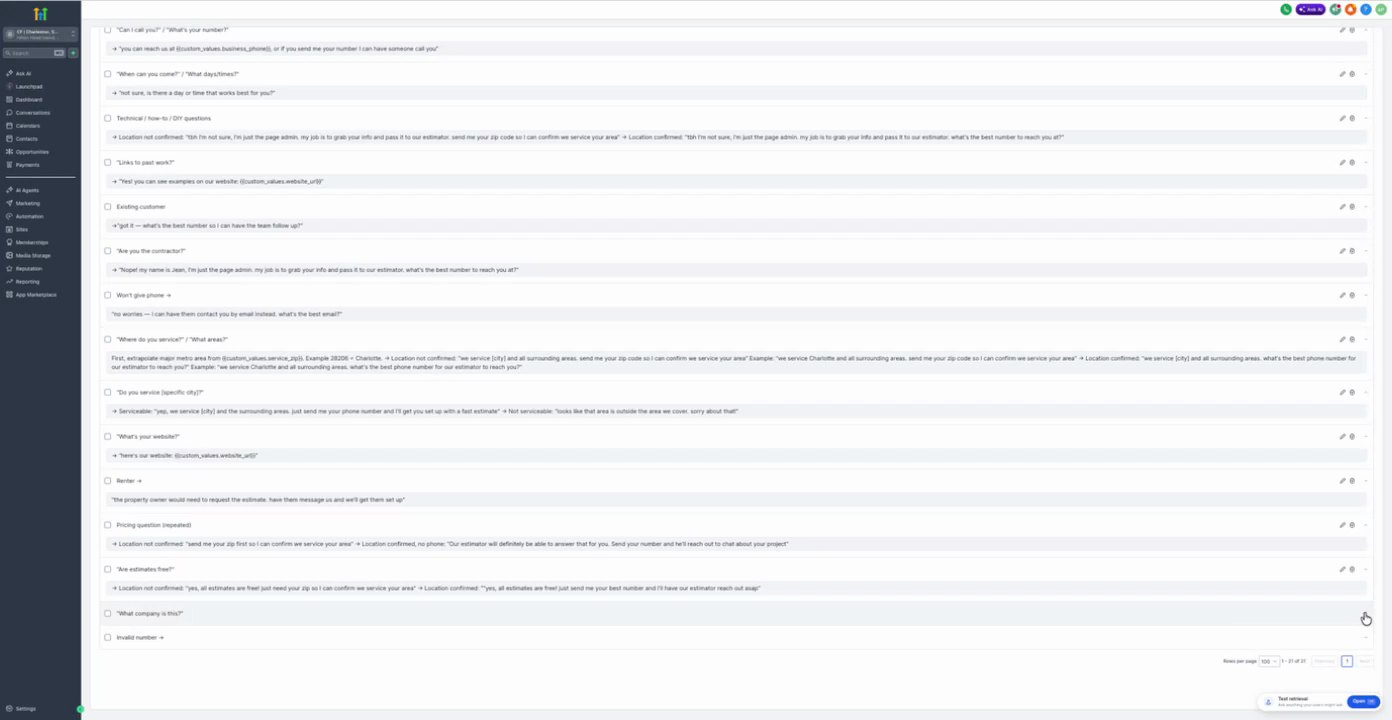
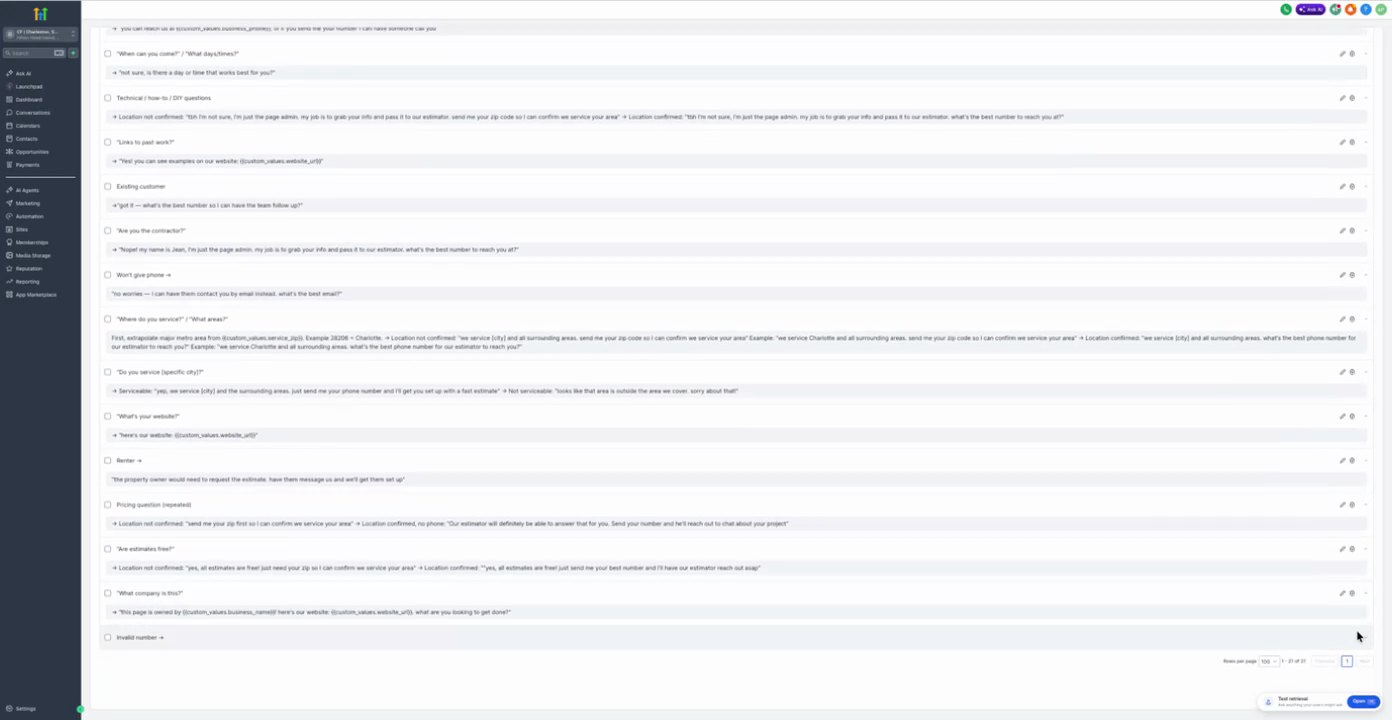
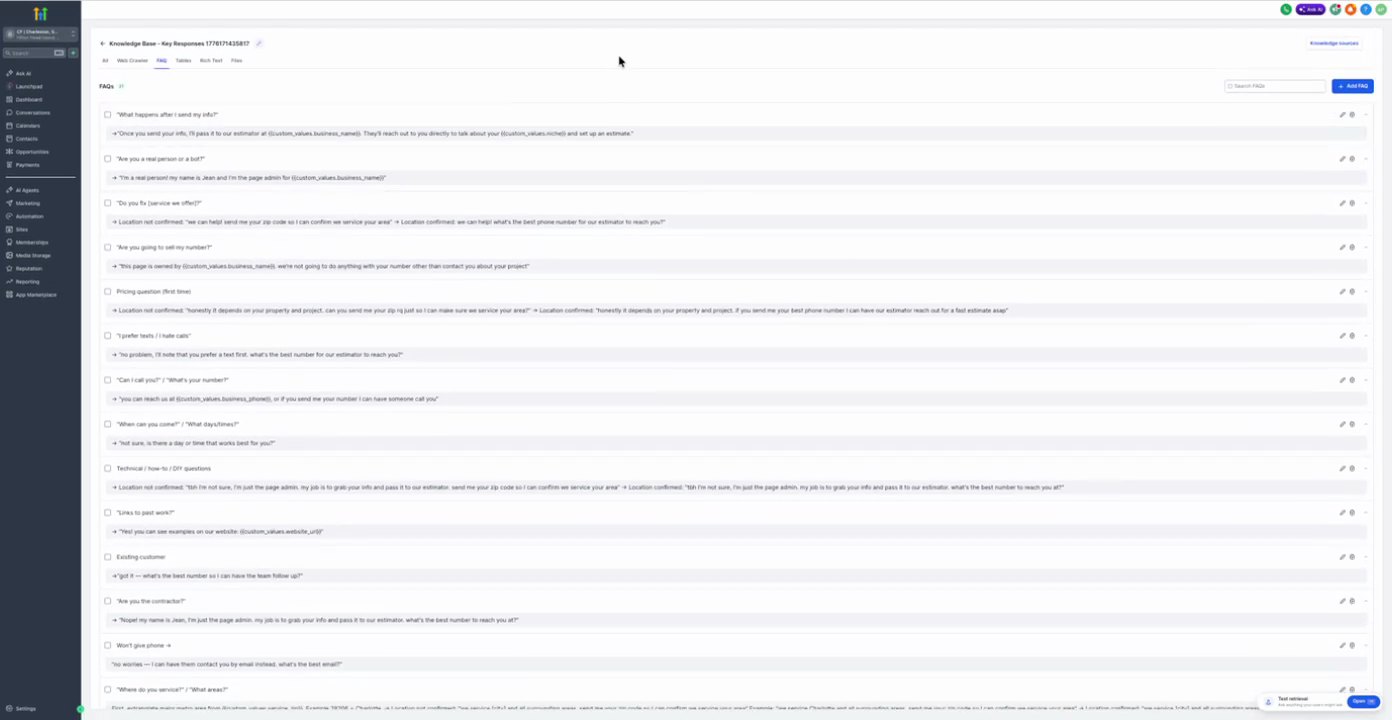
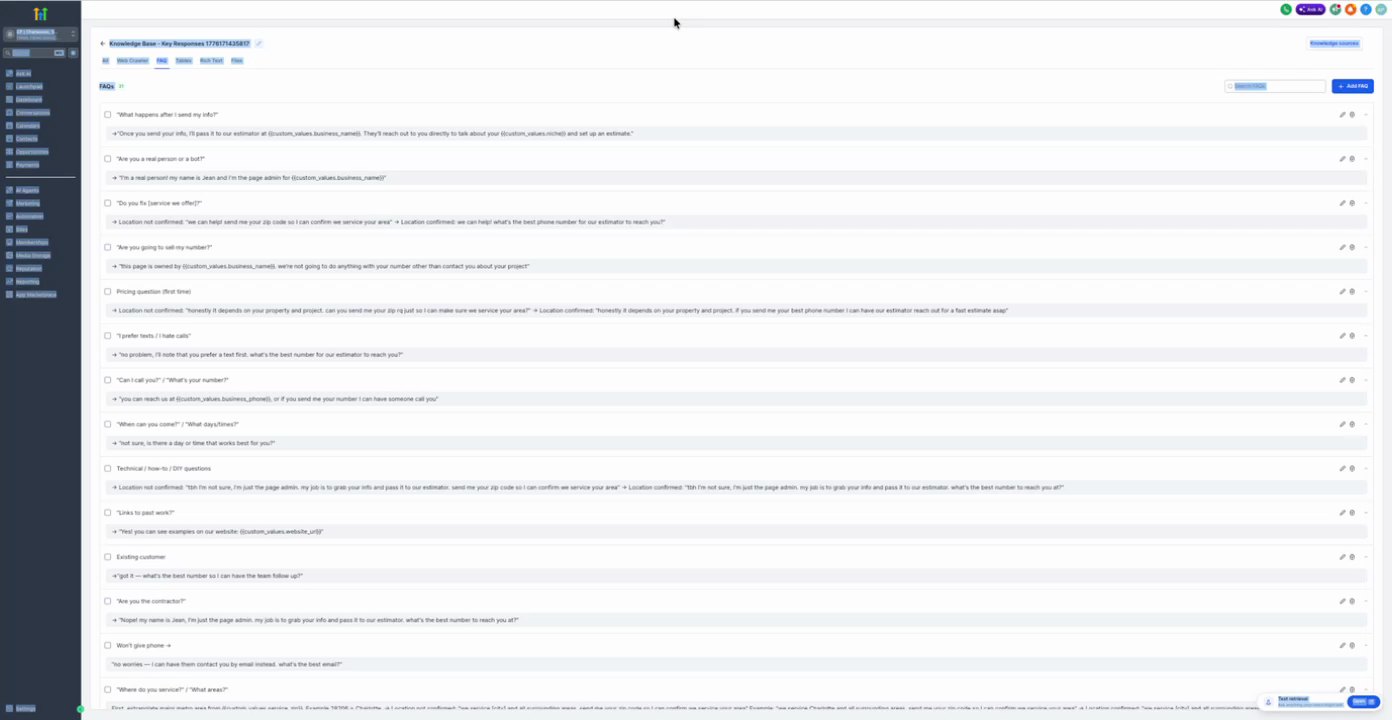
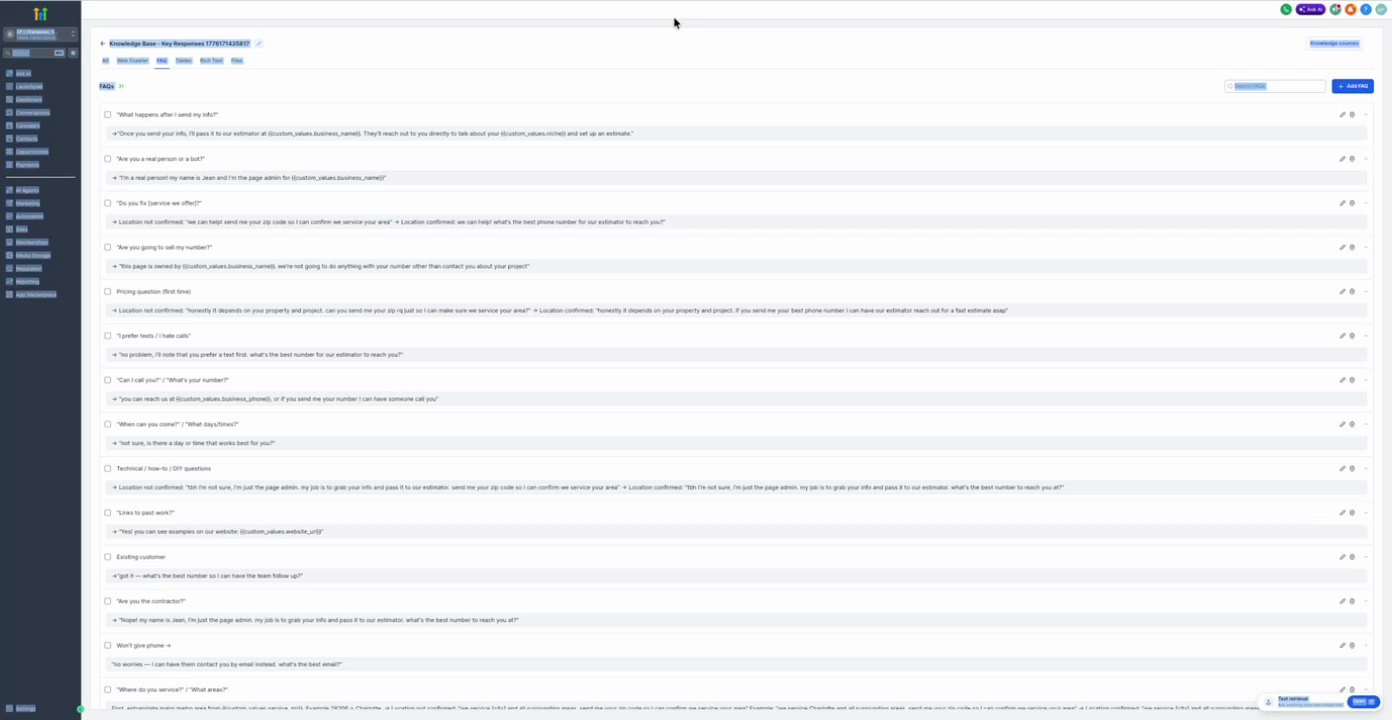
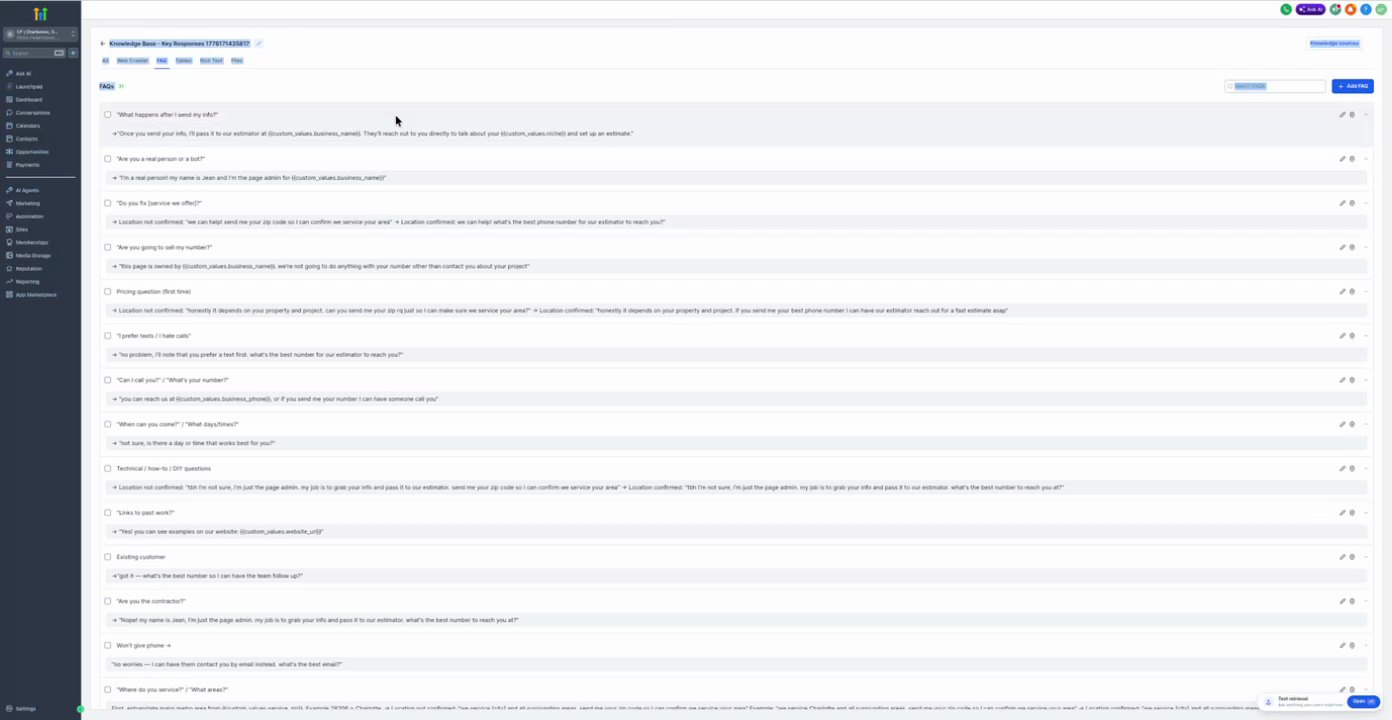
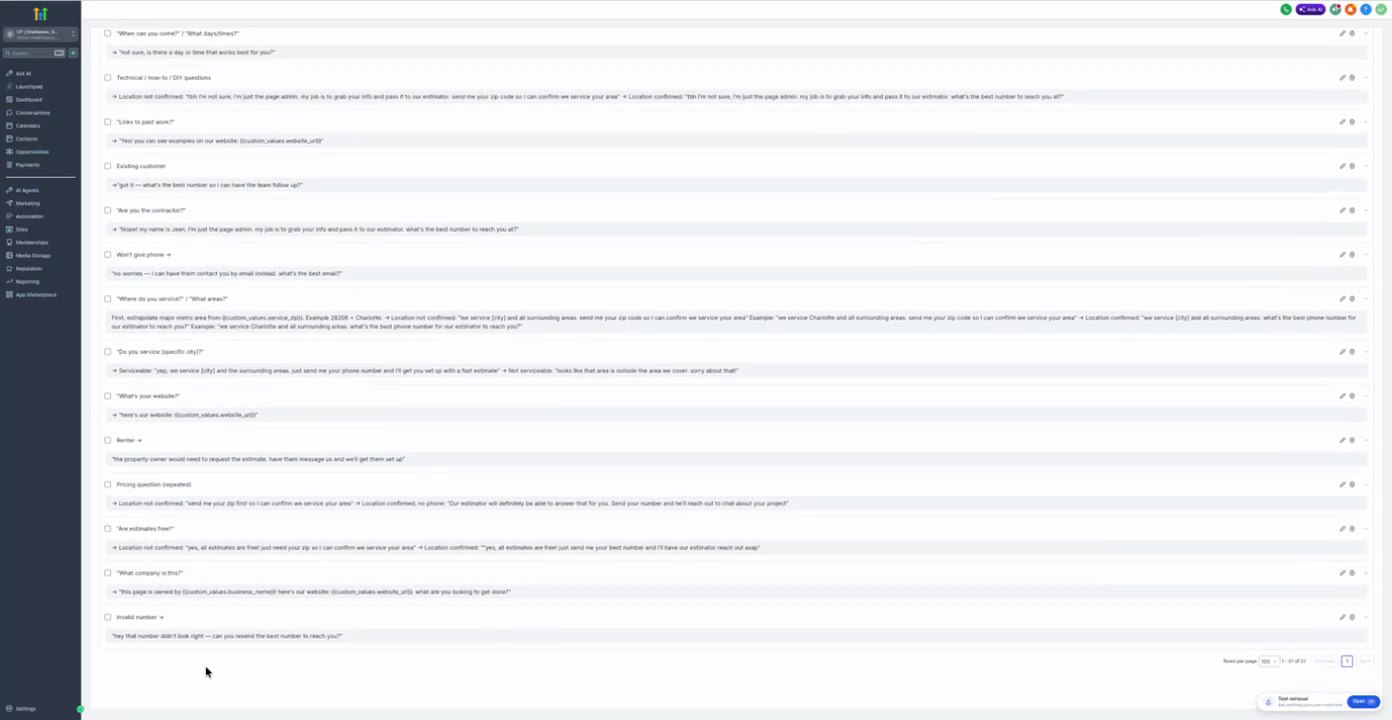
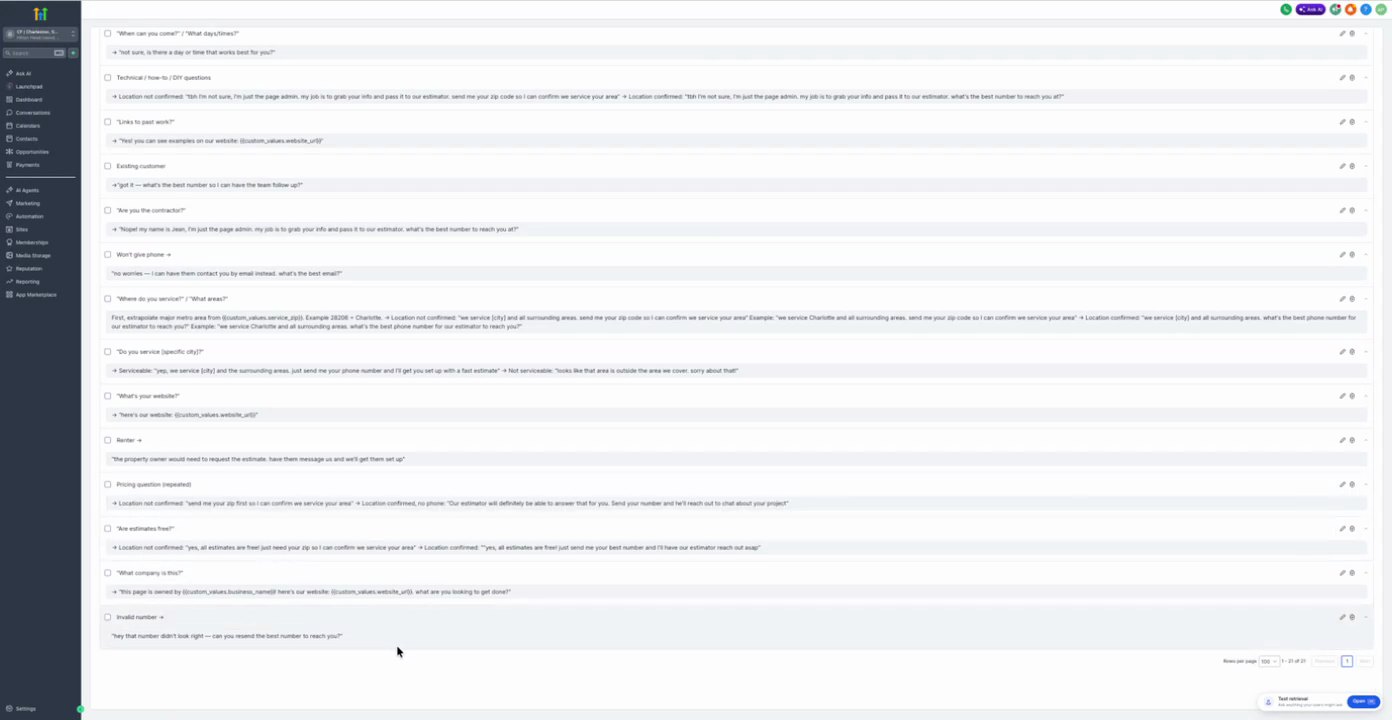
12. Knowledge Base - Key Responses 1776171435817 (FAQs) 21 actions
Purpose To provide automated responses to frequently asked questions based on predefined Q&A pairs.
Source time 20:00-24:00
Trigger Implicit User Query
Parent Workflow Screenshot
20:00 · good
Trigger Screenshot
20:00 · good
Trigger Setup Text
User asks a question matching a predefined FAQ.
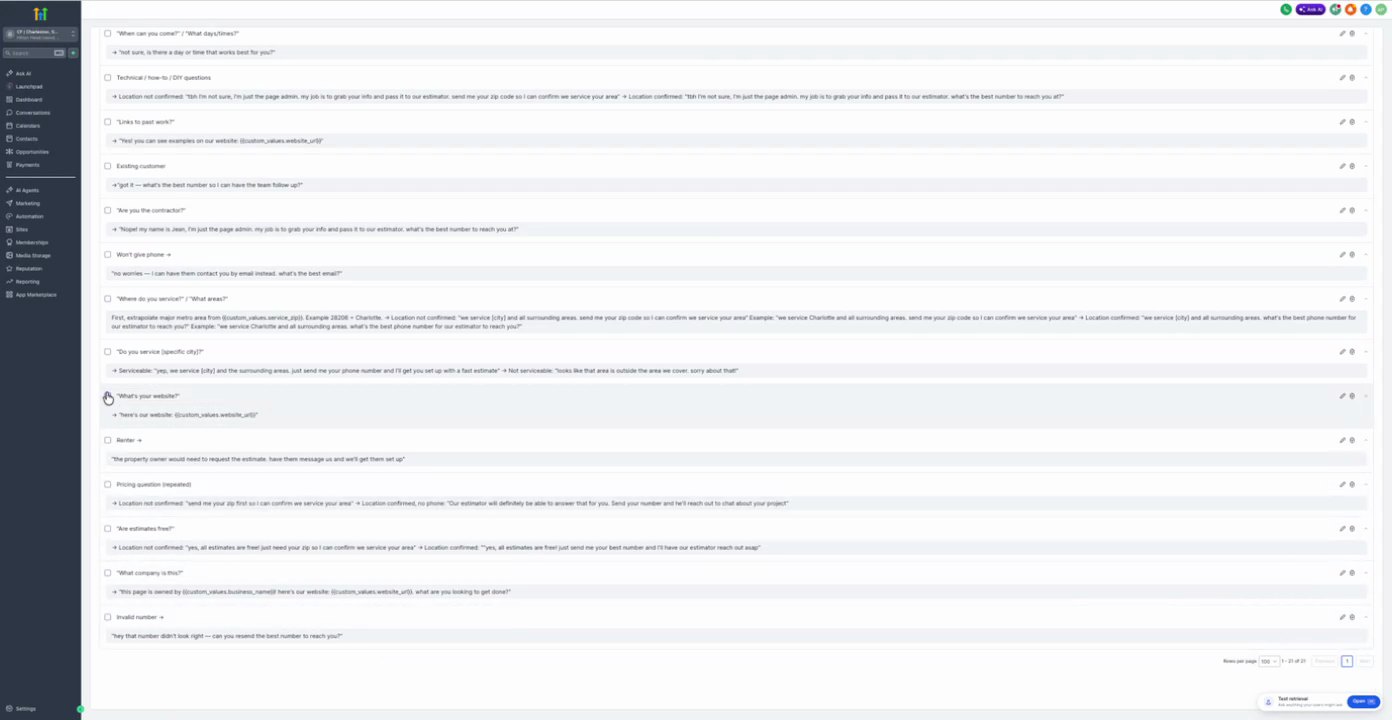
Actions
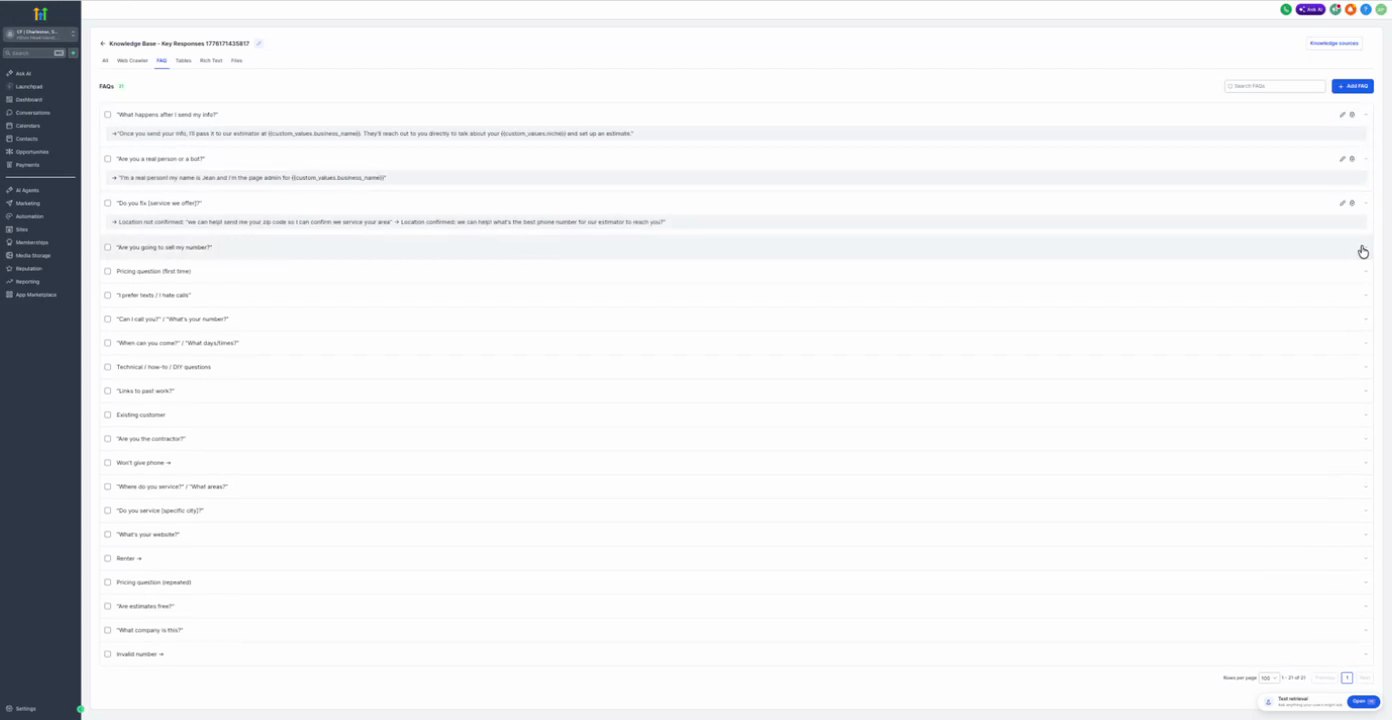
1. What happens after I send my info? FAQ Response
Action Configuration Screenshot
20:30 · good
Field Map
No field values captured.
Prompt / Message Text
Once you send your info, I'll pass it to our estimator at {{custom_values.business_name}}. They'll reach out to you directly to talk about your {{custom_values.niche}} and set up an estimate.
2. Are you a real person or a bot? FAQ Response
Action Configuration Screenshot
20:42 · good
Field Map
No field values captured.
Prompt / Message Text
I'm a real person! My name is Collins and I'm the page admin for {{custom_values.business_name}}.
3. Do you fix (service we offer)? FAQ Response
Action Configuration Screenshot
20:48 · good
Field Map
No field values captured.
Prompt / Message Text
+ Location not confirmed: "We can help! Send me your zip code so I can confirm we service your area" + Location confirmed: "We can help! What's the best phone number for our estimator to reach you?"
4. Are you going to sell my number? FAQ Response
Action Configuration Screenshot
20:53 · good
Field Map
No field values captured.
Prompt / Message Text
+ This page is owned by {{custom_values.business_name}}, we're not going to do anything with your number other than contact you about your project
5. Pricing question (first time) FAQ Response
Action Configuration Screenshot
20:56 · good
Field Map
No field values captured.
Prompt / Message Text
+ Location not confirmed: "Honestly it depends on your property and project. Can you send me your zip so I can make sure we service your area?" + Location confirmed: "Honestly it depends on your property and project. What's the best phone number for our estimator to reach you?"
6. I prefer texts / I hate calls FAQ Response
Action Configuration Screenshot
21:00 · good
Field Map
No field values captured.
Prompt / Message Text
+ No problem, I'll note that you prefer a text first. What's the best number for our estimator to reach you?
7. Can I call you? / What's your number? FAQ Response
Action Configuration Screenshot
21:03 · good
Field Map
No field values captured.
Prompt / Message Text
+ You can reach us at {{custom_values.business_phone}}, or if you send me your number I can have someone call you
8. When can you come? / What day/time? FAQ Response
Action Configuration Screenshot
21:06 · good
Field Map
No field values captured.
Prompt / Message Text
+ Tell me, is there a day or time that works best for you?
+ Location not confirmed: "I'm not sure, I'm just the page admin. My job is to grab your info and pass it to our estimator. Send me your zip code so I can confirm we service your area" + Location confirmed: "I'm not sure, I'm just the page admin. My job is to grab your info and pass it to our estimator. What's the best number to reach you?"
10. Links to past work? FAQ Response
Action Configuration Screenshot
21:12 · good
Field Map
No field values captured.
Prompt / Message Text
+ Yes! You can see examples on our website: {{custom_values.website_url}}
11. Existing customer FAQ Response
Action Configuration Screenshot
21:15 · good
Field Map
No field values captured.
Prompt / Message Text
+ Got it -- what's the best number so I can have the team follow up?
12. Are you the contractor? FAQ Response
Action Configuration Screenshot
21:18 · good
Field Map
No field values captured.
Prompt / Message Text
+ Nope! My name is Collins, I'm just the page admin. My job is to grab your info and pass it to our estimator. What's the best number to reach you at?
13. Won't give phone + FAQ Response
Action Configuration Screenshot
21:21 · good
Field Map
No field values captured.
Prompt / Message Text
+ No worries -- I can have them contact you by email instead. What's the best email?
14. Where do you service? / What areas? FAQ Response
Action Configuration Screenshot
21:24 · good
Field Map
No field values captured.
Prompt / Message Text
First, extrapolate major metro area from {{custom_values.service_zip}}. Example 28206 = Charlotte. + Location not confirmed: "We service {{city}} and all surrounding areas, send me your zip code so I can confirm we service your area" Example: "We service Charlotte and all surrounding areas, what's the best phone number for our estimator to reach you?"
15. Do you service (specific city)? FAQ Response
Action Configuration Screenshot
21:27 · good
Field Map
No field values captured.
Prompt / Message Text
+ Serviceable: "Yep, we service {{city}} and the surrounding areas. Just send me your phone number and I'll get you set up with a fast estimate" + Not serviceable: "Looks like that area is outside the area we cover, sorry about that!"
The property owner would need to request the estimate. Have them message us and we'll get them set up
18. Pricing question (repeated) FAQ Response
Action Configuration Screenshot
21:36 · good
Field Map
No field values captured.
Prompt / Message Text
+ Location not confirmed: "Send me your zip first so I can confirm we service your area" + Location confirmed, no phone: "Our estimator will definitely be able to answer that for you. Send your number and he'll reach out to chat about your project"
19. Are estimates free? FAQ Response
Action Configuration Screenshot
21:39 · good
Field Map
No field values captured.
Prompt / Message Text
+ Location not confirmed: "Yes, all estimates are free! Just need your zip so I can confirm we service your area" + Location confirmed: "Yes, all estimates are free! Just send me your best number and I'll have our estimator reach out soon!"
20. What company is this? FAQ Response
Action Configuration Screenshot
21:42 · good
Field Map
No field values captured.
Prompt / Message Text
+ This page is owned by {{custom_values.business_name}} here's our website: {{custom_values.website_url}}, what are you looking to get done?
21. Invalid number + FAQ Response
Action Configuration Screenshot
21:45 · good
Field Map
No field values captured.
Prompt / Message Text
Hey that number didn't look right -- can you resend the best number to reach you?
13. Lead Gen 1 actions
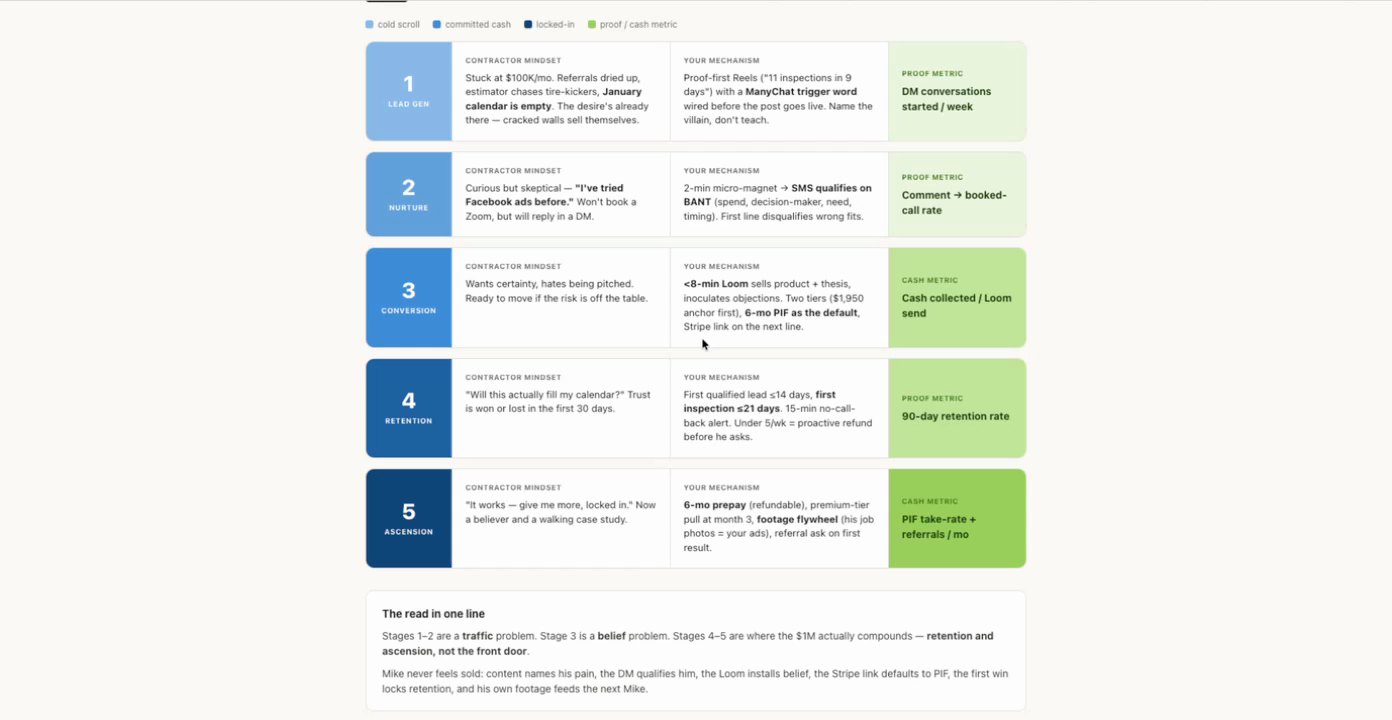
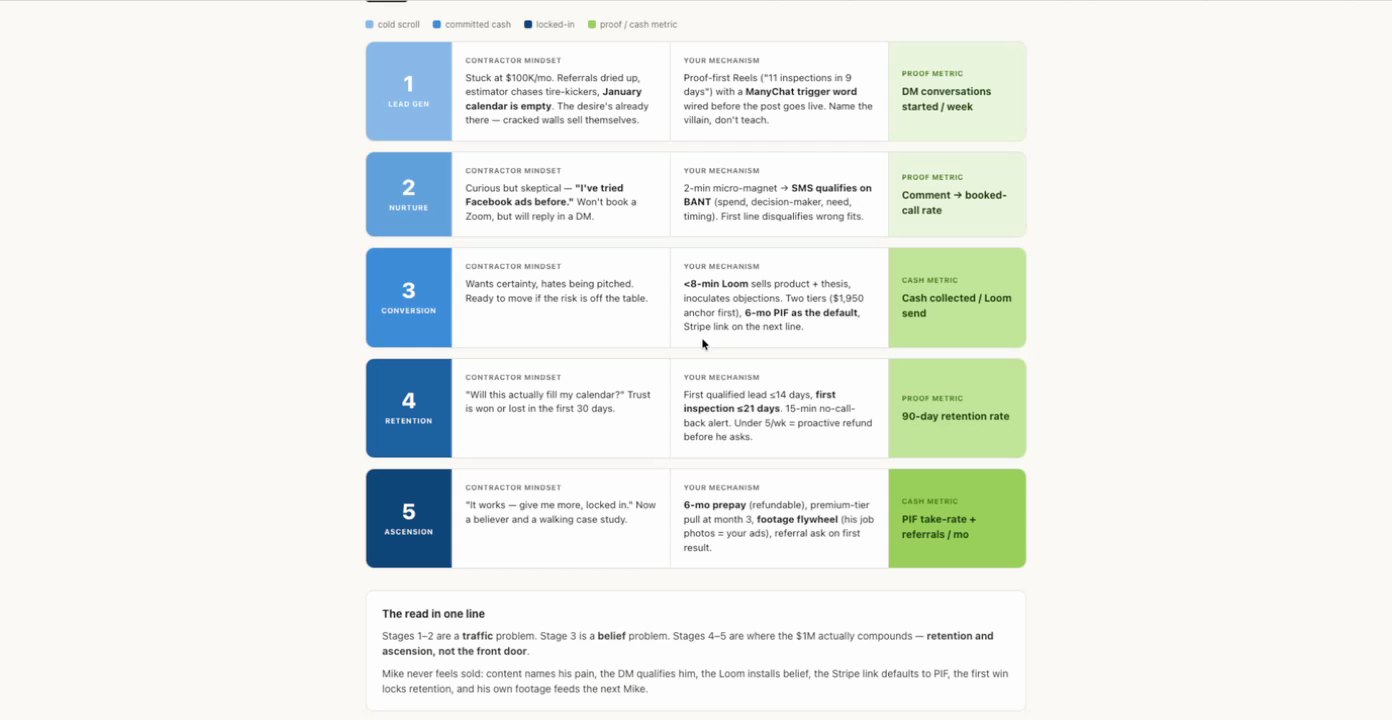
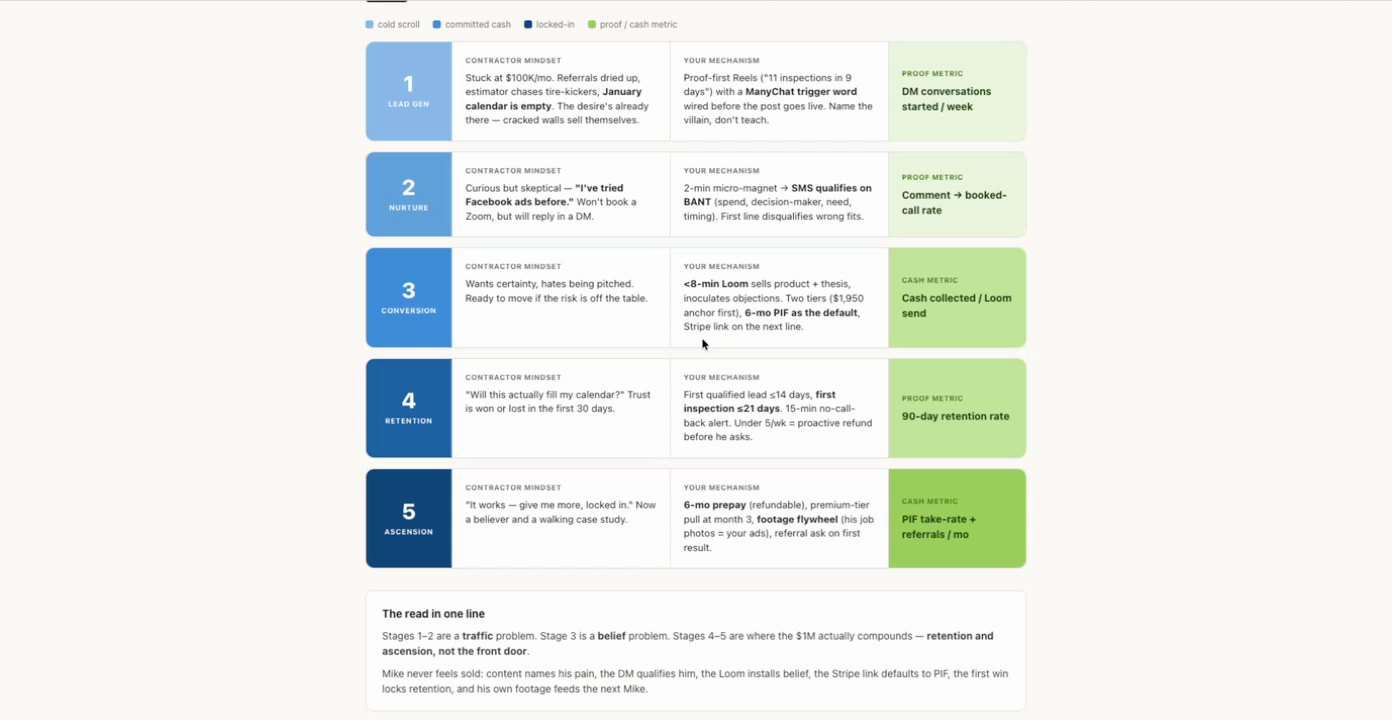
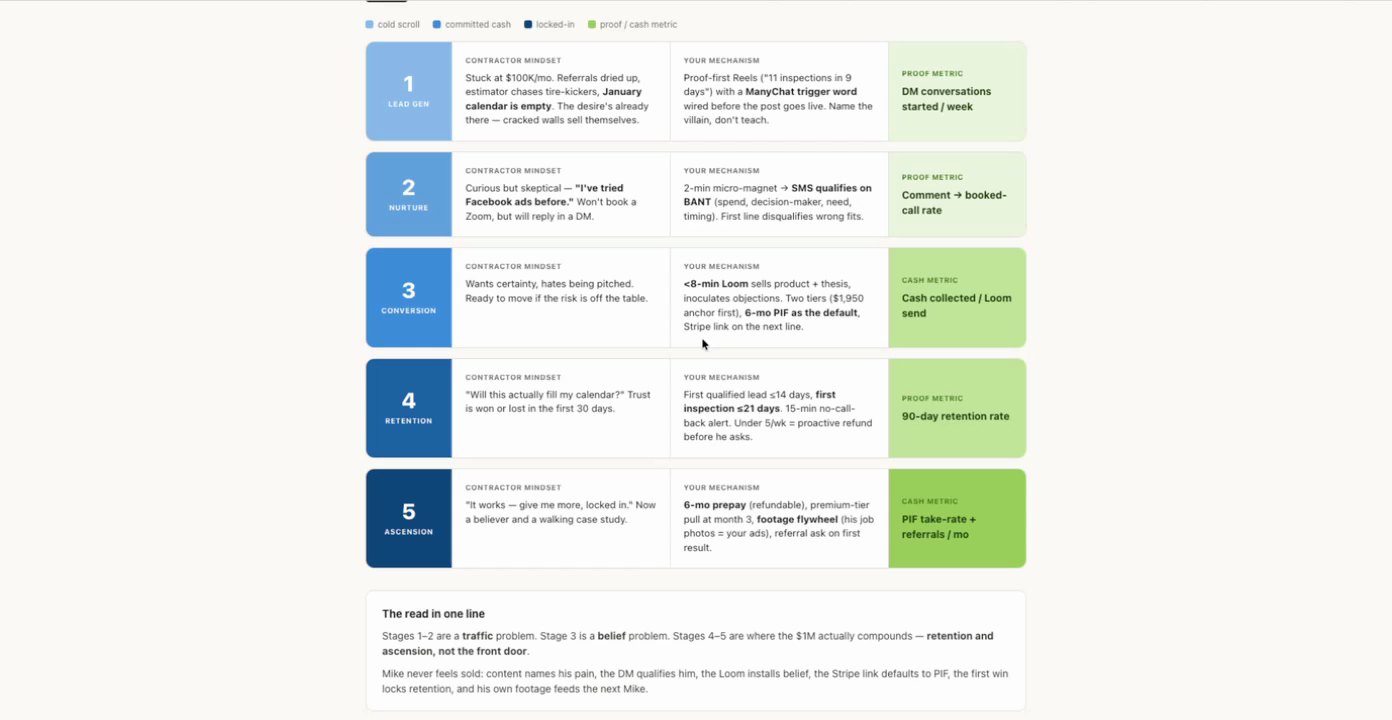
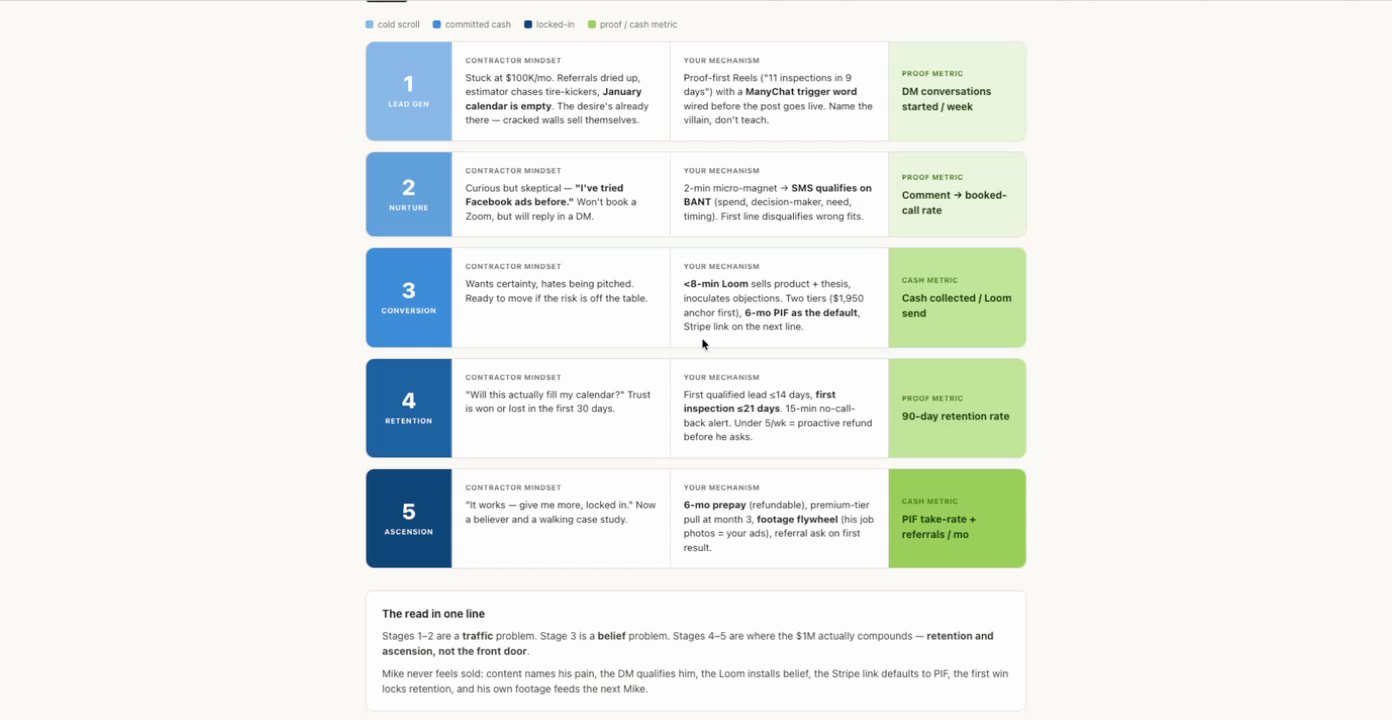
Purpose Generate initial leads and conversations by addressing the contractor's mindset of being stuck and having an empty calendar.
Source time 24:00-24:54
Trigger ManyChat Trigger
Parent Workflow Screenshot
24:00 · good
Trigger Screenshot
24:00 · good
Trigger Setup Text
ManyChat trigger word wired before the post goes live.
Actions
1. ManyChat Trigger Setup ManyChat Automation
Action Configuration Screenshot
24:03 · good
Field Map
Field
Extracted value
Confidence
Notes
Offer/Message
"7 inspections in 9 days"
high
Implied offer or message for the ManyChat flow.
Trigger Word
[not readable in recording]
medium
Implied by 'ManyChat trigger word', but the specific word is not visible.
14. Nurture 1 actions
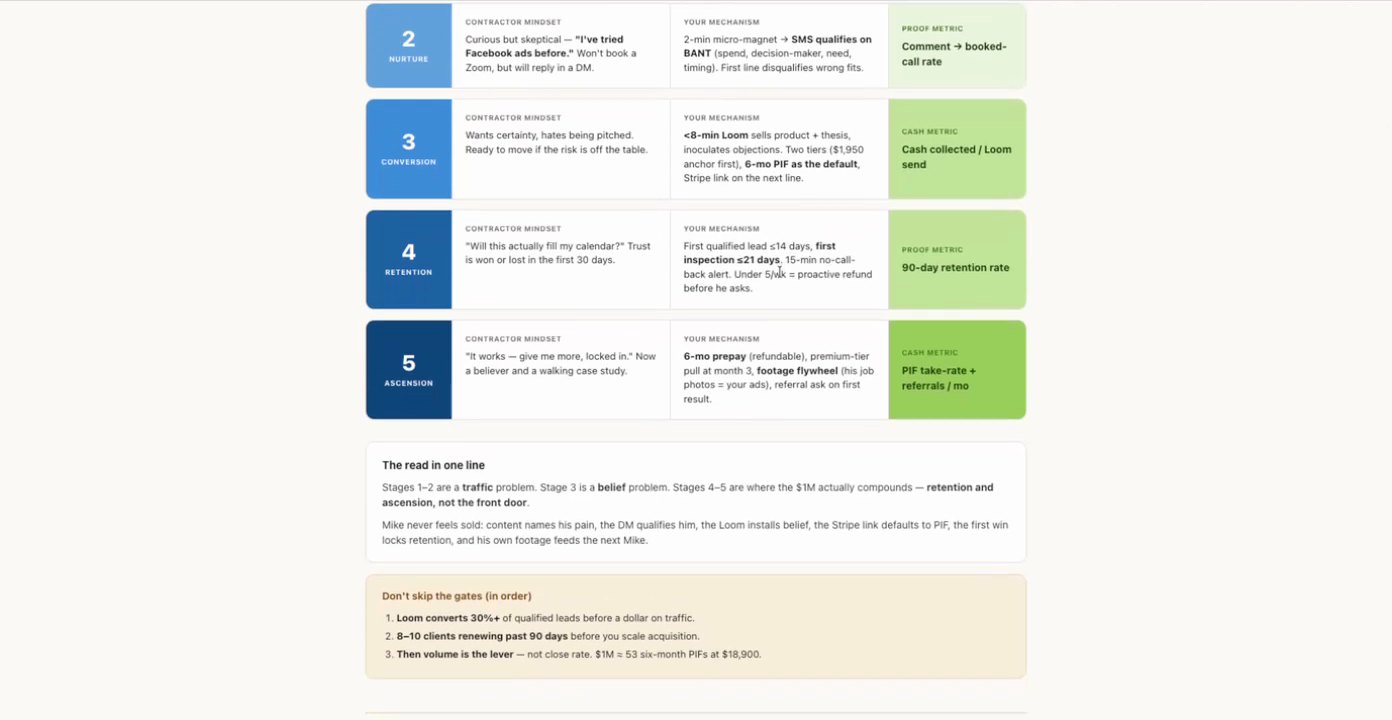
Purpose Qualify curious but skeptical leads who have 'tried Facebook ads before' and prefer DM replies over Zoom calls.
Source time 24:00-24:54
Trigger DM Reply
Parent Workflow Screenshot
24:00 · good
Trigger Screenshot
24:00 · good
Trigger Setup Text
will reply in a DM
Actions
1. Send Micro-magnet & SMS Qualification Send SMS
Action Configuration Screenshot
24:07 · good
Field Map
Field
Extracted value
Confidence
Notes
Micro-magnet Content
2-min micro-magnet
high
Implied content to be delivered.
Qualification Criteria
BANT (spend, decision maker, need, timing)
high
First line disqualifies wrong fits.
15. Conversion 2 actions
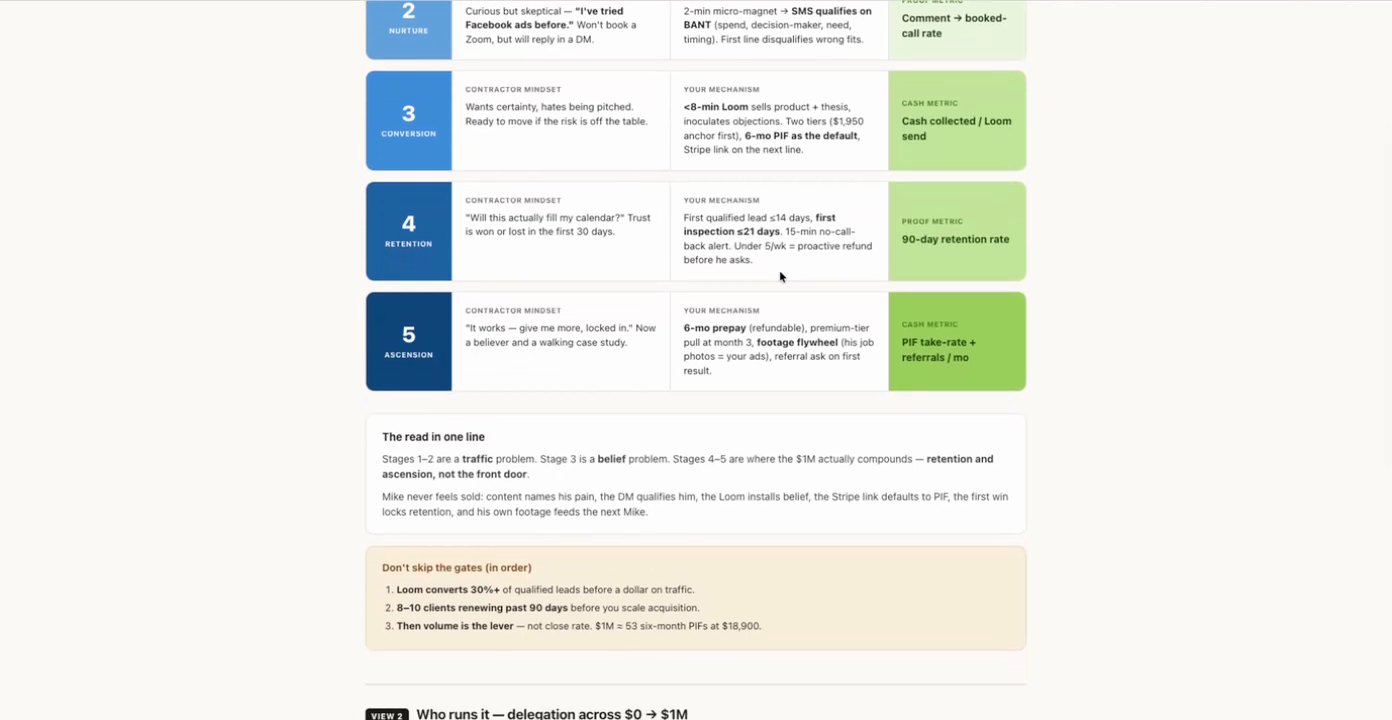
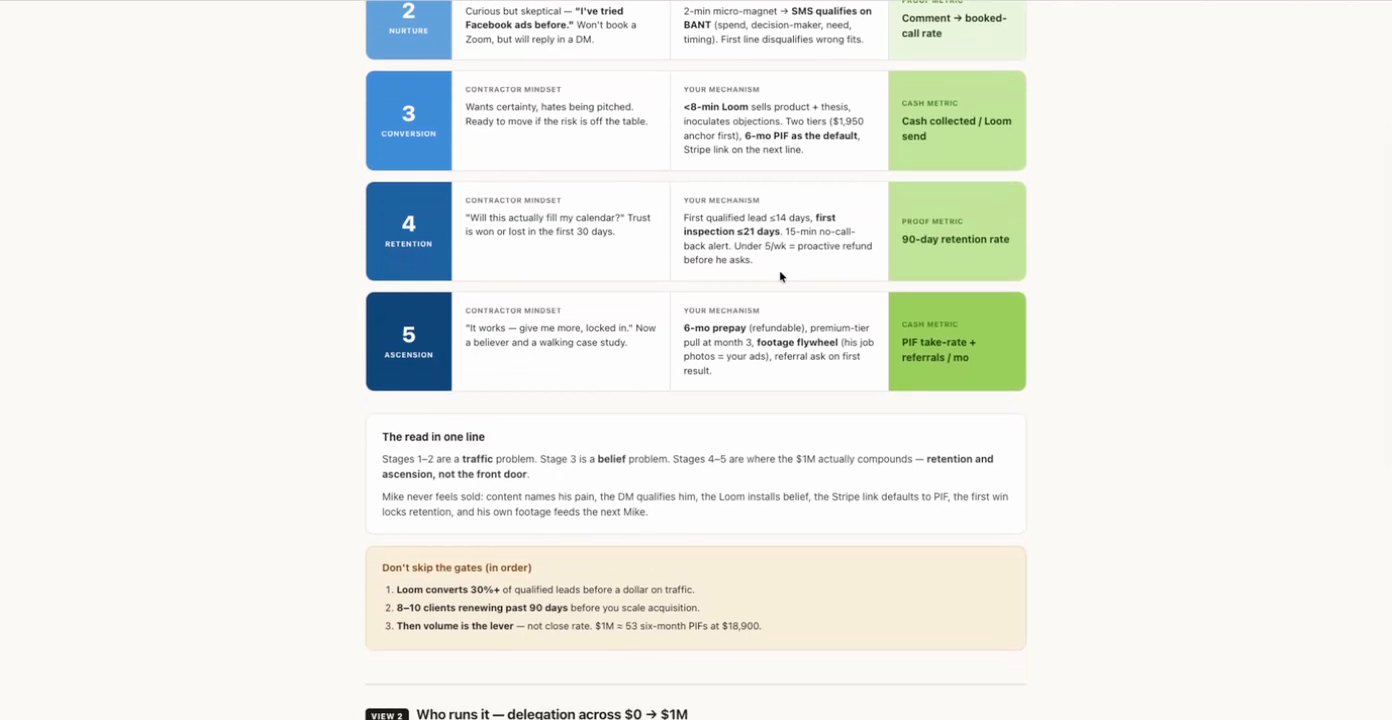
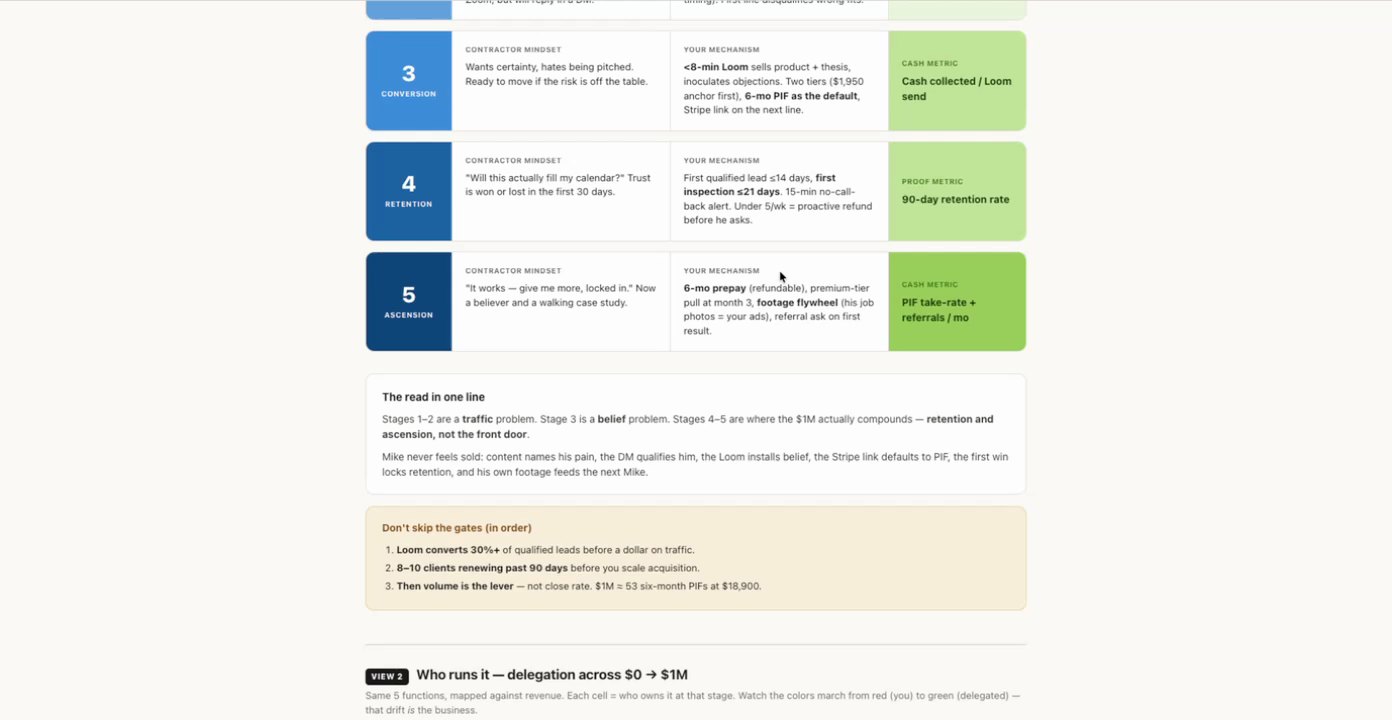
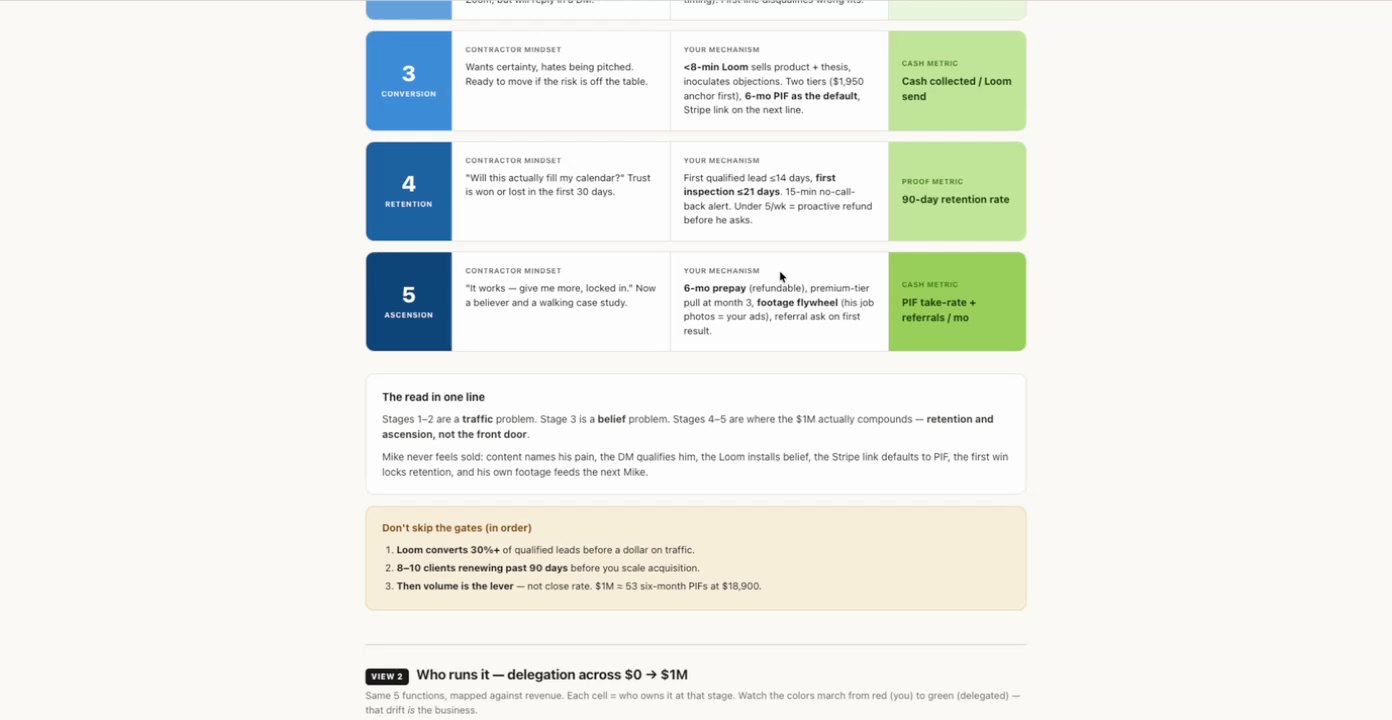
Purpose Convert qualified leads into paying clients by offering certainty, removing risk, and providing clear payment options.
Source time 24:00-24:54
Trigger Qualified Lead Ready for Offer
Parent Workflow Screenshot
24:00 · good
Trigger Screenshot
24:00 · good
Trigger Setup Text
Ready to move if the risk is off the table.
Actions
1. Send Loom Sales Presentation Send Email/SMS (containing video link)